Stop Motion Studio Pro
- 1.01K
- 4.3
- Installs
- 100.00K
- Price
- $5.99

Screenshots
Analysis by Reviewed
Have you ever watched those charming stop-motion films and wondered if you could create one yourself? Well, wonder no more! Stop Motion Studio Pro is here to turn your creative ideas into captivating animated stories. Let me take you on a journey through this amazing app that makes film-making feel like child’s play!
Easy Setup, Instant Creativity
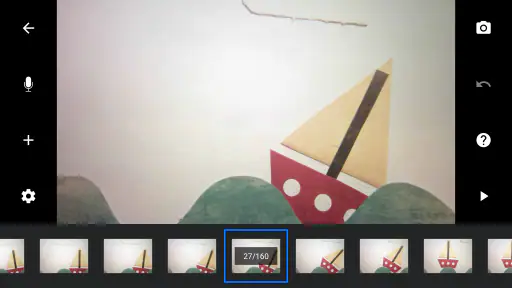
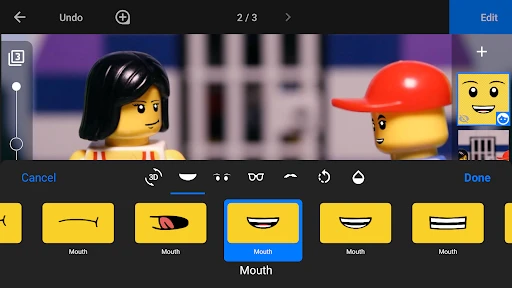
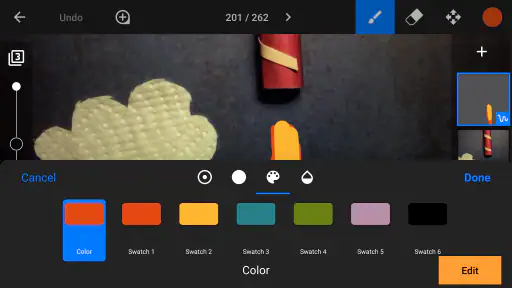
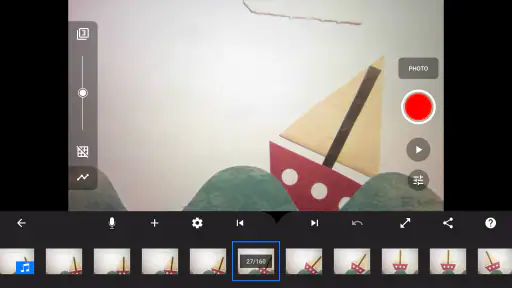
Setting up Stop Motion Studio Pro is as easy as pie. Once you’ve got it installed, you’re greeted with a user-friendly interface that even a beginner can navigate with ease. The app offers a plethora of features that cater to both novices and seasoned animators. From capturing images frame by frame to adding sound effects, this app is your one-stop-shop for all things stop-motion.
Unleashing Your Inner Spielberg
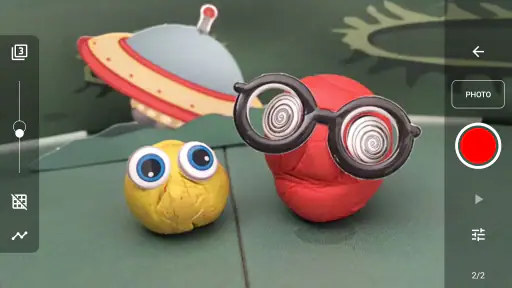
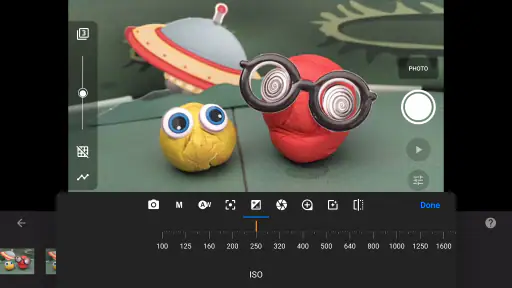
What’s really cool about this app is the wealth of tools it offers to give your animations that professional touch. You can control every aspect of your film, including frame rate, exposure, and white balance. It’s like having a mini film studio right in your pocket. The onion skin feature is a game-changer, allowing you to overlay the previous frame to perfectly align your next shot. Talk about precision!
Audio and Effects Galore
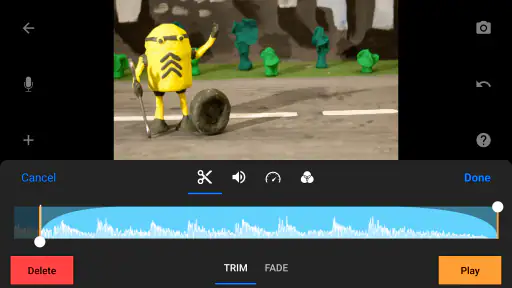
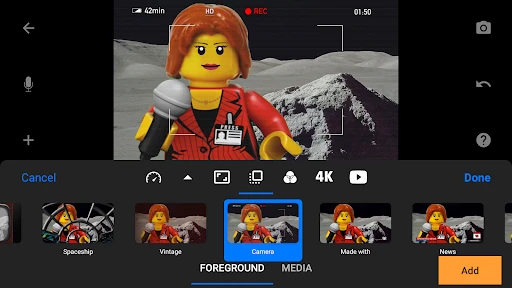
Not only do you get to play with visuals, but Stop Motion Studio Pro also lets you add a variety of sound effects to your project. With options to record your own voice, add background music, or integrate sound effects, the app ensures that your animation is not only seen but heard in the best possible way.
Sharing Your Masterpiece
Once your masterpiece is ready, sharing it with the world is a breeze. The app supports various sharing options, allowing you to upload your creation directly to YouTube, Facebook, or Instagram. Or if you prefer, you can save it to your device in multiple resolutions. Trust me, showing off your work has never been this satisfying!
"Creativity takes courage." - Henri Matisse
Indeed, diving into the world of stop-motion requires a bit of courage and a lot of imagination. But with Stop Motion Studio Pro, you’re not alone in this creative journey. Whether you’re an aspiring animator or just looking to dabble in something new, this app is your perfect partner for exploring the magical world of stop-motion animation. So grab your props, set your scene, and let your creativity run wild!
Pros
- Intuitive interface for beginners
- High-quality video output
- Wide range of editing tools
- Multiplatform availability
- Regular updates with new features
Cons
- Limited free version features
- Requires patience for long projects
- Occasional app crashes
- Steeper learning curve for complex tasks
- In-app purchases can be pricey
- Category
- Photography
- Version
- 25.08.8578











