 About The Weather Channel - Radar
The Weather Channel Makes Radar Useful for the Decisions Ahead
The best weather app is not the one that predicts the most dramatic storm. It is the one that helps you decide whether to leave now, bring a coat, or change the plan before the rain reaches your street. The Weather Channel - Radar understands that distinction. It puts a familiar forecast beside a genuinely useful radar experience, making the app feel less like a wall of numbers and more like a practical view of the day ahead.
That sounds like a modest ambition. In practice, it is a demanding one: forecasts need to be quick to read, alerts need to arrive at the right time, and the map has to explain what is happening without turning a cloud band into a puzzle. The Weather Channel gets much of that balance right. Its strongest quality is not spectacle but orientation: after a brief look, you have a better sense of what the weather is doing and what it might mean for your next few hours.
A forecast built for decisions
Why it deserves the spotlight
Weather is unusually personal software. A forecast can shape a commute, a dog walk, an outdoor practice, or a weekend trip, often with little warning. This app earns its place on a phone by connecting broad conditions to those ordinary decisions. The home view gives the current conditions and near-term outlook a prominent place, while radar offers a more visual answer to the question many forecasts leave hanging: is the rain close enough to matter?
The result is an app with two useful speeds. A quick check gives you the essentials; a longer look lets you investigate timing and movement. That layered approach matters. A detailed weather service can easily overwhelm someone who only wants to know whether to take an umbrella, while a stripped-down one can leave the curious user with no way to check the storm itself. The Weather Channel gives both kinds of user room without making the basic task feel technical.


What feels immediately exceptional
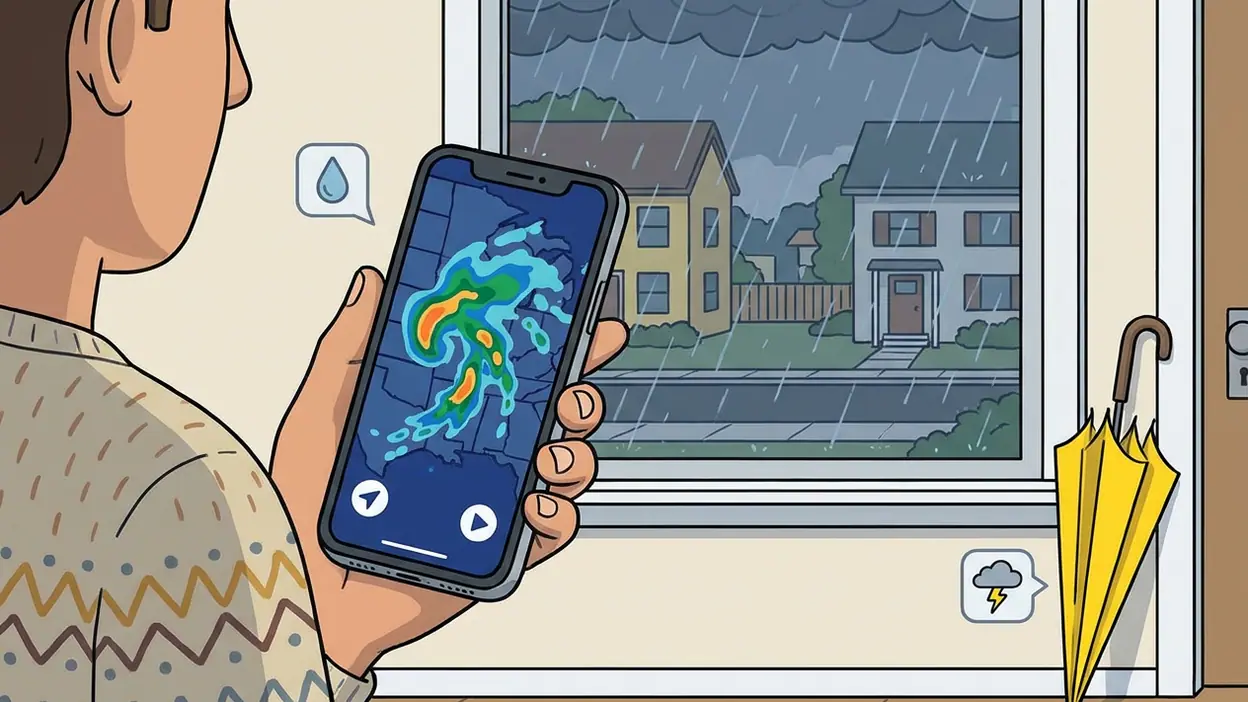
The radar is the natural centerpiece. It turns precipitation from a vague icon into something you can follow across the map, with color and motion helping make the forecast more intuitive than a string of percentages. You can look at the broader pattern, then focus on the area that affects you. That shift in scale is the key: a storm shown somewhere in the region is not necessarily a storm that will disrupt your afternoon, and the map helps make that difference legible.
The wider presentation is polished without needing to be showy. Forecast information is arranged so that the first glance answers the obvious questions, while additional detail sits within reach. The app also connects current conditions with hourly and extended forecasts, giving the radar context rather than leaving it to do all the work. A moving rain band is compelling; a useful estimate of when it may arrive is what makes the display actionable.
There is a particular confidence to a well-made weather interface when the sky outside looks uncertain. Instead of forcing you to interpret every data point, the app gives you a coherent starting picture. Its best trick is making uncertainty easier to manage, not pretending it can remove it. That is a more honest promise than perfect precision, and a more useful one.
Latest News



How it earns long-term attention
Weather apps live or die by repeat usefulness. Most people do not want a new destination for entertainment; they want a dependable habit that takes seconds. The Weather Channel has a good chance of becoming that habit because the same screen supports several recurring checks: the morning commute, an approaching shower, the evening temperature, or a quick look before heading out. Its forecast and radar reinforce each other, so opening the app can answer more than one version of the same question.
Alerts add another reason to keep it installed. A forecast is passive until you remember to check it; a relevant notification can bring changing conditions to your attention when timing matters. Used thoughtfully, alerts are among the most valuable parts of a weather service. They can help you react to severe conditions or simply avoid being caught out by a sudden shift. The trade-off is familiar: too many notices train people to ignore them. The app is most effective when users choose the locations and notifications they actually care about.
It also has the advantage of serving both routine and curiosity. On a calm day, the forecast is a quick utility. When unsettled weather is moving through, radar gives you a reason to stay with the app and watch the pattern develop. That is not a game-like loop, and it should not be. The stickiness comes from the changing world outside the screen: the app stays relevant because the conditions do.
Best moments in real use
The most satisfying use is simple: you are about to leave, clouds are gathering, and the forecast alone does not settle the question. Opening the radar gives you a better sense of whether precipitation is approaching, passing nearby, or already moving through your area. You can adjust your timing or pack accordingly, not because the app has made the weather certain, but because it has made the situation clearer.
It is equally useful when planning around a day with several stops. A current reading is only a snapshot, so the hourly outlook helps you see how conditions may change between morning and evening. The map adds a regional view, while the forecast keeps attention on your own schedule. These are small acts of planning, but they are exactly where weather software proves its worth. A reliable half-minute check can save a wet walk or an unnecessary change of clothes.
On a more serious day, the value of a map becomes even more obvious. Watching a band of rain or a developing weather system gives you a concrete picture to pair with alerts and forecast details. That visual reference can be easier to understand than a warning presented in isolation. It should not replace official emergency guidance, but it can help you stay oriented as conditions evolve.
Its edge over louder rivals
Weather apps often compete by piling on dashboards, dramatic graphics, or layers of specialist data. There is a place for those tools, especially for people who enjoy studying conditions. But for everyday use, more information is not automatically better. The Weather Channel's advantage is that it makes its core case plainly: forecast first, radar close at hand, detail available when you want to go deeper.
That restraint is worth noticing. A building game such as Craftsman: Building Craft, a quick match in 8 Ball Pool, or the expressive canvas of ibis Paint X asks for attention as part of its appeal. A weather app has a different job. It should respect the user's time and then get out of the way. The Weather Channel is at its best when it does not confuse a colorful map with a reason to linger. It makes the forecast readable, then lets you return to whatever the weather is about to interrupt.
Its recognizable brand and broad forecast presentation also make it approachable for people who are not weather hobbyists. You do not need to know radar terminology to get value from the map. That accessibility gives the app a practical edge over tools whose density can make a quick check feel like homework.
Where it still needs polish
The app is not immune to the usual compromises of a feature-rich weather service. A screen that contains current conditions, forecast details, radar, and prompts can feel busy, particularly if you want a fast answer and nothing else. The hierarchy is generally sensible, but there are moments when the amount of information competes with the main task. A cleaner path from opening the app to checking local radar would make its strongest feature feel even more immediate.
Forecasts also have limits that no interface can smooth away. Rain can miss a neighborhood, arrival estimates can shift, and local conditions can change faster than a broad model suggests. The animated map creates a persuasive visual story, which makes it especially important to remember that it is a forecast tool, not a promise. The app is useful when treated as a guide to probability and timing; it is less satisfying if you expect every forecast to land exactly on your block.
Finally, notifications need a little care. Their value depends on relevance, and an alert that arrives too often or for a place you no longer care about quickly becomes noise. Thoughtful settings help, but the experience would benefit from making that control feel effortless from the start. These are refinements, not reasons to dismiss the service, but they separate a good daily utility from an indispensable one.
Who should care most
This is an easy recommendation for people whose plans regularly depend on the next few hours of weather: commuters, parents arranging outdoor activities, walkers, cyclists, and anyone who works outside. It is also a sensible choice for people who like a visual forecast but do not want a specialist dashboard. If you mainly need a glance at the temperature, the app may be more than you need. If you want to understand whether changing conditions are likely to affect your day, its mix of forecast and radar makes a strong case.
Those who follow severe weather will value the ability to keep an eye on a system as it approaches, alongside relevant alerts. Still, no commercial weather app should be your only source in an emergency. Official local warnings and safety instructions take priority. The Weather Channel works best as a daily companion and an additional window on conditions, not as a substitute for emergency services.
Why it belongs in this moment
People increasingly make small plans with tight margins: a walk between meetings, a pickup after work, a trip across town, an outdoor event that cannot move indoors at the last minute. Weather is not background information in those moments. It is the thing that decides whether the plan works. A good mobile forecast earns relevance by helping people make those adjustments without turning every cloud into a crisis.
The Weather Channel meets that need with a familiar, accessible service and a radar view that gives changing conditions a clear shape. It does not need to make weather dramatic. It needs to make it understandable, and that is where it is most persuasive. Compared with the livelier distractions on a phone, it offers a quieter sort of value: a little less guesswork before you step outside.
My editor's verdict is straightforward: The Weather Channel is a strong everyday weather app because it connects the forecast to the map and the map to decisions people actually make. It could be calmer in places, and its predictions deserve the usual healthy skepticism, but its radar earns regular use rather than merely decorating the interface. For anyone who wants a dependable way to check what is coming and decide what to do about it, The Weather Channel - Radar is an easy app to keep close.