Minecraft Education
- 9.14K
- 4.1
- Installs
- 10.00M
- Price
- Free
Screenshots
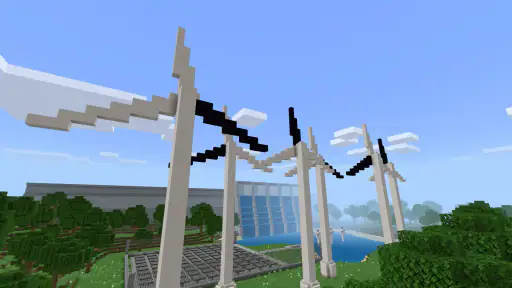
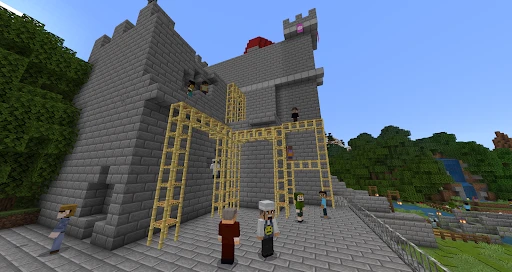
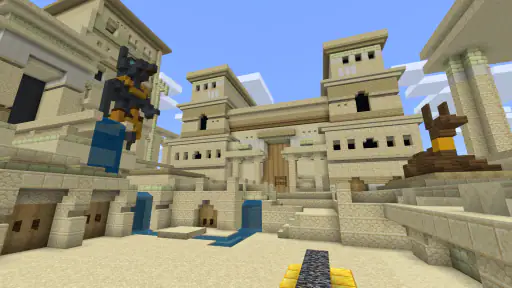
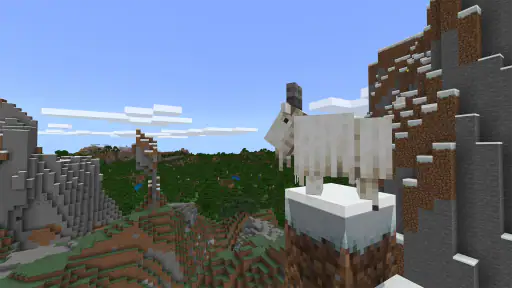
Analysis by Reviewed
Let's dive into the world of Minecraft Education, a version of the popular sandbox game designed specifically for educational purposes. If you're an educator or a parent who's curious about how video games can be used as learning tools, this might be the app you've been waiting for. From my experience, it's not just a game; it's a unique educational platform that combines creativity and learning.
Gameplay and Educational Value
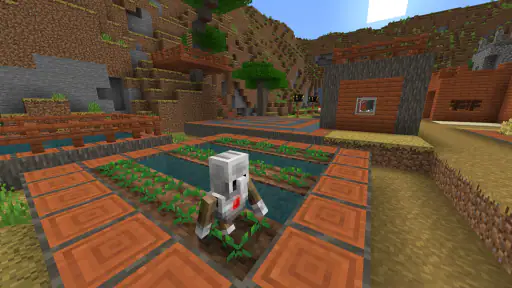
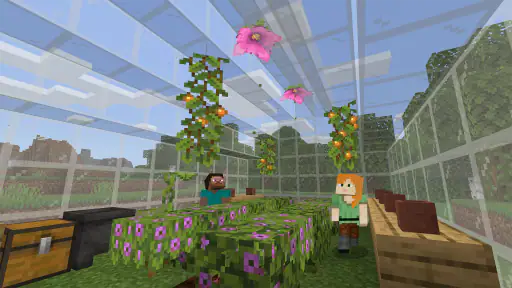
Minecraft Education takes the beloved block-building mechanics of the original game and adds a layer of educational content tailored for students from kindergarten through high school. It's like stepping into a virtual classroom where the possibilities are only limited by your imagination. Users can engage in STEM projects, explore historical settings, or even conduct chemistry experiments. The game promotes collaboration and problem-solving skills, making it an excellent tool for fostering team-based learning.
Features and Tools
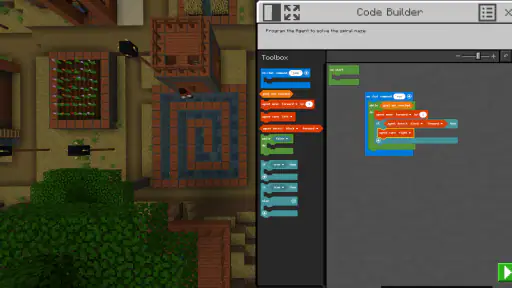
One of the standout features of Minecraft Education is the extensive library of pre-made lessons and worlds. These are crafted by educators and are designed to align with various educational standards. The game also supports coding with a built-in Code Builder, which is perfect for introducing students to programming concepts. The Classroom Mode allows teachers to manage the game environment and guide students through lessons, ensuring that everyone stays on track.
The accessibility features are noteworthy too. The game supports multiple languages and offers text-to-speech capabilities, making it more inclusive for students with different needs. This means that nearly any student can participate and benefit from the educational experiences Minecraft has to offer.
Why It's Worth Trying
What sets Minecraft Education apart is its ability to engage students in a way traditional methods often can't. The interactive nature of the game keeps students interested and encourages them to explore topics more deeply. Whether it's building a sustainable city or learning about ancient civilizations, students are more likely to retain information when they're actively involved in the learning process.
As a parent, I've seen firsthand how this app can transform learning into an exciting adventure. My kids are always eager to share what they've built or learned, and it fosters a sense of achievement that is truly rewarding. It's not just about playing a game; it's about learning and growing in a digital landscape that mirrors the complexities of the real world.
In conclusion, Minecraft Education is more than just a game; it's an educational powerhouse that can revolutionize how we think about learning. Whether you're a teacher looking to enrich your curriculum or a parent wanting to give your child a fun and educational experience, this app is definitely worth exploring. So, grab your pickaxe and get ready to learn!
Pros
- Engages students with interactive lessons
- Supports creativity and collaboration
- Offers diverse subject integration
- Accessible on multiple devices
- Includes classroom management tools
Cons
- Requires stable internet connection
- May distract students from tasks
- Subscription model can be pricey
- Limited without teacher guidance
- Steep learning curve for beginners
- Category
- Education
- Version
- 1.21.93.1