Minecraft Education Preview
- 279.00
- 3.6
- Installs
- 10.00M
- Price
- Free
Screenshots
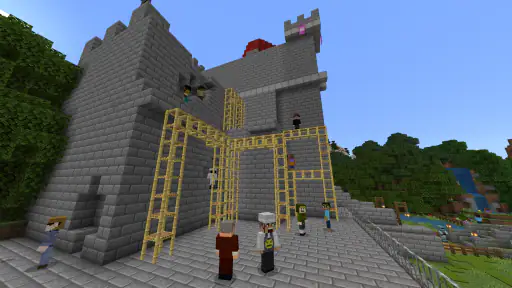
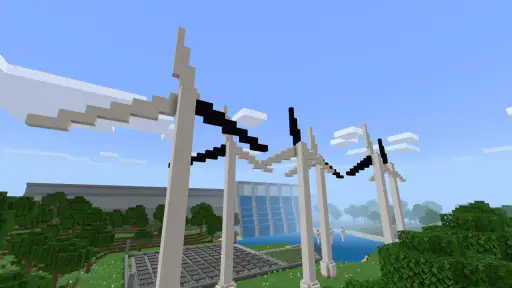
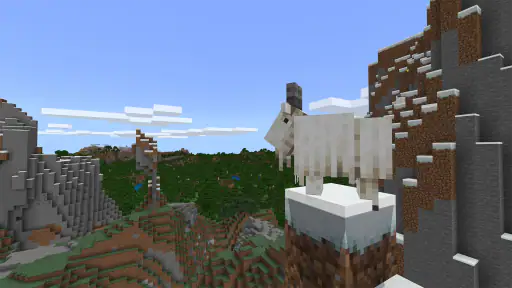
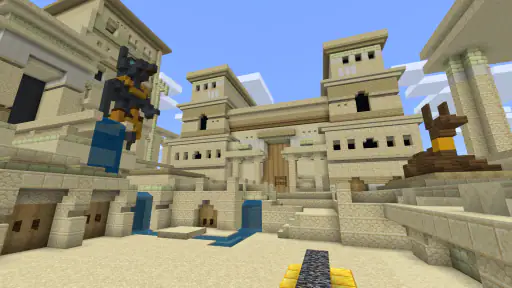
Analysis by Reviewed
Have you ever wondered what it would be like to mix learning with the pixelated fun of Minecraft? Enter Minecraft Education Preview, an innovative tool that combines the best of both worlds. As someone who loves the classic version of Minecraft, diving into this educational spin was like opening a treasure chest of possibilities.
Unleashing Creativity in the Classroom
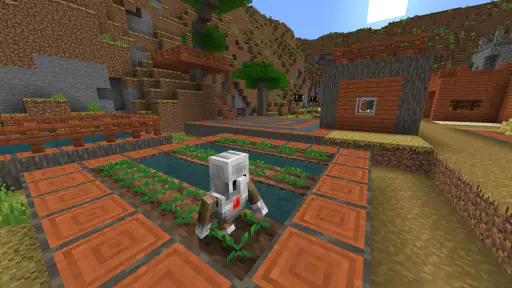
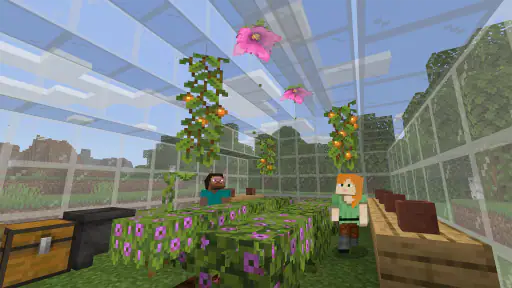
First off, let me tell you, Minecraft Education Preview is not just any ordinary version of Minecraft. It's designed to foster creativity and learning in an environment that feels more like play than work. Teachers and students alike can use it to explore a vast range of topics, from mathematics to history, all within the familiar blocky landscapes we’ve come to love.
Features That Stand Out
One of the coolest features is the built-in lesson plans. These are crafted by educators worldwide and cover a multitude of subjects. Imagine learning about ancient civilizations by actually building them! Plus, the collaborative projects mean students can work together to solve problems, which is a fantastic way to build teamwork skills.
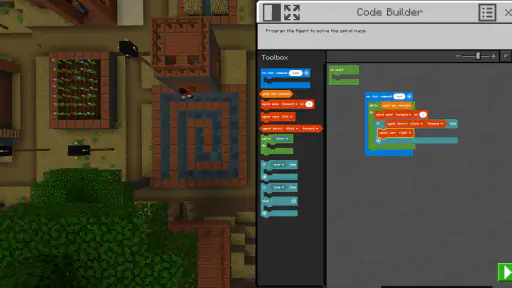
Another neat trick up its sleeve is the Code Builder tool. This feature allows students to learn coding basics in a fun and interactive way. It's pretty impressive to see kids write a line of code and watch their creations come to life in real time.
How It Feels to Play
Now, let's talk about the gameplay itself. If you’re familiar with the original Minecraft, you’ll slip into this version like a comfy pair of slippers. The controls are intuitive, and the graphics maintain that iconic, charming simplicity. However, the educational twist adds a layer of depth that makes each session feel purposeful.
What I loved most was the balance between guidance and freedom. The game provides enough structure to keep learners on track while allowing their imaginations to run wild. It's like being handed a map but still having the freedom to explore the unknown paths.
Final Thoughts
In conclusion, Minecraft Education Preview is a brilliant tool for educators looking to engage students in a whole new way. It transforms the classroom into a vibrant world of exploration and discovery. Whether you're a teacher, a student, or just a curious gamer, this app offers a unique experience that bridges the gap between learning and play.
So, if you're ready to see Minecraft through a new lens, give Minecraft Education Preview a try. Who knew learning could be this much fun?
Pros
- Engaging educational tool for students.
- Enhances creativity and problem-solving skills.
- Wide range of lesson plans available.
- Encourages collaboration among users.
- Accessible to all skill levels.
Cons
- Requires a stable internet connection.
- Limited content compared to full version.
- Can be distracting for younger students.
- Subscription may be costly for some schools.
- Updates may cause compatibility issues.
- Category
- Education
- Version
- 1.21.110.1