Simple Drawing - Sketchbook
- 606.00
- 4.0
- Installs
- 5.00M
- Price
- Free

Screenshots
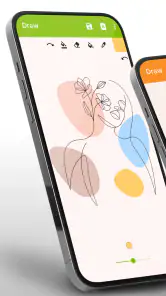

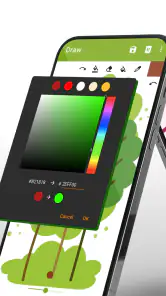
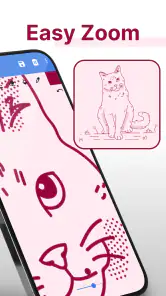
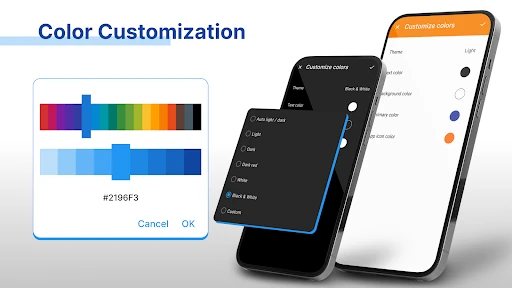
Analysis by Reviewed
Hey there, art enthusiasts and doodlers alike! I recently got my hands on an app that’s become my new favorite pastime – Simple Drawing - Sketchbook. Let’s dive into what makes this app such a charm.
Unleashing Your Inner Artist
When I first opened Simple Drawing - Sketchbook, I was greeted with a clean, intuitive interface that just screams simplicity. You know that feeling when you open a fresh sketchbook and you’re itching to make that first mark? This app gives you just that, minus the paper cuts. It’s designed to let your creativity flow without any fuss. Whether you’re a seasoned artist or a newbie just looking to doodle during boring meetings, this app has got your back.
Features That Stand Out
Now, let’s talk about what this app packs under the hood. It offers a variety of brushes and tools that mimic real-life drawing instruments. From pencils to markers, and even spray cans, the selection is impressive. What’s more, the pressure sensitivity is spot on if you’re using a stylus, allowing for those nuanced strokes that make your art pop.
One feature I absolutely adore is the layer functionality. It’s akin to having multiple sheets of tracing paper – you can work on different elements separately without messing up your entire masterpiece. And let’s not forget the color palette; it’s extensive, giving you a rainbow of options to choose from. Simply put, you can create vibrant, detailed illustrations with just a few taps.
Social Sharing and Community
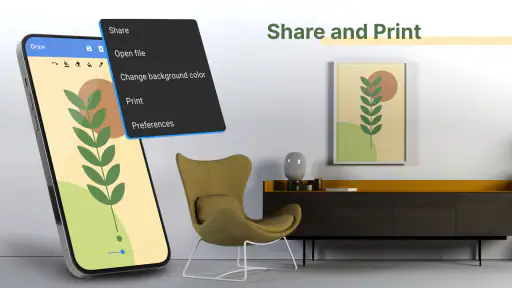
Once you’ve created your masterpiece, sharing it with the world is a breeze. The app integrates smoothly with social media platforms, so you can showcase your work on Instagram or Facebook with just a click. There’s also a growing community of artists within the app where you can share your artwork, get feedback, and even participate in fun challenges. It’s like having a mini art gallery in your pocket!
Performance and Usability
In terms of performance, Simple Drawing - Sketchbook runs like a dream. It’s light on resources, meaning it won’t hog your phone’s memory or battery life. I found it particularly refreshing that the app doesn’t bombard you with ads, allowing for a seamless drawing experience. Plus, it’s available on both Android and iOS, so no one’s left out of the fun.
To wrap it up, if you’re on the hunt for a digital sketchbook that’s both powerful and easy to use, look no further. This app provides all the essentials you need to create stunning artwork without breaking the bank. So go ahead, give it a try and let your imagination run wild!
Pros
- User-friendly interface for beginners
- Wide variety of brushes and tools
- Supports layers for detailed work
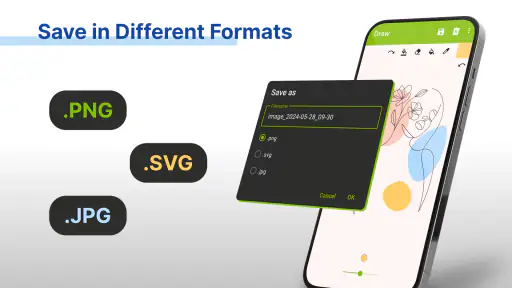
- Easy to save and share artwork
- Regular updates with new features
Cons
- Limited features in free version
- Occasional app crashes reported
- Ads can be intrusive
- No text tool for annotations
- Requires internet for some features

- Category
- Art & Design
- Version
- 6.11.1











