 About Google Play Books & Audiobooks
Google Play Books Makes It Easy to Pick Up Where You Left Off
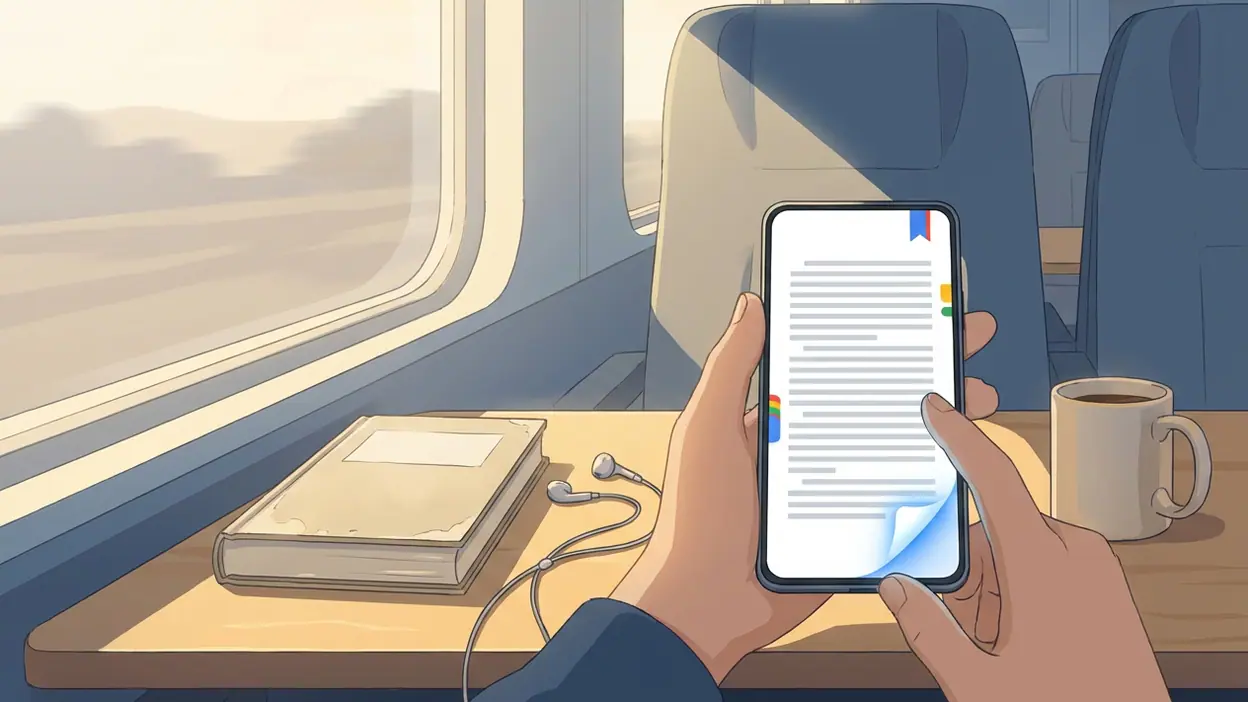
The most useful feature in Google Play Books & Audiobooks is not a clever annotation trick or a flashy shelf. It is the way the app lets a book bend around the small, awkward gaps in a day. Open a novel on a phone while waiting for a train, switch to a tablet at home, and your place is still there. Adjust the type when the light changes. Download the book before leaving Wi-Fi. None of this sounds dramatic, but together it makes reading easier to resume, which is often the difference between finishing a book and forgetting it exists.
That is the app’s quiet strength: it treats reading as something that happens across devices, rooms, and interruptions rather than in one perfect, uninterrupted sitting. The feature deserves attention because convenience here does not replace the pleasure of reading. It lowers the small barriers that keep people from getting back to a page.
Reading that can pick up where life left off
What the feature actually does
Google Play Books combines a digital library with an e-book reader and audiobook player. For books that support it, reading progress and bookmarks sync across devices signed in to the same Google account. The practical result is simple: you can read on a phone during a commute and continue later on another device without hunting for the last chapter or remembering a page number.
The reading view gives you controls over presentation, including text size, font, line spacing, and page color. The exact options vary by title and device, but the point is that you can make the page easier to look at rather than accepting one fixed layout. Many books can also be downloaded for offline reading. Audiobooks add another way to continue a title when looking at a screen is inconvenient, with playback controls designed for listening rather than page turning.


These tools are not identical across every book. A fixed-layout title, scanned page, or publisher-restricted edition may offer fewer display adjustments than a standard reflowable e-book. That distinction matters: the app gives you a flexible reader, but it cannot make every digital book behave like editable text.
Why the small conveniences matter
Reading habits are vulnerable to friction. A screen that strains the eyes, a forgotten place in a long book, or a dead connection can turn an intended reading session into another scroll through a social feed. Play Books tackles several of those interruptions at once. Large text can make a short session more comfortable; a warmer page color can suit dim rooms; synced progress removes the little chore of finding your place again. Offline downloads make the book available where mobile coverage is unreliable or expensive.
Each adjustment is modest. Their value comes from how often they can save a session. The app does not need to persuade you that a novel is worth reading; it needs to make opening that novel feel easier than postponing it. That is a more grounded kind of usefulness than a long list of features that rarely enter daily use.
Latest News



There is also a subtle advantage in keeping the tools close to the book. You do not have to leave the reading view and configure a separate productivity system before continuing. The controls serve the text, then recede. That restraint helps the app feel like a place to read rather than a dashboard demanding attention.
The best real-world scenario
Imagine a weekday split between a bus ride, a lunch break, and a few quiet minutes before bed. On the bus, a phone is the practical choice. At lunch, perhaps you have a larger screen. At night, you want a softer page and bigger text. With a purchased book downloaded in advance, the same title can follow that routine without depending on a live connection or a single device.
This is where Play Books feels most convincing. It accommodates reading in fragments without making the book itself feel fragmented. The bookmark and synced position take care of the handoff; display settings let you adapt to the environment; an audiobook can keep the story moving when your hands or eyes are occupied. The app is not asking for a dedicated reading nook. It makes ordinary pockets of time more usable.
That flexibility is especially helpful for people who move between devices by necessity, not because they want to optimize a setup. A student may read on a phone between classes and on a tablet at home. A frequent traveler may download a book before a flight. Someone with a long commute may alternate between reading and listening. These are real routines, and the feature supports them without much ceremony.
How it changes behavior
The key change is not that users suddenly read for hours. It is that they can return more often. When a book opens at the right spot and the page is comfortable, a five-minute gap becomes a plausible reading session. Repeated often enough, those small sessions can carry a book forward. Progress syncing also reduces the mental overhead of deciding which device contains the “real” version of your reading life.
That said, a reading app cannot manufacture attention. Notifications still compete with the page, and a phone remains a tempting place to switch tasks. Play Books makes resuming easier, but it does not create the calm that a dedicated e-reader or a printed book can offer. Its success is more practical than magical: it removes friction, then leaves the actual reading to you.
The same continuity can also encourage a broader habit. You can keep one book for focused reading, another for listening, and return to either without treating every change of context as a fresh start. The app’s library makes that possible, although a crowded collection can eventually require some tidying of its own.
Where the design feels smart
Google Play Books keeps the reader’s basic controls understandable. Typography and page appearance are the settings most people need first, and they are easier to justify than a maze of specialized modes. The app’s cloud connection also earns its keep by handling the unglamorous work of keeping your place available. Good continuity is most noticeable when it does not call attention to itself.
Books and audiobooks sit within the same broader service, which gives readers room to choose a format based on the moment. That does not mean every title is available in both formats, or that an e-book and audiobook will always share progress in a perfectly unified way. Availability and syncing behavior can depend on the title and its edition. Still, having both kinds of reading in one library makes the switch feel less like moving to a separate ecosystem.
The app also benefits from being connected to Google Play’s storefront. Buying a title and opening it in the same environment is straightforward, and the library is not limited to books purchased from Google: personal EPUB and PDF files can also be uploaded, subject to the service’s current file and account rules. That gives the reader more room than a store-only app, though it does not turn every imported file into a polished e-book.
Where it still falls short
The biggest limitation is that the experience depends on the book. A standard e-book can adapt well to a small screen, while a graphic-heavy or fixed-layout title may not. Some publications offer restricted typography controls, and imported PDFs can be awkward to read on a phone because their pages were designed for a larger format. The app’s flexibility is real, but it is not universal.
Reading progress across devices is convenient, yet it can be less reassuring when several editions of the same work are involved. Audiobooks and e-books may be sold separately, and cross-format continuity is not something to assume for every title. Readers should check what a specific listing includes rather than expect a purchase in one format to unlock another.
There is also a trade-off in using a general-purpose phone. The device that keeps your book close is the same one full of alerts, messages, and other distractions. Play Books can provide a more comfortable page, but it cannot fully reproduce the focused, paper-like calm of dedicated reading hardware. Nor does its library management feel as specialized as the best apps built around personal collections and detailed cataloguing.
How rivals handle the same problem
My Talking Tom and ibis Paint X are built around activities that pull users back through play or creative work, while Disney+ organizes attention around a viewing queue. They are useful contrasts because their core experiences are designed to occupy a session. Play Books solves a quieter problem: helping a person resume a task that may be interrupted repeatedly. Its strongest tools are not streaks, rewards, or autoplay, but a saved place and a readable page.
Dedicated e-reading services can offer sharper book-focused discovery, curated reading features, or hardware integrations that suit committed readers. Google’s advantage is convenience for people already using Android and Google accounts, plus a familiar storefront and support for both books and audiobooks. The trade-off is that Play Books can feel more like a capable general reader than a deeply tailored literary environment. It is not trying to make reading social or turn every page into a milestone.
Who gets the most value
The feature is most valuable to readers who switch devices, read in short bursts, travel, or want one library for digital books and audio. It is also a sensible choice for someone who wants control over text size and page appearance without buying a dedicated e-reader first. Casual readers may benefit most precisely because they do not need to build a complicated system around the app.
Heavy readers who annotate extensively, organize large personal libraries, or want a distraction-free device may find its limits sooner. People who mainly read scanned PDFs should also be realistic: a flexible app cannot fix a document that was never formatted for a phone. In those cases, a dedicated PDF tool or e-reader may be a better fit.
The lasting value is in the handoff
Google Play Books & Audiobooks is at its best when it makes returning to a book feel almost automatic. Adjustable reading, downloads, saved progress, and access across devices are familiar ideas, but this combination addresses the real conditions under which many people read: in spare moments, on changing screens, with uneven internet access.
It still has rough edges around fixed-layout books, imported files, format availability, and the distractions built into a phone. Those limits are worth knowing, but they do not undo the central achievement. Play Books does not make reading more profound; it makes it easier to continue. For anyone whose reading life is scattered across a commute, a couch, and a bedside table, that is a focused and genuinely useful feature.