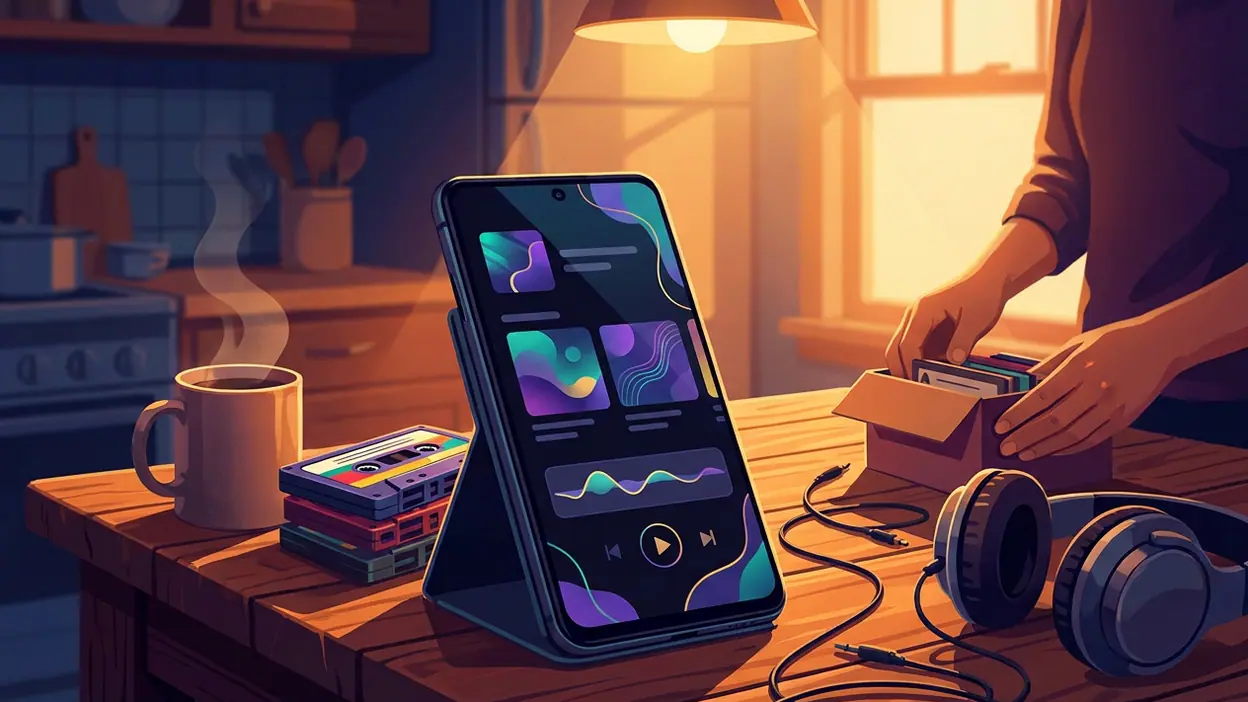
 About Lark Player:Music Player & MP3
Switching to Lark Player: A Better Fit for Music Stored on Your Phone?
Moving to Lark Player:Music Player & MP3 is less like changing streaming services and more like changing the room where you keep your music. If your listening life revolves around audio files already stored on your phone, Lark Player can make everyday playback feel more direct. If you expect it to bring playlists, recommendations, or an online catalog along from another service, the switch needs a much more cautious test. The central question is not whether Lark Player can play music; it is whether your habits are built around local files or around a service that remembers your listening for you.
Why consider the switch?
The appeal is practical. Lark Player is a music player for files on your device, with a library organized around familiar listening choices such as songs, albums, artists, and folders. That makes it a candidate for people who have collected MP3s over time, keep music downloaded for offline listening, or want playback without treating a streaming subscription as the center of the experience.
That distinction matters if your current app is JioSaavn or another streaming service. A streaming app is a destination: open it, search its catalog, follow recommendations, and let its account-based library shape what comes next. Lark Player is closer to a shelf you stock yourself. You may gain a straightforward route to tracks already on the phone, but you should not expect a streaming catalog, podcasts, or an existing online listening profile to appear there.
StarMaker: Sing Karaoke Songs and Drum Pad Machine - beat maker sharpen the comparison in a different way. They are built around participation: singing along, recording or performing, or making beats. Lark Player’s job is simpler. It is for pressing play on music you have, then managing the routine of listening. If that narrower purpose sounds like relief rather than a limitation, switching is worth investigating.


The first habit that changes
The first change is where you start. With a streaming app, you may begin with a search box, a playlist, or a recommendation. With a local player, you begin with the library the app can see on the device. Your first useful check is therefore not a sound-quality comparison; it is whether your music collection is present, complete, and organized well enough to browse.
That changes the small decisions around listening. Instead of asking what the service suggests, you are more likely to choose an album, artist, folder, or known track. A familiar playlist may not be waiting in the same form, and a recommendation feed cannot simply be assumed. For a listener with a deliberate collection, this can make music feel easier to reach. For someone who relies on discovery to avoid hearing the same tracks repeatedly, it can feel like a door closing.
Setup and migration: verify, do not assume
Do not plan the move around an imagined one-tap transfer. The available information here does not establish that Lark Player imports playlists or account libraries from other apps, synchronizes listening history, or transfers saved recommendations. Nor should compatibility with a particular file, folder arrangement, or cloud service be taken for granted. Treat these as things to verify on your own device, not features to assume.
Latest News

A low-risk setup begins with the music files you can already locate. Install the app, grant only the access it needs to find audio on the device, and check whether the tracks you care about appear. Browse by more than one route: find a recent favorite, an older album, and a song whose file is stored somewhere less obvious. Confirm that artwork, names, and album groupings are usable enough for your habits. If you rely on playlists, check whether your current playlist files or arrangements are available in a form Lark Player can use; do not delete or dismantle the old setup while testing.
Also check the ordinary details before making a full commitment: how playback behaves with the screen off, how controls appear on your device, and whether the app’s permissions and settings suit your expectations. These details can vary with Android versions, device makers, and app updates. A review cannot promise what every handset will show, so your own phone is the final evidence.
The relearning cost
Expect some friction even if the app feels familiar. You will need to learn where the library views live, how to return to a track or album, and which playback controls match your muscle memory. That is a short learning curve compared with rebuilding an entire streaming profile, but it still matters if you operate music by instinct while commuting, cooking, or walking.
The deeper relearning is about ownership of the queue. Streaming services often hide much of their organization behind playlists and recommendations. A local player puts more responsibility on the collection itself: filenames, tags, folders, and whatever organization you have maintained. If those are tidy, browsing can feel satisfyingly immediate. If they are inconsistent, the app cannot magically repair years of messy naming just by being a different player.
What improves immediately
When the files are already on the phone and properly recognized, the strongest improvement is directness. There is no need to search a streaming catalog for a track you already possess. Your listening can stay centered on your own collection, and offline playback is a natural fit for music stored locally rather than a special mode that depends on a service’s download rules.
There is also less pressure to turn every listening session into a discovery session. Sometimes I want the same album on repeat, not another recommendation based on a recent play. A dedicated local player can make that simple intent feel like the whole point. It is a modest kind of usefulness, but it is the kind that earns a place on a home screen: the app opens, the collection is there, and the music starts.
What may be lost
The trade is just as concrete. A local player cannot be presumed to replace the breadth of a streaming catalog, service-specific playlists, podcasts, or personalized discovery. Your account history and saved library should be treated as separate from Lark Player unless you have confirmed a specific way to recreate what matters. If you depend on curated mixes to find new artists, keeping your streaming app may be more sensible than trying to force a local player into that role.
There may also be a collection-quality cost. Streaming apps make inconsistent metadata largely invisible; local libraries expose it. Duplicate tracks, missing album art, alternate spellings, and stray recordings can make browsing less polished. None of that means Lark Player is at fault, but it affects the actual switching experience. Be honest about the state of your files before judging the app on a library that needs housekeeping.
A parallel-use strategy
The best migration plan is often not a migration. Keep the familiar app installed and use Lark Player for a defined slice of your listening: perhaps a folder of albums you own, music for an offline commute, or tracks you want to play without opening a streaming service. For several days, note whether you reach for it naturally and whether the songs you expect are easy to find.
Then test the awkward cases, not just the showcase track. Try a long album, a song with unusual metadata, and the playback situation that matters most to you. If playlists are central, test them before relying on them. Keep the old app as the route to its catalog, podcasts, or saved mixes while Lark Player proves itself as a local-library tool. This makes the decision reversible and gives you evidence from real use rather than a first impression.
Reasons to stay put
Stay with your current setup if the thing you value most is the service around the music. A streaming catalog, synced favorites, personalized recommendations, collaborative playlists, or podcasts can be hard to replace with a player focused on device audio. JioSaavn, for example, makes more sense for someone whose listening depends on an online catalog and service-based features than for someone who mainly wants to browse files already stored locally.
Stay, too, if your local collection is small or poorly organized and you do not want to maintain it. Switching only because the idea of a simpler app sounds appealing is not enough. If opening your current app reliably gets you to the right music, and its added features are useful rather than clutter, there is no virtue in changing for its own sake.
The best switching candidate
The strongest candidate is someone with a substantial, accessible collection of audio files who listens to albums or known tracks more often than to recommendations. This person wants a dependable local library, values offline access, and is willing to check permissions and tidy up metadata if needed. They may still keep a streaming app for discovery, but they do not need one app to do everything.
On the other hand, someone who sings along in StarMaker, builds beats in Drum Pad Machine, or treats JioSaavn as a daily discovery engine is not really looking for the same product. Those apps answer different musical needs. Switching makes sense only when the job changes from finding or making music to playing a personal collection.
Switch or stay?
Switch gradually if your music is already yours; stay or run both if your music lives in a service. Lark Player is worth testing as a practical local music player, not as a guaranteed replacement for a streaming account. Start with a small, representative part of your collection, confirm that it appears and plays as expected, and give the new browsing habits a few days. If direct access to your own tracks becomes the route you choose without thinking, expand its role. If you keep reaching for recommendations, synced libraries, or podcasts, that is useful evidence too. The right decision is not a dramatic uninstall; it is choosing the tool that fits where your music actually comes from.