 About Webex Meetings
Webex Meetings and the Workday That Fits in Your Pocket
The modern workday has a strange soundtrack: the soft chime of a meeting invitation, the rustle of a coat as someone finds a quieter corner, the small apology for joining from a phone. Webex Meetings belongs to that soundtrack. It is not merely a tool for bringing colleagues together; it is part of the machinery that makes professional availability portable, turning almost any pause into a possible place to work.
That portability is useful, sometimes impressively so. It is also revealing. Webex takes a familiar office ritual and fits it into the device people already reach for to navigate, message, read, and kill time. The result is a capable meeting app whose deeper cultural role is less glamorous than its software: it helps make work feel less like a place you go and more like a state you remain in.
The meeting room fits in a pocket
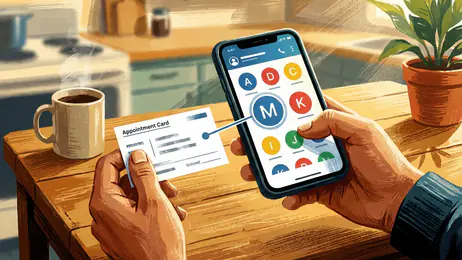
Webex Meetings is built for the practical moment when a scheduled conversation must happen somewhere other than a desk. On a mobile device, the basics are close at hand: join a meeting, see who is there, mute yourself, switch between camera and microphone, and follow the conversation. The interface has the sober, organized air of a workplace utility rather than a social app. It is meant to keep the meeting moving, not to make the phone feel entertaining.
That distinction matters. Gboard turns typing into a constant background behavior; Google Assistant makes speaking to a device seem ordinary. Webex normalizes another small shift: treating a meeting as something you can enter from a hallway, a parked car, or the walk between obligations. The phone no longer just carries the workday’s messages. It becomes a door into the workday itself.


The app says something specific about the present: flexibility has become a workplace promise, but it often arrives as a demand for responsiveness. A mobile meeting can rescue a schedule when travel or an unexpected delay intervenes. It can also quietly remove the boundary that once made a commute, a lunch break, or the walk home harder to interrupt. Convenience is real; so is the expectation it can create.
What the tap quietly normalizes
The most important behavior Webex makes easy is joining before you feel fully prepared. A link arrives, a notification appears, and the meeting is suddenly within reach. That low friction is one of the app’s genuine strengths. There is no need to find a laptop, open a calendar on a separate screen, or turn a change of location into a crisis. For a short check-in or a time-sensitive discussion, being able to connect quickly can make the difference between participating and missing the moment.
But low friction changes the meaning of “available.” A desktop meeting usually implies a deliberate setup: sit down, open the computer, arrange the room. Mobile attendance can make participation look casual, even when the conversation is consequential. The person joining from a phone may be physically present somewhere else, managing noise, battery, network quality, and the social pressure to appear attentive all at once. A compact screen saves time, but it also compresses the conditions of concentration.
Latest News



Webex does not invent this behavior. It gives it a dependable interface. That is a subtler cultural force: the app turns a once-improvised workaround into a normal option. Once a meeting can happen anywhere, “anywhere” starts to look like an acceptable meeting room.
Convenience as a professional signal
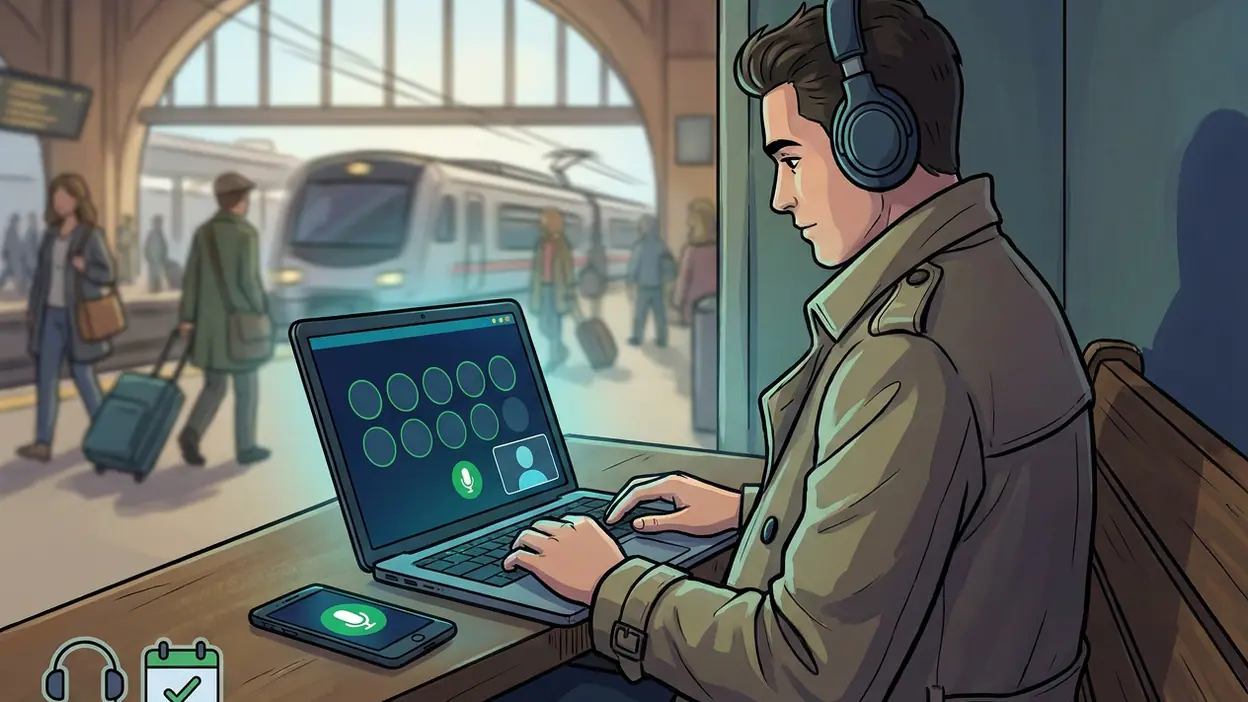
Mobile access can signal competence. Joining promptly from an airport lounge or an unfamiliar office suggests that a person is organized, adaptable, and reachable. In many workplaces, those qualities are rewarded. Webex helps produce the impression without requiring a full workstation; a few taps can put someone visibly inside the conversation.
There is a less comfortable side to that signal. The ability to connect from almost anywhere can be mistaken for a willingness to connect from everywhere. A professional who answers from a phone may be praised for flexibility, while the same act quietly teaches colleagues that off-hours and in-between moments are fair game. The app itself is not culpable for that culture, but its convenience can serve it well.
Its sober design reinforces the idea that a meeting is serious business, even when the participant is balancing the phone on a kitchen counter. Webex is not trying to turn work into play or make professional life feel like a social feed. It makes the task look orderly and legitimate, which is useful—and can make the boundaries around that task harder to notice.
A ritual built from little checks
Webex enters daily life through repetition. Check the calendar. Tap the invitation. Confirm that the microphone is muted. Find a place with enough signal. Decide whether to show your face. These small checks are now part of how many people prepare for work, much like checking Gboard’s suggestions before sending a message or asking Google Assistant for a reminder. The ritual is brief, but it can happen several times in a day.
On mobile, the ritual is especially exposed to interruption. A notification from another app can compete with the meeting; a call can arrive; the battery indicator can become more urgent than the agenda. The phone is a meeting room with all the rest of life still visible at its edges. That is its convenience and its compromise in one frame.
People keep Webex close because there is comfort in knowing the meeting can still happen when plans wobble. A delayed train, an office visit, a home with no dedicated desk: none has to mean automatic absence. The app can make participation more accessible for people whose schedules or locations do not match the old assumption of a fixed office. That practical value deserves more credit than any talk of productivity theater.
Yet being able to join is not the same as being able to contribute well. A phone screen gives less room for faces, shared material, and the quiet cues that help a group conversation work. In a quick call, that may be a reasonable trade. In a long planning session, the limits become more obvious: posture, focus, visibility, and the ability to refer to several things at once all matter.
Orderly screens, messy lives
The design’s workplace restraint is a cultural choice. It prioritizes the meeting’s controls and people over the kind of playful feedback that makes a consumer app feel like a destination. There is no My Talking Tom-style character asking for attention, and no Plants vs. Zombies™ loop built around returning for another round. Webex is meant to be opened for a reason and left when that reason ends.
That restraint is welcome. A business meeting should not need a reward animation to keep people engaged. Still, the clean utility can make a complicated social event look deceptively simple. A meeting is not just a connection between devices; it is a negotiation over who speaks, who listens, whose surroundings are visible, and who has the freedom to leave. The interface can manage the connection, but not the power dynamics traveling through it.
What feels most revealing is the gap between the app’s orderly invitation and the untidy places where people use it. A professional conversation may be happening against the backdrop of a crowded home, a public space, or a day already full of interruptions. The camera can turn those surroundings into part of the workplace, even when nobody has chosen to share them. Joining by phone may offer access, but it can also invite colleagues into a person’s private geography.
That is why camera control and the choice to participate by audio matter beyond mere convenience. They are small ways to manage presence. The best mobile meeting habit is not to be visibly available at all times; it is to make a deliberate choice about what kind of attention the moment deserves.
The pattern travels beyond Webex
Webex is one expression of a much broader mobile pattern: apps reduce the distance between intention and action, then teach us to expect that distance to stay small. Gboard makes composing a reply nearly instantaneous. Google Assistant offers a spoken shortcut. Meeting platforms make joining a conversation feel like another tap. These tools are different, but they share a belief that useful digital experiences should meet people wherever they already are.
Rivals copy the same underlying promise rather than any one visual detail: quick access, familiar invitations, and participation without a desk. That convergence is not surprising. People do not want to learn a new ritual for every meeting. The competition is over whether a tool can feel dependable enough to disappear into the schedule. Webex succeeds when its mechanics stop demanding attention and the conversation can take over.
Dependability, though, has a cultural cost if it makes interruption feel inevitable. When every service makes it easier to respond, the burden shifts to individuals to defend their own time. No app can solve that problem with a cleaner interface. A workplace has to decide whether mobile access is a safety net or an expectation.
My reading of Webex Meetings is therefore mixed, but not ambivalent about its usefulness. It is a practical, deliberately restrained meeting app that understands the realities of a dispersed workday. Its strongest feature is not spectacle but readiness: the meeting remains reachable when the desk is not. Its weakness is the same readiness, because the easier it becomes to carry work everywhere, the easier it is to forget that people need somewhere work cannot follow.
Webex is best understood as a small piece of modern work culture made tangible. It helps people stay included across distance and disruption, and it gives the phone one more role in the daily choreography of being reachable. That role is valuable when it preserves a conversation someone might otherwise miss. It is less healthy when it turns every spare moment into a possible appointment. The app can open the room; we still have to decide when to close the door.