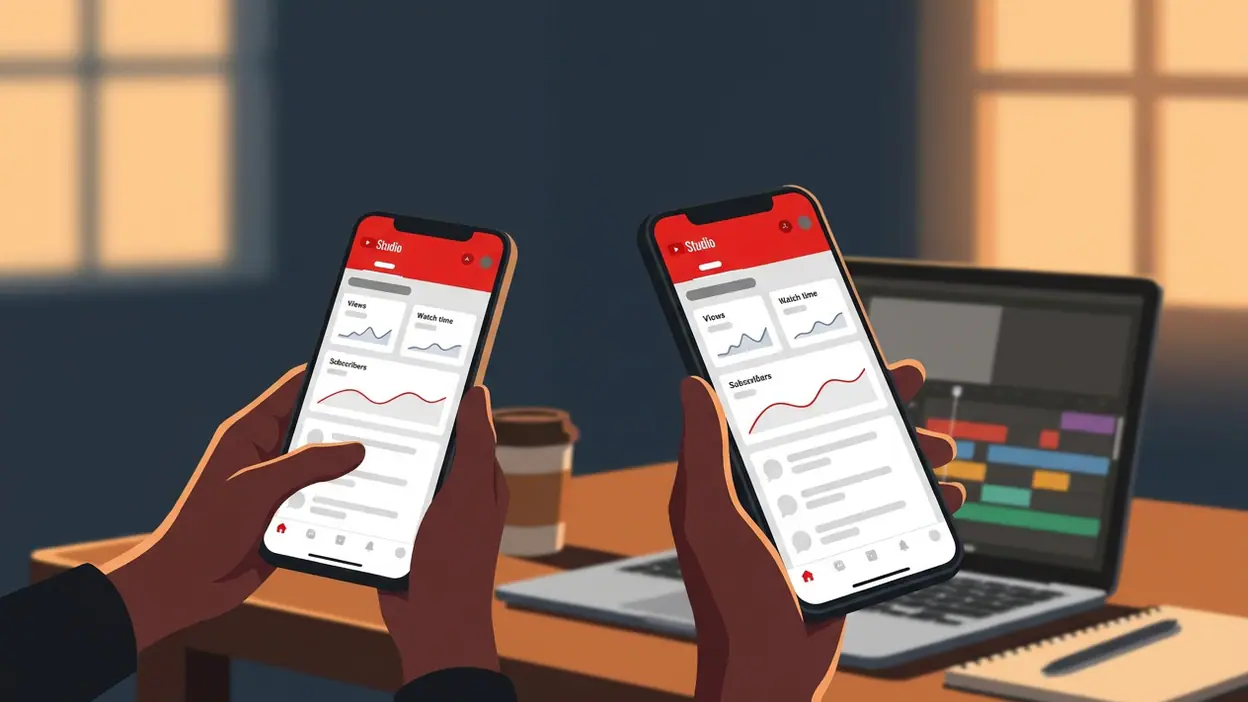
 About YouTube Studio
YouTube Studio Is Becoming a Creator’s Daily Control Room
Video editing apps compete to help creators make the next clip. YouTube Studio matters after that clip is published: it is where a creator checks whether anyone watched, answers the first comments, and decides what to do next. That distinction gives the mobile app a timely kind of momentum. As YouTube becomes an ongoing publishing business for more people, its management dashboard is moving from occasional utility to everyday workbench.
There is no single viral feature behind that shift, and the app does not need one. Its appeal comes from compressing the small, repeated jobs of running a channel into a few minutes on a phone. A creator can glance at recent performance, review comments, make a basic change to a video, and leave with a clearer sense of how the channel is doing. The growth story is less about a sudden reinvention than about a larger audience discovering that publishing does not end when the upload bar disappears.
From upload day to daily routine
The timing is easy to understand. YouTube channels now range from personal experiments to serious businesses, but both ends of that spectrum face the same immediate questions: Is the latest video finding viewers? What are people saying? Is there a problem that needs attention? Studio puts those questions within reach without requiring a creator to sit down at a desktop browser.
That convenience changes the shape of the work. Checking comments while waiting for a train or looking at a view trend between meetings may sound minor, but those small checks build a habit. The app turns channel management into something a person can do in the gaps of a day, rather than a separate session reserved for a computer. For creators who publish frequently, that is a meaningful shift in how close the audience feels.


The value is particularly clear for small channels. A full-time team may have dedicated people and processes for analytics, moderation, and publishing decisions. A solo creator has to switch among those roles. Studio gives that creator one place to check the channel’s pulse, reducing the friction of staying responsive. It does not make the business effortless; it makes the next useful check easier to start.
That framing also explains why Studio belongs in a conversation about mobile video tools even though it is not an editor or player. KineMaster and VivaVideo help shape footage before release. VLC for Android and PLAYit focus on watching and playing media. Studio occupies the less glamorous but increasingly important stretch after publication, where attention is measured and relationships with viewers are maintained.
A product built around the post-publish moment
The app’s core jobs are familiar to anyone who has managed a channel: review channel and video analytics, browse comments, keep track of recent activity, and handle practical details around published content. The mobile layout makes those tasks feel like a dashboard rather than a creative canvas. That is a sensible trade. Most people opening Studio are not there to edit a montage; they want a quick answer, a quick response, or a quick correction.
Latest News



Analytics are the strongest expression of that promise. A view count alone is not a strategy, but a timely look at performance can prompt a creator to compare a new upload with the channel’s usual rhythm. Studio makes those signals accessible where the creator already is. The phone screen cannot replace careful analysis, and a brief glance can invite overreaction, but immediate access is useful when treated as a pulse check rather than a verdict.
Comments provide the more human side of the dashboard. Numbers tell a creator that something happened; comments can suggest why viewers cared, what confused them, or what they want next. Being able to review and respond from the same app makes the connection feel less formal. For a small channel, a thoughtful reply can matter more to the creator’s sense of momentum than a graph that moved by a modest amount.
There is also a psychological benefit in keeping the work visible. When publishing is intermittent, a channel can feel like a project left alone between uploads. Studio supplies a steady stream of small signals: a new response, a recent result, an issue to address. That can sustain a creator’s attention. It can also encourage compulsive checking, which is the less healthy version of the same convenience.
What user behavior seems to reward
The behavior Studio serves is not necessarily long, immersive use. Many visits are likely to be short and specific: check a video, answer a viewer, confirm a change, then close the app. That pattern is a strength for a utility. A dashboard does not need to hold attention for an hour if it can resolve a question in a minute.
Repeated short visits also make the app sticky in a practical sense. Creators return because their channels continue to generate activity, not because Studio is designed as an entertainment feed. The distinction matters. YouTube’s audience app competes for viewing time; Studio earns its place by helping someone manage the consequences of that viewing. Its usefulness grows with the number of uploads, comments, and decisions a creator has to handle.
It is also a product with a broad natural audience. The same basic needs appear among a hobbyist posting a few videos a month, a small business using video to reach customers, and a larger creator keeping an eye on activity away from a desk. That breadth helps explain the app’s relevance. The tool does not require a creator to identify as a professional before it becomes useful.
The pressure from neighboring tools
Studio’s rivals are not direct substitutes so much as competing answers to different moments in the video cycle. KineMaster and VivaVideo promise hands-on editing. Their value is visible in the material a creator makes. VLC for Android and PLAYit serve viewers who want to play local or online media. Studio’s output is less tangible: better-informed choices, faster responses, and a channel that feels attended to.
That role can make Studio seem plain beside a feature-rich editor. But it also gives the app a durable position. Editing preferences change, and creators may use several tools to produce a video. The channel still needs to be monitored after release, and YouTube’s own management app has an obvious advantage in access to channel information and workflows. A third-party editor can help prepare a video; it cannot become the same central dashboard without the platform relationship.
The pressure is internal as well as external. Creators may use YouTube’s desktop tools for deeper work, and the mobile app has to be more than a compressed copy of a browser experience. It is at its best when it helps with quick decisions and lightweight management. If a task becomes intricate, a phone can feel cramped, and a creator may still prefer a larger screen. Studio’s mobile role is complementary, not total.
Where the momentum feels strongest—and fragile
The strongest momentum is among creators who have moved past treating a channel as a shelf for finished videos. They see it as an active relationship with viewers and a stream of decisions. For them, checking performance and comments is part of publishing, not administrative cleanup. Studio fits that attitude because it brings the channel close to the person running it.
Ordinary users notice the practical result first. The channel is easier to keep an eye on. A creator can respond without waiting to get home, and a new upload does not disappear into the uncertainty of “I’ll check later.” The interface may not make every metric instantly intuitive, but its central promise is clear: the work around a video is accessible from the device people carry all day.
Still, the convenience has limits. A phone-sized view can flatten complicated performance into numbers that invite snap judgments. A short-lived rise or dip can feel more important when it is always available to inspect. Creators can also confuse constant monitoring with progress: checking analytics does not itself improve a video, and replying quickly does not guarantee a stronger community.
There is a product fragility too. Studio’s usefulness depends on the quality and clarity of the information it presents, as well as the reliability of its connection to YouTube’s changing creator tools. A dashboard can become frustrating when an important task is difficult to find, when a mobile flow feels less complete than its desktop counterpart, or when metrics do not answer the question a creator actually has. The app’s familiarity should not be mistaken for perfection.
These weaknesses do not undercut the core case. They draw a useful boundary around it. Studio is not a magic growth machine, a replacement for editing software, or a guarantee that a creator will understand every trend. It is a practical control surface for the ongoing work that follows publication. Its best use is to inform decisions and maintain contact, not to turn every fluctuation into a crisis.
The broader mobile lesson is that creator tools are expanding beyond creation itself. The camera, editor, and upload button once defined the mobile video workflow. Now management, moderation, and measurement have become part of the same daily loop. A creator’s phone is not just where footage is captured or watched; it is where a small media operation is checked and steered.
That makes Studio’s rise feel less like a surprise than a correction in how the category is understood. Video apps are not only tools for making or playing clips. Some of the most useful ones help people handle what happens after the audience arrives. YouTube Studio earns its place by making that unglamorous work reachable at the moment it is needed. The newsroom read is straightforward: the app’s momentum is strongest not because it makes creators more creative, but because it makes the business of staying present on YouTube easier to carry in a pocket.