Remote Control for TV - All TV
- 14.48K
- 4.6
- Installs
- 50.00M
- Price
- Free
Screenshots
Analysis by Reviewed
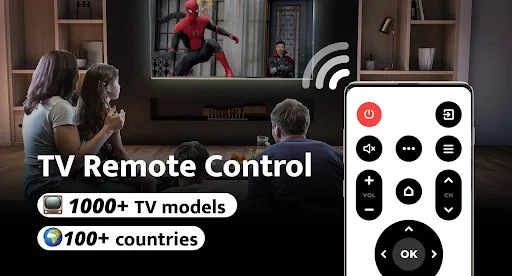
Hey there TV lovers! Let me tell you about an app that’s bound to make your couch potato dreams come true. Imagine never having to scrabble around the cushions for the remote control again. Yes, I’m talking about Remote Control for TV - All TV, a nifty little app that turns your smartphone into a universal remote control for your TV. I’ve given it a whirl and here’s the lowdown.
Getting Started with Ease
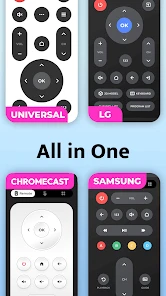
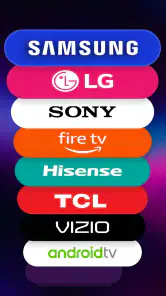
First off, getting started with the app is a breeze. You just download it, and bam! You’re ready to roll. The app supports a wide range of TV brands, and connecting to your TV is as simple as pie. Seriously, it’s like the app holds your hand through the process. Just ensure your phone and TV are connected to the same Wi-Fi network, and you’re golden. The interface is clean and intuitive, which is always a plus in my book.
Features Galore
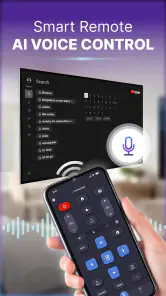
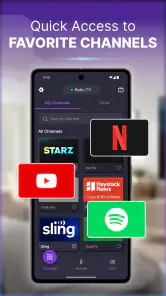
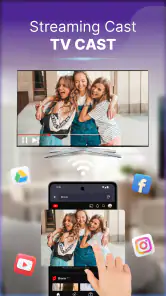
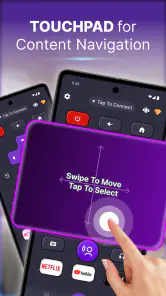
Now, let’s chat about the features because Remote Control for TV - All TV doesn’t skimp on those. You’ve got your standard control options like volume and channel switching, but it also offers some pretty cool extras. For instance, you can use voice commands to control your TV, which is perfect for those days when you’re feeling too lazy to even lift a finger. Plus, the app supports screen mirroring, so you can easily share photos, videos, or presentations on your TV screen. It’s like having a smart TV experience without actually owning one.
Performance and Compatibility
What’s great about this app is its reliability. I’ve tried it on different TV brands, and it’s worked seamlessly on all of them. The commands respond quickly, almost instantaneously, which is exactly what you want from a remote control app. It’s compatible with both Android and iOS, so no one’s left out of the fun. Just make sure your devices are updated to the latest OS version for the best performance.
One thing to note, though, is that the app contains ads. While they’re not overly intrusive, they can be a tad annoying at times. But hey, it’s a small price to pay for the convenience it offers.
Final Thoughts
All in all, Remote Control for TV - All TV is a game changer for anyone who hates hunting for their TV remote. It’s reliable, packed with features, and super easy to use. I mean, who wouldn’t want to control their TV with just their smartphone? It’s like living in the future!
So, if you’re tired of dealing with multiple remotes or your dog keeps chewing them up, give this app a shot. It’s free, it’s handy, and it just might save you from a remote control disaster. Happy viewing, folks!
Pros
- Wide compatibility with various TV brands.
- User-friendly interface for easy navigation.
- Quick setup with intuitive instructions.
- Supports voice commands for hands-free use.
- Regular updates for improved functionality.
Cons
- May experience occasional connectivity issues.
- Requires stable internet to function.
- Limited features in the free version.
- Ads may interrupt user experience.
- Not compatible with very old TV models.

- Category
- Tools
- Version
- 1.0.80











