AnyDesk Remote Desktop
- 3.42K
- 2.6
- Installs
- 50.00M
- Price
- Free

Screenshots

Analysis by Reviewed
Hey there, fellow tech enthusiasts! Today, I’m diving into the world of remote desktop solutions with a review on AnyDesk Remote Desktop. If you’ve ever found yourself wishing you could access your computer from anywhere, this app might just be your new best friend. Let’s explore what makes AnyDesk a standout choice in the crowded field of remote desktop applications.
Getting Started with AnyDesk
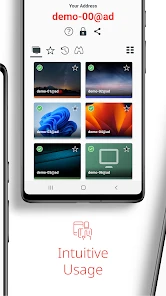
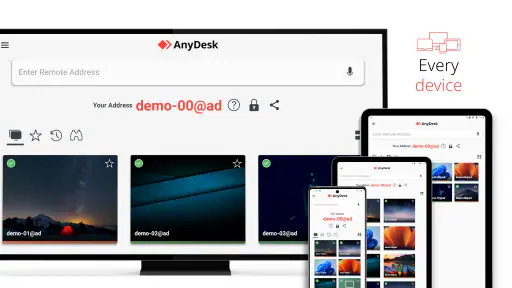
First things first, setting up AnyDesk is like a breeze. You know how some apps make you feel like you need a degree in rocket science just to get started? Well, this isn’t one of them. Simply download the app on both your devices, and you’re good to go. The interface is user-friendly, and even if you’re not the most tech-savvy person around, you’ll find it straightforward.
Features That Shine
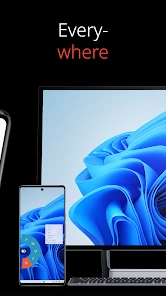
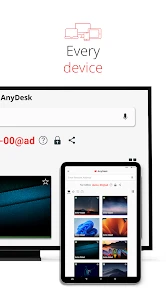
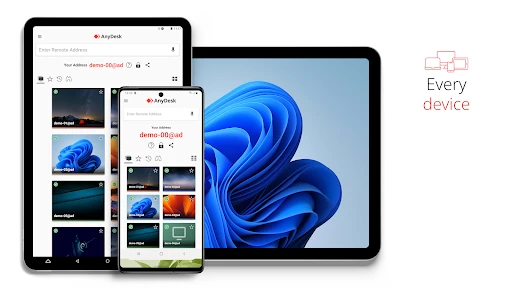
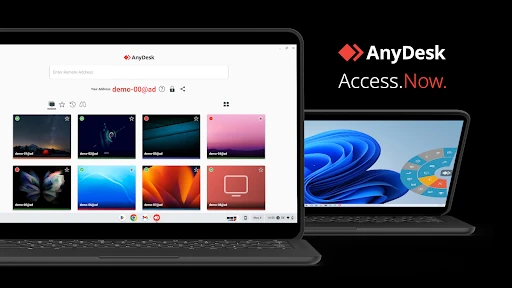
Now, let’s talk features. One of the coolest things about AnyDesk is its blazing-fast connection speed. We’re talking about low latency that makes you forget you’re controlling a device remotely. Whether you’re working on a giant spreadsheet or tweaking your latest graphic design, the responsiveness is impressive. Plus, it supports multiple platforms, so whether you’re on Windows, Mac, iOS, or Android, AnyDesk has got you covered.
Another feature I appreciate is the security. In today’s world, where data breaches are as common as morning coffee, security is undeniably a big deal. AnyDesk uses banking-standard TLS 1.2 security to ensure your sessions are safe from any prying eyes. It’s like having a digital security guard by your side at all times.
Real-World Use Cases
So, where does AnyDesk shine the most? Well, imagine this: you're on a vacation, lying on a beach, but suddenly you remember an important file you forgot to send. No worries! With AnyDesk, you can access your office computer and send that file in a jiffy. Or perhaps you’re an IT professional managing multiple systems remotely; the app allows you to hop between devices like a pro.
Moreover, it’s a real lifesaver for collaborative work. You can easily connect with colleagues to share screens and troubleshoot issues together. The app’s capabilities extend beyond just personal use, making it a versatile tool for professionals across various fields.
The Final Word
In conclusion, AnyDesk Remote Desktop impresses with its speed, security, and simplicity. Whether you’re a digital nomad, a busy professional, or just someone who wants to stay connected to their computer from anywhere, AnyDesk is a reliable choice. It’s like having your computer in your pocket, ready to assist you whenever you need it. So go ahead, give it a try, and experience the magic of remote access!
Pros
- Fast and smooth connection experience.
- Supports multiple platforms seamlessly.
- Low latency for real-time collaboration.
- User-friendly interface for easy navigation.
- Strong security with TLS 1.2 encryption.
Cons
- Limited features in free version.
- Occasional connection drops reported.
- Requires stable internet connection.
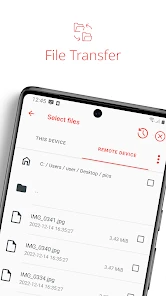
- No built-in file transfer for mobile.
- May consume significant data usage.

- Category
- Business
- Version
- 8.2.0











