TV Cast Pro for LG webOS
- 362.00
- 4.2
- Installs
- 100.00K
- Price
- $6.99

Screenshots
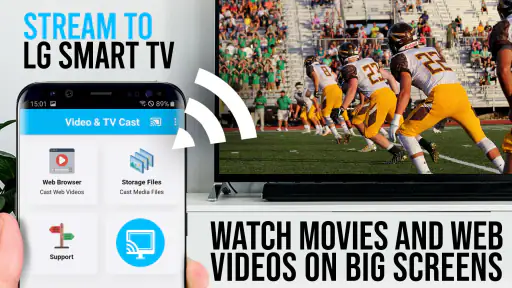
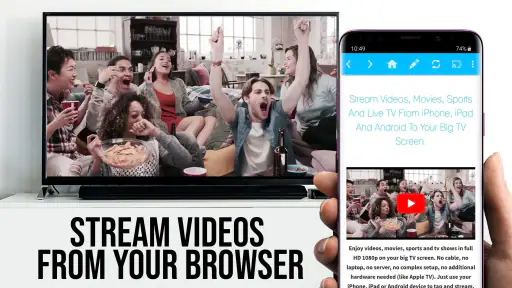
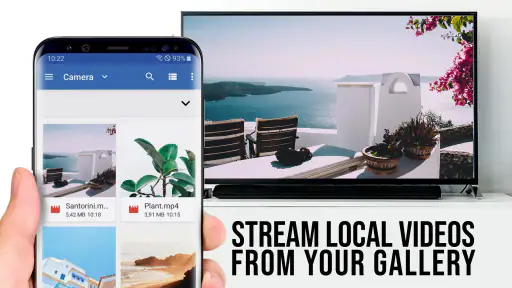
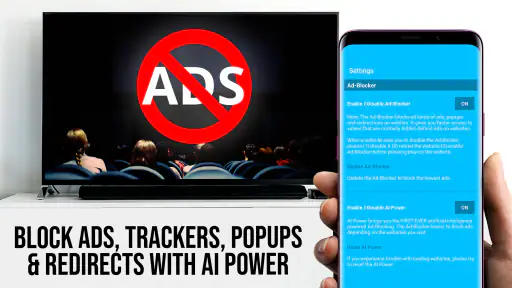
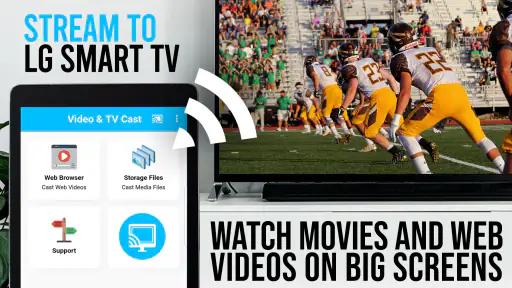
Analysis by Reviewed
Ever found yourself on the couch, wishing you could beam your favorite videos from your phone straight to the big screen without any hassle? Well, let me introduce you to TV Cast Pro for LG webOS, the app that might just become your new best friend when it comes to streaming. I've been playing around with it for a while, and here's the lowdown on what I think about it.
A shared screen for an ordinary evening
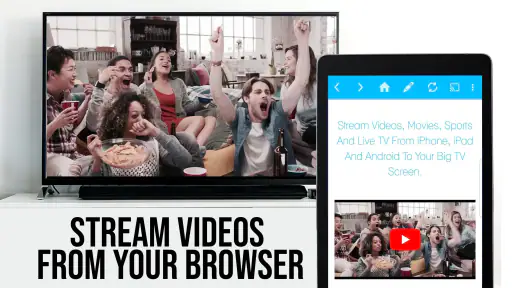
I can see the appeal most clearly in a shared-use situation: someone finds a cooking video, a concert clip, or a movie on a phone, and everyone would rather watch it together on the living-room TV. A browser-based casting app can make that handoff feel less disruptive than passing one phone around. The useful distinction is that the phone is part of the viewing process, while the television is where the group watches; that suits casual, chosen-together viewing better than replacing a household’s regular streaming setup.
For example, if a friend sends a video link while I am making dinner, I can open it on the phone and bring it to the LG screen rather than crowding around a small display. I would still check the link and playback before everyone settles in: a page may behave differently on a TV than it does on a phone, and a smooth result depends on a reliable network. That little preview step saves the awkward pause of troubleshooting in front of the whole room.
Seamless Streaming Experience
The first thing that caught my eye was how TV Cast Pro for LG webOS makes streaming a breeze. You simply need to connect your phone and TV to the same Wi-Fi network, and you're good to go. No more fumbling with HDMI cables or struggling with USBs. I found the connection process surprisingly straightforward, which is a huge plus in my book.
Setup boundaries and practical expectations
TV Cast Pro is a paid video-player and editing-category app from 2kit consulting, aimed specifically at using an LG webOS television as the viewing destination. It costs $6.99, carries an Everyone age rating, and its current version is 2.57. Those details matter when deciding whether to install it on a shared phone: the purchase is tied to the app, but the app’s purpose is simply to help get web video onto the TV. I would not treat it as a household account manager or assume it creates separate viewing profiles.
There is also a practical boundary between casting a web video and having every service work identically. The app is useful when the content is accessible through a browser page and the TV can play what is sent, but it is not the same as opening a dedicated streaming service on the television. If a service’s own TV app is already convenient, I would use that first. A browser-casting route is more compelling when the video is on a site you found on the phone and you want to avoid hunting for it again on the TV.
Before paying, I would think about the actual route I expect to use: find a web video on the phone, send it to the LG TV, and watch it there. This is different from mirroring the whole phone screen, and it is not a general-purpose way to make every phone app appear on television. If what I want is simply to show photos, a presentation, or an app that has no accessible web video, another casting or screen-sharing option may fit better.
More From Our News Desk

Clash of Clans Is Won Between the Battles

Android Auto Makes the Case for Quieter Car Software

MobiOffice: Transforming Mobile Productivity with Seamless Integration

EA SPORTS FC™ Mobile Soccer: Redefining Mobile Sports Gaming

How Microsoft OneDrive Became a Mobile Productivity Giant

How Google Translate Breaks Language Barriers Effortlessly
That distinction also makes the app easier to evaluate. A successful connection is only the first step; the page and stream still have to cooperate. For a video I intend to watch for a while, I would test playback on the TV before relying on it. If the site presents its own player controls or changes how it serves video, a result that works on the phone may not transfer neatly. I see that as the main trade-off of web-based viewing, rather than a reason to expect the app to behave like a dedicated service.
Features That Shine
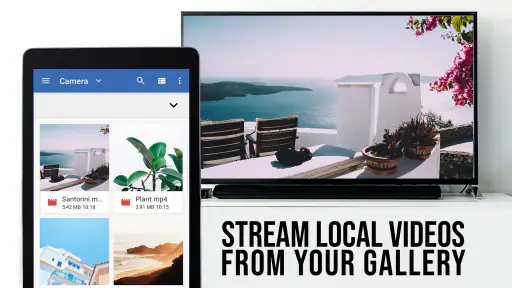
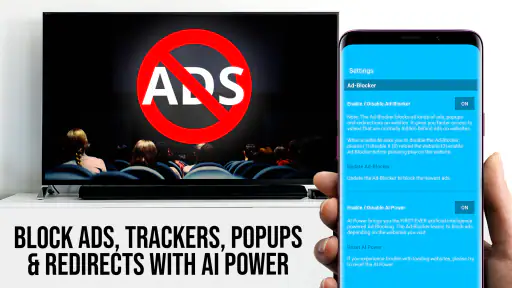
One of the standout features is the app's ability to cast a wide variety of video formats. Whether it's that quirky cat video you saved on your phone or a full-length blockbuster you downloaded, this app handles it all with ease. Plus, there's no need to worry about pesky ads interrupting your movie night. The Pro version is ad-free, which enhances the viewing experience significantly.
Another thing worth mentioning is the ability to bookmark your favorite websites directly in the app. This means you can quickly access your go-to streaming sites without having to type in the URL every single time. It's a small feature, but it makes a world of difference when you're in a hurry to start your binge-watching session.
I would treat those bookmarks as a practical shortlist, not as a complete browser history. For a household, keeping only familiar, regularly used sites makes it easier for another person to find the right starting point without sorting through someone else’s browsing habits. It also avoids the assumption that a bookmark means a site is suitable or that its video will always play correctly on the TV; it is a shortcut to a page, not a promise about what that page contains.
For occasional viewing, a saved site can be more useful than repeatedly searching with a television remote. A good workflow is to open the known page on the phone, select the exact video, and make sure the intended item is on screen before sending it. That is particularly helpful with sites where several clips or previews appear together. It puts the small, precise selection task on the phone and leaves the TV for the shared viewing.
Coordination when the TV is shared
Bookmarks are especially useful when more than one person takes turns finding videos. I would keep them focused on sites the household actually uses, rather than building a long collection that becomes difficult to scan. A simple routine helps too: one person chooses and checks the video on the phone, then hands over the viewing choice once it is playing. That avoids confusing a shared television with a shared account, and it keeps the phone from becoming the center of attention during a group watch.
Compared with the usual alternatives, this app sits between using a service’s native LG TV app and connecting a phone by cable. A native TV app is generally the cleaner choice for a service you watch often, while a cable can be dependable when you need a direct physical connection. TV Cast Pro is more convenient when a web video is already open on the phone and you want to move it to the larger screen without setting up a cable. The trade-off is that browsing and playback can depend on the web page and network rather than one dedicated TV app.
Shared viewing also works best when the person choosing the clip stays responsible for the phone until playback is underway. That keeps a queue of unrelated links, private messages, or account screens from becoming part of the living-room experience. I would not pass a phone around on the assumption that the television connection creates a separate, guest-safe space; it is simply a convenient way to select and cast a video.
If several people want to contribute, agreeing on the next clip before switching videos avoids repeated phone handoffs and interruptions. For a longer film or a regular subscription night, I would switch to the service’s native TV app when available. That keeps routine viewing in the place designed for it, while reserving browser casting for the one-off link, niche site, or clip that is inconvenient to locate with the TV remote.
Performance and Reliability
Now, let's talk about performance. During my time using the app, I noticed that video playback was smooth and buffer-free, assuming your internet connection is stable. The app seems to handle high-definition videos like a champ, which is perfect for those who love watching in HD. However, it's worth noting that the performance can dip if your Wi-Fi isn't up to snuff, so make sure your connection is solid.
When playback stutters, I would first check whether the phone and TV are still on the same Wi-Fi network, then test another video before blaming the app. That helps separate a connection problem from a particular site or stream. If a video is important to watch together, trying it a few minutes early is a more useful safeguard than assuming every web player will behave the same way on a television. This is a small but worthwhile habit in a busy household.
There is a useful diagnostic order here: confirm both devices are on the same network, try a different video, and then decide whether the problem seems tied to the page or to the connection. Changing several things at once makes it harder to know what helped. If one site fails but another plays, I would use a native TV app or a different source for that particular viewing rather than repeatedly restarting the same page in front of everyone.
Network conditions can also change as people move around the home or other devices use the connection. For an important group watch, testing the stream from the room where the television sits is more meaningful than assuming it will work because the phone loaded the page elsewhere. This is not a sophisticated setup requirement, just a realistic way to avoid confusing a weak or inconsistent connection with a fault in the casting app.
Age, trust, and who should use it
The Everyone rating makes the app suitable for a broad audience, but it does not mean every website reached through a browser is automatically suitable for every viewer. I would keep the choice of sites and videos in the hands of the person responsible for the shared screen, especially when children are watching. The app can help display content; it should not be mistaken for a content filter, parental-control tool, or a way to separate family members’ accounts.
In a home with children, I would choose the video first and keep the phone with the adult or trusted person managing the watch. That is a simple viewing habit, not a control built into the app. The same approach makes sense with guests: decide what to show before casting, and do not assume the TV connection hides what is open on the phone or protects personal accounts from whoever is holding it.
The app has a 4.2 average from around 3.7 thousand ratings, and it has been installed over 100 thousand times. That suggests it has found an audience among people looking for this specific LG-TV use case, but the deciding question for me is still how often I would use browser casting instead of a built-in TV app. The $6.99 price makes most sense if sending web videos to an LG screen is a regular need, rather than an occasional experiment.
I would recommend it to someone who often discovers videos on a phone and wants a straightforward way to watch them on an LG webOS TV. I would skip it if I mainly use a handful of streaming services that already have good television apps, or if I need household profiles and viewing restrictions. Those jobs call for different tools, and expecting this app to handle them would be unfair.
It is also a less natural choice for someone who wants a one-tap solution for every kind of media, or whose main goal is to mirror a whole phone screen. The app’s strongest case is narrower: bringing suitable web video from a phone to an LG television. If that is an occasional need, the purchase may not earn its place; if it comes up often, saved sites and a familiar casting routine can make it more worthwhile.
Is It Worth the Download?
So, should you go ahead and download TV Cast Pro for LG webOS? In my opinion, absolutely. It's a handy tool for anyone who loves streaming content from their mobile device to their TV. The ease of use, combined with the range of features, makes it a must-have app for anyone with an LG webOS TV.
In conclusion, if you're looking for a simple, effective way to elevate your streaming experience, this app is definitely worth checking out. Whether you're a tech-savvy individual or someone who just wants to enjoy their content on a bigger screen, TV Cast Pro for LG webOS has got you covered.
My household verdict is more measured: it is a practical specialist, not a replacement for every way of watching television. I would keep it in mind for those web videos that are awkward to find with a TV remote, and rely on native apps for regular subscriptions or on a direct connection when browser playback is unreliable. Used for that clear purpose, it offers a convenient bridge from phone to shared screen without asking everyone to change how they watch everything else.
TV Cast Pro for LG webOS Frequently Asked Questions
Can I use TV Cast Pro for LG webOS with a TV from another brand?
TV Cast Pro for LG webOS is designed specifically for casting to an LG webOS TV, so its setup and receiving experience are centered on that platform. Before downloading, check that your television runs LG webOS and that your mobile device and TV can connect to the same Wi-Fi network. If you own a television from another manufacturer, look for a version of TV Cast intended for that TV’s platform.
What is TV Cast Pro for LG webOS and how does it work?
TV Cast Pro for LG webOS is a premium application that allows users to stream videos, photos, and music directly from their smartphones or tablets to their LG Smart TV. The app works by connecting your mobile device and LG TV to the same Wi-Fi network, enabling seamless casting of multimedia content without the need for additional hardware or cables. Users can enjoy a variety of content from popular streaming services or their personal media library with ease.
Does TV Cast Pro support all video formats for streaming?
TV Cast Pro for LG webOS supports a wide range of popular video formats, including MP4, MKV, AVI, MOV, and more. However, it's important to note that not all formats might be supported due to restrictions on the LG TV's built-in media player. Users are advised to check the compatibility of specific video formats with their LG Smart TV model to ensure smooth playback without interruptions.
Is there a difference between the free version and the Pro version of TV Cast?
Yes, the Pro version of TV Cast offers several enhanced features compared to the free version. With TV Cast Pro, users benefit from an ad-free experience, faster streaming speeds, and the ability to stream higher-quality videos. Additionally, the Pro version often includes exclusive features such as playlist management, subtitle support, and priority customer support, providing a more comprehensive and enjoyable streaming experience.
How do I set up TV Cast Pro on my LG webOS TV?
Setting up TV Cast Pro on an LG webOS TV is a straightforward process. First, download the TV Cast Pro app from the app store on your mobile device. Ensure that your LG TV is connected to the same Wi-Fi network as your device. Open the app, select your LG TV from the list of available devices, and start casting your content. The app provides easy-to-follow instructions, making the setup process quick and hassle-free for users of all technical levels.
Pros
- Easy setup with user-friendly interface
- Supports multiple video formats
- No need for wires or cables
- High-quality video streaming
- Compatible with many LG TV models
Cons
- Requires stable internet connection
- Limited free features
- May lag on older TV models
- Ads in free version
- Occasional connection drops
- Category
- Video Players & Editors
- Version
- 2.57













