Screen Mirroring Pro for Roku
- 1.02K
- 4.5
- Installs
- 100.00K
- Price
- $4.99
Screenshots
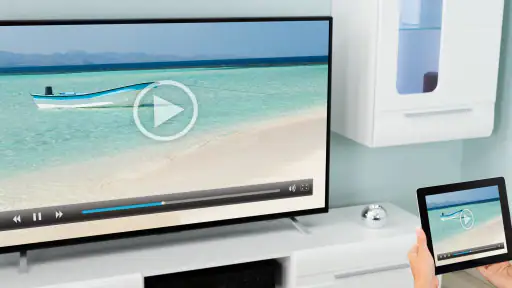
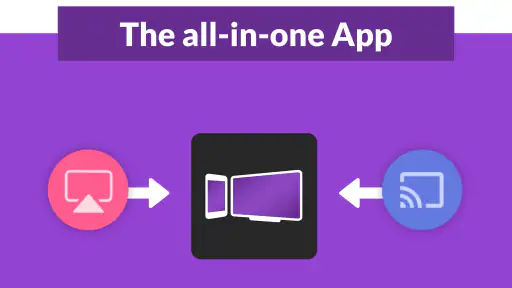
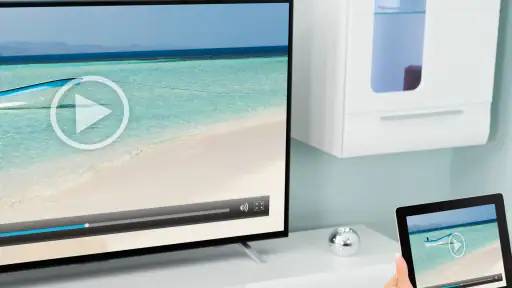
Analysis by Reviewed
I find Screen Mirroring Pro for Roku most useful when a phone screen feels too small for something I want to share. It turns a Roku-connected TV into a larger view of phone content, which can be handy for photos, video, or a quick presentation. It is a paid tools app from 2kit consulting, so I would think of it as a focused utility rather than a broad media hub. Its appeal is simple: when the TV and phone can see each other on the same Wi-Fi network, I can bring what is on the phone into the room without first moving files to another device.
Readability and navigation
The app’s straightforward layout is a practical plus, especially if you do not want to learn a complicated casting workflow. In my experience, a short path from opening the app to choosing the Roku is more useful than a screen full of controls. The store shows a 4.5 average from around 5.8K ratings, and the app has more than 100K installs; those figures suggest it has found an audience, though they cannot tell you whether it will suit your particular Roku and network setup.
For a first try, I would keep the phone and Roku on the same Wi-Fi network, open the app, and check whether the TV appears before deciding that something is wrong. If the connection feels unreliable, I would first check that both devices remain on the same network and reduce the streaming quality. That gives you a useful way to distinguish a weak wireless connection from an interface problem.
Making text and shared content easier to follow
Mirroring enlarges what is on the phone, but it does not rewrite a page or make small text legible by itself. Before showing a document, I would zoom in on the phone and turn it sideways if the layout benefits from more width. For photos, a little preparation helps too: open the album first, dismiss anything private, and avoid searching through unrelated screens while everyone is watching. These small choices reduce the amount of navigation the audience has to follow.
If you are helping someone who finds phone text difficult to read, the TV may make pictures and large headings easier to see from a distance, but the phone still governs what appears. I would try one page or image before relying on it for a long session. A larger display is useful only when the mirrored content remains clear at the viewing distance and the person can comfortably operate the phone.
Setting Up the App
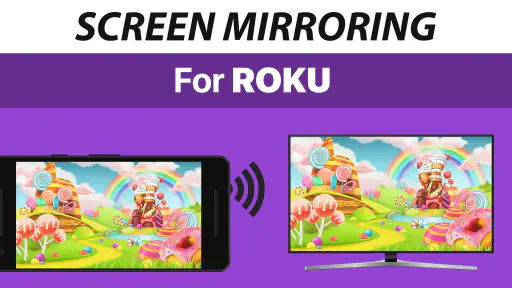
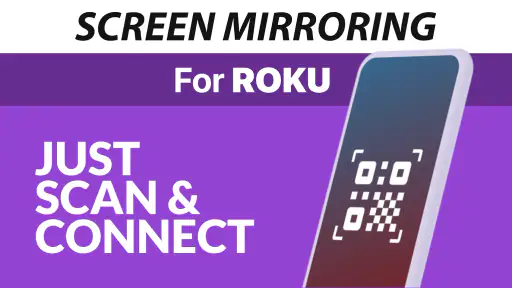
First things first, getting Screen Mirroring Pro for Roku up and running is a straight shot. After downloading the app, you’re just a few taps away from syncing your device. Make sure your phone and Roku device are on the same Wi-Fi network – this is crucial for a smooth connection. Once connected, you can mirror your photos, videos, and even your favorite apps. It's like having an extension of your phone right on your TV screen.
Performance and Usability
Now, let's talk about the app's performance. During my test run, the app delivered a fairly stable connection. There was minimal lag, which is a big win, especially when streaming videos or playing games. The video quality holds up pretty well, though it slightly depends on the strength of your Wi-Fi connection. Navigating through the app is intuitive; the interface is straightforward and user-friendly. You won’t find yourself lost in a maze of unnecessary features, which is refreshing.
More From Our News Desk

Weather by Xiaomi Review: Clear at a Glance, Less Clear Up Close

X Under Pressure: Can It Recover When Posting Goes Wrong?

Clash of Clans Is Won Between the Battles

Android Auto Makes the Case for Quieter Car Software

MobiOffice: Transforming Mobile Productivity with Seamless Integration

EA SPORTS FC™ Mobile Soccer: Redefining Mobile Sports Gaming
That simplicity also makes it easier to use in a shared room: one person can find the material on their phone while others watch the TV, without everyone needing to sign into the same service or pass a device around. I would still choose content in advance for a group viewing session, because mirroring shows the phone’s screen rather than acting like a dedicated TV library. Notifications or an accidental tap can interrupt what everyone sees, so I silence distractions and keep the phone within reach before starting.
When mirroring beats the usual options
Compared with opening a service directly on the Roku, mirroring is most helpful for material that lives on the phone or is already open there. It avoids the extra step of locating the same photo or document through a TV interface. A built-in casting feature can be more convenient when an app supports it, and direct playback from the Roku is usually the more sensible choice for a film that is already available there. I see this app as a bridge for phone content, not a replacement for every way of watching TV.
A useful everyday example is bringing a phone to a relative’s home to show a handful of pictures. I would connect before everyone gathers, open the album, and keep the phone in my hand as the simple remote. That is less awkward than passing the handset around, but it also means the owner must stay nearby and avoid leaving other apps visible. For a one-off share, that trade-off is reasonable; for frequent viewing of the same streaming service, its Roku app is likely the cleaner route.
Compatibility and Features
One of the standout features is its compatibility with various file types. Whether you’re looking to share a PowerPoint presentation or just some family photos, this app handles it all. The app also supports audio streaming, which is perfect when you want to enjoy your music playlists through your TV’s speaker system. It’s a neat little feature that adds to the overall versatility of the app.
For a casual work use, I would treat mirroring as a convenient way to show a slide or document already open on the phone, not as a substitute for a laptop when precise formatting or fast editing matters. A useful habit is to rotate the phone and check how the material appears on the TV before presenting it; small text that is comfortable in hand may be hard to read across a room. This is also where the app’s uncomplicated approach has a trade-off: it is easy to start, but it does not turn a phone into a full presentation console.
Another highlight worth mentioning is the ability to control the streaming quality. This is especially beneficial if you’re on a less-than-stable network. You can adjust the quality to ensure a seamless viewing experience without constantly buffering.
I would treat that control as a practical compromise rather than a magic fix. Lowering quality can make a strained connection easier to use, but it cannot remove every interruption caused by a busy or restricted network. If motion looks choppy, I would test a still image and a short clip separately: a photo session may remain comfortable even when fast video does not. That quick check helps set expectations before asking a group to wait.
Motor and sensory considerations
Because the phone remains the control point, the experience may suit someone who is comfortable making a few taps on a handheld screen but less so someone who needs large physical controls or prefers to operate everything from across the room. The TV makes visual content larger, but it does not automatically make every phone interface easier to read: text size, contrast, and the layout of the original app still matter. For spoken content, audio streaming can move listening from a phone speaker to the TV’s speakers, which may be more comfortable in a shared space, although the result depends on the room and audio setup.
For anyone sensitive to motion or delay, I would test a short clip before settling in for a long viewing session. Mirroring is not the same as playing a video directly through a TV app, and a busy wireless network can make movement look less smooth. For a static photo album or a few slides, that trade-off matters less; for fast action or gaming, it matters more.
There is also a practical motor consideration during a presentation: a phone that is being used to advance, scroll, or switch apps can move the mirrored image unexpectedly. I would prepare the document in the right position and keep the phone steady rather than trying to edit as I present. If precise control or a hands-free setup is essential, a laptop connected to the display or another dedicated presentation method will usually be a better fit.
Situational access
A realistic use is visiting family with vacation pictures on your phone: connect to the Roku on the same Wi-Fi, open the album, and let everyone see the images without crowding around a small display. In a meeting or classroom, it can also help when a quick phone-based visual is enough and there is no need to prepare a separate file. The app is most appealing to people who already use a compatible Roku setup and want a direct bridge from phone to TV. If the other people in the room use different TV platforms, or you need a presentation tool with dependable pointer and editing controls, another approach may be a better fit.
It can also be useful when a person has limited space around them: rather than leaning in to view one handset, several people can look toward the TV. That does not solve every access need, since the phone user still has to locate and control the content, but it can make a shared photo or visual easier to discuss. I would keep sessions focused, especially when the person operating the phone needs extra time to navigate.
Remaining barriers and alternatives
The main friction is that both devices need a working shared network, so this is not a dependable choice for every visit, hotel, or room with restricted Wi-Fi. The connection and picture quality also depend on wireless conditions, and mirroring can expose phone notifications or other on-screen activity. I would close private material, silence alerts, and test the connection before showing anything sensitive. Compared with a built-in casting option, a dedicated TV app, or connecting a computer by cable, this app is most convenient when you want the phone itself on a Roku TV; a direct playback app may be smoother for a supported film, while a cable can be preferable when network access is unavailable.
If the Roku does not appear, my first checks would be whether both devices are on the same Wi-Fi network and whether the network allows them to discover each other. Guest networks can separate connected devices, so being able to use the internet on both is not always enough. I would test at home before taking the app to a place with unfamiliar Wi-Fi. If the connection still does not work, switching to a supported TV app or a wired connection is more useful than repeatedly tapping through the same setup.
The app costs $4.99 and is rated for Everyone. It was released on May 4, 2020, and version 1.57 lists Android 7.0 as the minimum operating system. I would check that my phone meets that requirement before paying, then consider whether I expect to mirror often enough to justify buying a focused tool rather than relying on built-in options. If my main need is occasional viewing of streaming services, I would try their TV apps first; if I regularly share personal photos, documents, or phone-based content on a Roku screen, paying for a simpler route may make sense.
That makes the purchase decision fairly personal. Someone who only wants to send a video from a service already installed on the TV may get little value from a separate mirroring tool. Someone who often shares phone photos, a page, or a short visual with people in the same room may appreciate having a direct option ready. I would decide based on the content I actually share, not on the assumption that every phone activity will be better on a television.
Final Thoughts
In conclusion, if you're looking for a reliable and efficient way to mirror your smartphone's content to your TV, Screen Mirroring Pro for Roku is definitely worth considering. It's designed to offer convenience and quality without the fuss. While it could benefit from a few more advanced features, its simplicity and effectiveness make it a handy tool for everyday use. Whether you're streaming a movie night or sharing vacation photos, this app is a great companion for your Roku device.
My inclusive verdict is that this is a useful option when a larger display helps people share or view phone content, but it is not a universal accessibility fix. The extra screen can help with distance viewing, while the phone-based controls, wireless dependence, and possible lag remain real constraints. I would recommend it to a friend who owns a Roku and wants an uncomplicated way to put personal content on the TV; I would suggest a built-in TV app, wired connection, or another casting method when reliability, reduced motion, or hands-free control matters more.
Screen Mirroring Pro for Roku Frequently Asked Questions
Does my phone or tablet need to meet any requirements to use Screen Mirroring Pro for Roku?
Before downloading, check that your mobile device can install the app and connect to Wi-Fi. Screen Mirroring Pro for Roku is a Tools app from 2kit consulting, and its minimum operating system requirement is version 7.0. You will also need a compatible Roku device and a wireless network shared by both devices for mirroring to work.
Is Screen Mirroring Pro for Roku free, and what should I know before buying it?
Screen Mirroring Pro for Roku costs $4.99. It is a paid app rather than a free download, so consider whether wireless screen mirroring to your Roku is something you expect to use before purchasing. The app is intended for Roku Sticks and Roku televisions, including TCL and Hisense models, and its content rating is Everyone.
What is Screen Mirroring Pro for Roku and how does it work?
Screen Mirroring Pro for Roku is an app designed to enable users to mirror their smartphone or tablet screens directly onto their Roku-enabled devices. This application works by establishing a wireless connection between your mobile device and Roku, allowing you to stream videos, photos, and apps in real-time on a larger screen. It provides a seamless way to enjoy your mobile content on a TV without the need for cables.
Is Screen Mirroring Pro for Roku compatible with all Roku devices?
While Screen Mirroring Pro for Roku is designed to work with most Roku devices, compatibility may vary depending on the model and firmware version. Users should ensure that both their mobile device and Roku are connected to the same Wi-Fi network and that their Roku device supports screen mirroring functionality. Checking the device specifications and app requirements beforehand is recommended to avoid compatibility issues.
Are there any limitations to using Screen Mirroring Pro for Roku?
There are a few limitations when using Screen Mirroring Pro for Roku. The app may not support DRM-protected content, meaning that some streaming services like Netflix or Hulu may not be viewable through screen mirroring. Additionally, performance can vary based on the Wi-Fi network's strength and stability. Users might experience lag or buffering if the connection is weak or unstable.
Pros
- Easy setup process
- High-quality video streaming
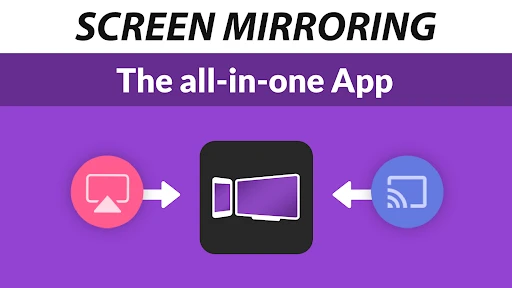
- Compatible with multiple devices
- User-friendly interface
- No ads
Cons
- Requires stable Wi-Fi connection
- Limited free features
- May experience occasional lag
- Not compatible with all Roku models
- Paid version might be costly
- Category
- Tools
- Version
- 1.57









