PAW Patrol Academy
- 382.00
- 3.5
- Installs
- 10.00M
- Price
- Free

Screenshots
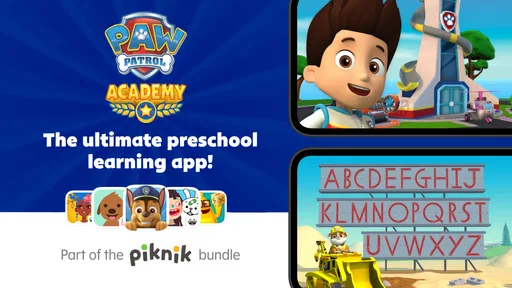
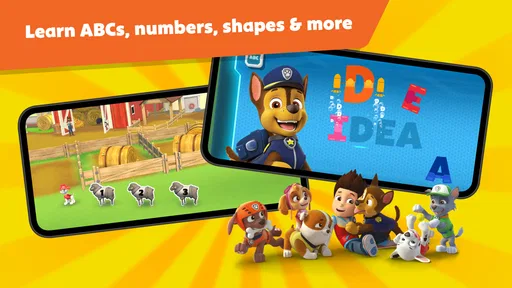
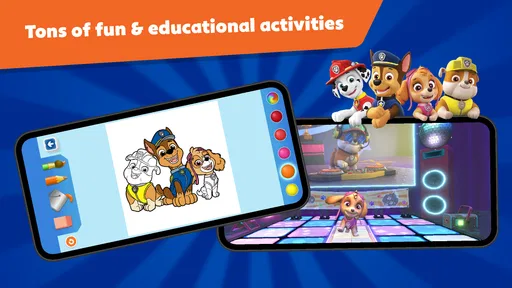
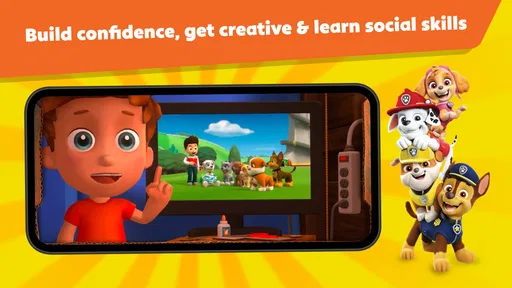
Analysis by Reviewed
My first impression of PAW Patrol Academy is that it works best as a familiar starting point for a young child’s screen time: the characters and bright setting invite them in, while the learning activities give the play a little more purpose than simply watching a show. I’d consider it for a child who already enjoys the rescue pups and is beginning to explore simple educational games. I wouldn’t expect it to replace hands-on play, reading together, or a broader learning app, but it can be a cheerful option for a short, shared session.
Start with your child’s routine
The best time to try this app is when you can be nearby, not when you need a guaranteed stretch of quiet. A child who knows the pups may be keen to get started, but familiarity with the show doesn’t automatically mean they’ll understand every activity. I’d introduce it during a relaxed moment, with enough time to explore one task and stop without a rush.
For example, on a rainy afternoon, you could let your child choose a mission while you sit together at the table. Before opening the app, agree that you’ll play for a short while and then move on to a snack, a story, or a toy. That small bit of framing helps make the device one part of the afternoon rather than the activity that takes over it.
Who will get the most from it
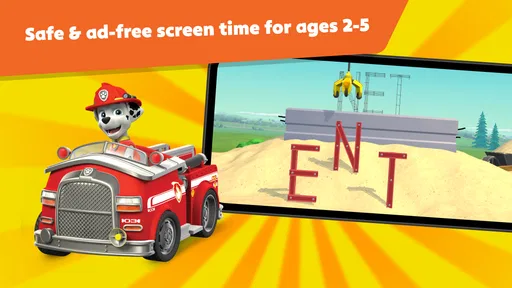
Play Piknik made this education app for children aged two to five, and that age range is important when deciding whether it fits your family. A preschooler who recognizes the characters may be eager to try the activities, while a younger child may need an adult nearby to help them understand what to do. I’d use it as a small part of a routine rather than an automatic distraction: for example, let your child choose a mission after breakfast, then ask them to describe what happened when they finish.
The app is free to install and rated Everyone. Its average rating is 3.3 from around 8,700 ratings, alongside about 330 written reviews, so I’d treat it as a popular option with mixed reactions rather than assume every family will have the same experience. It has over 10 million installs. The current version is 3.5, and it requires Android 9 or later. Those details are useful to check before setting it up on an older device, especially if that device is the one your child usually uses.
Set up the handoff before play
Before giving the phone or tablet to a child, I’d check that the device is ready and make sure an adult is handling any purchase decisions. This matters particularly with preschoolers, who may tap something because it looks interesting without understanding that it relates to a payment. If the device is shared with other family members, a quick check of its purchase controls can prevent an accidental interruption later.
I’d also make the handoff explicit: “You can choose what to play, and I’ll help if something is tricky.” That gives the child some independence while keeping you available to interpret instructions or guide a tap. It works better than expecting a very young player to navigate everything alone, and it gives you a chance to notice whether they are enjoying the activity or only the familiar characters.
More From Our News Desk

Weather by Xiaomi Review: Clear at a Glance, Less Clear Up Close

X Under Pressure: Can It Recover When Posting Goes Wrong?

Clash of Clans Is Won Between the Battles

Android Auto Makes the Case for Quieter Car Software

MobiOffice: Transforming Mobile Productivity with Seamless Integration

EA SPORTS FC™ Mobile Soccer: Redefining Mobile Sports Gaming
Making a session work in real life
Imagine you have a few minutes before leaving for an appointment. Instead of handing over the phone and walking away, I’d sit beside my child, let them pick a pup or activity, and stay close enough to help if an instruction is confusing. That turns the session into a simple handoff: the app presents a task, the child tries it, and I can connect the on-screen choice to a conversation about helping, taking turns, or noticing colors and numbers.
That shared approach is also a useful way to judge whether the activities suit your child. If they can follow along independently, you can gradually give them more room; if they tap around without understanding the task, it may be better to play together or choose a simpler activity. I’d keep sessions short and finish on a natural stopping point, rather than relying on rewards to persuade a child to put the device down.
Welcome to Adventure Bay!
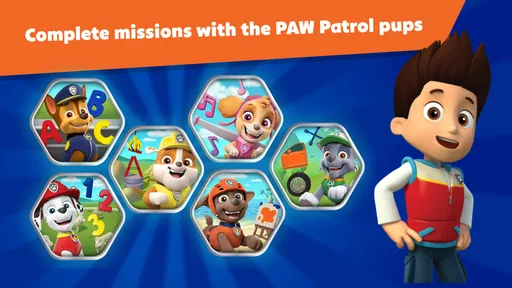
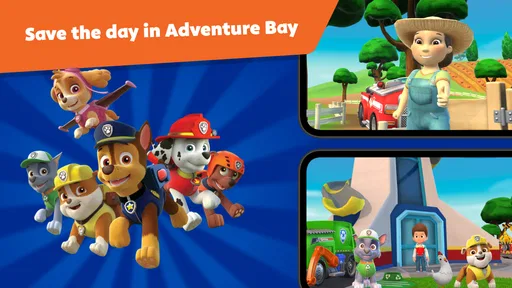
Imagine the excitement when your child gets to join Ryder and the team in Adventure Bay. The PAW Patrol Academy app is designed to be engaging from the get-go. It’s like stepping into their favorite TV show, but this time, they’re part of the action. The graphics are vibrant and colorful, capturing the essence of the beloved series beautifully.
Interactive Learning at Its Best
What sets this app apart is its focus on interactive learning. The mini-games are not just for entertainment; they’re educational too. From solving puzzles to practicing numbers and colors, the app cleverly integrates learning opportunities at every turn. It’s a sneaky way to get kids learning while they’re having a blast with their favorite characters.
Each mission your child embarks on is carefully crafted to enhance their problem-solving skills. They’ll have to think critically, make decisions, and even practice teamwork, just like the real PAW Patrol team. It’s these little elements that make parents feel good about screen time.
Engaging Missions and Rewards
The app features a variety of missions that keep things exciting and fresh. Whether it’s saving a stranded kitten or helping out a friend in need, each task is designed to build a sense of responsibility and empathy in young players. Plus, they get to earn badges and rewards for their efforts, which keeps motivation levels high.
One of the standout features is the customization aspect. Kids can personalize their chosen pup with different outfits and gear. It’s a delightful way for them to express their creativity and feel more connected to the game.
PAW Patrol Academy isn’t just about solo play either. The app includes options for multiplayer missions, allowing friends to join in the fun. This social element encourages cooperation and communication, vital skills for growing minds.
Turning play into an everyday conversation
The useful part of a mission doesn’t have to end when the screen does. I’d ask a child to tell me what they chose, what happened next, and how the team solved the problem. A two-way conversation gives you a clearer sense of whether they understood the activity, and it can be more valuable than simply checking whether they completed it.
You can also carry a simple idea from the app into the room. If a task brings up colors or numbers, invite your child to find a matching color on a toy or count a few objects together. Keep it light rather than turning every session into a lesson. The point is to let a familiar game spark a small bit of real-world attention, not to test a preschooler.
For siblings or friends, I’d treat shared play as a chance to practice waiting and talking through choices, rather than assuming that a multiplayer option will automatically make them cooperate. Take turns deciding what to do, and stay close if one child tends to take over the device. If your child prefers playing alone or becomes frustrated when someone else gets a turn, a short solo session with an adult nearby may be a better first step.
A Few Barks of Caution
While the app is a treasure trove of fun and learning, it’s worth noting a couple of things. There are in-app purchases available, which could tempt young players to click around. It’s always a good idea to have a chat with your kids about spending in digital environments. Additionally, ensure your device is up-to-date to avoid any technical hiccups while playing.
What to check before you settle in
The no-cost starting point makes it easy to try, but I’d still set expectations before handing over the device: the app includes optional purchases, priced from $4.99 to $79.99 per item. For a preschooler, I recommend using your device’s purchase controls and agreeing that an adult handles any payment decisions. That avoids turning a playful moment into a negotiation over something a child has tapped.
Parents often want to know whether this can replace a standard preschool learning app. I see it differently: the PAW Patrol theme is its advantage when a child is reluctant to try a less familiar activity, while a broader early-learning app may be a better fit if you want a less character-led experience. If your child loses interest when the pups aren’t on screen, that’s a sign this is best used as an occasional themed activity, not the main learning tool.
How it compares with other choices
Compared with a short cartoon, the missions ask a child to respond rather than only watch, which gives you more openings to ask questions and let them make choices. Compared with open-ended toys or drawing, though, the app is more guided and depends on a device. I’d choose it when a familiar story can help a child engage with puzzles or basic concepts; I’d choose a book, blocks, or a walk when the goal is conversation, movement, or imaginative play without a screen.
One practical tip is to use the activities as a prompt after the session. Ask your child to explain how a character helped, or invite them to spot the same colors or numbers around the room. This makes the transition away from the device smoother and turns a digital task into something they can carry into everyday life. It also helps you see whether they’re following the idea or simply enjoying the animation.
When another option makes more sense
I’d skip this if you’re looking for a quiet, open-ended creative tool, a screen-free activity, or a learning app that doesn’t lean on familiar characters. A coloring book, blocks, or a simple puzzle may be a better fit when your child needs to move around, invent their own story, or settle into calmer play. Likewise, if your child is older than the intended preschool audience and wants more challenge, this may feel too young rather than grow with them.
It is also worth noticing how your child responds after a session. If they become upset when it ends, or keep asking to return to the app instead of moving on, shorten the next session or reserve it for a clearly bounded moment. A familiar cast and rewards can make stopping harder for some children. I’d rather end while the child is still content than use another activity or purchase as a bargaining tool.
There are limits to keep in mind. A child who expects every activity to be self-explanatory may need guidance, and a child who prefers quieter, less familiar-character-based play may not connect with the presentation. The missions and rewards can encourage another round, so I’d decide on a stopping point before starting. For a child who needs a calm activity with minimal stimulation, I’d compare it with a simple book or offline puzzle instead.
In conclusion, PAW Patrol Academy is more than just a game; it’s a learning adventure that brings the charm of Adventure Bay right to your device. It’s engaging, educational, and a fantastic way for kids to interact with their favorite pups. So, if you’re looking for an app that offers both fun and learning, this one’s definitely worth a download. Just remember, no job is too big, no pup is too small!
PAW Patrol Academy Frequently Asked Questions
Is PAW Patrol Academy free to download, and what might require payment?
PAW Patrol Academy is free to download, so families can try the app without paying upfront. It also includes optional in-app purchases, with items priced from $4.99 to $79.99, for families who want to access additional content. Check the purchase options before handing the device to a child, and use your device’s purchase controls if you want to prevent accidental spending.
What devices can run PAW Patrol Academy?
PAW Patrol Academy is available for Android devices that run Android 9 or later. Before downloading, check your device’s operating-system version and make sure it meets that requirement. The app is an educational choice for young PAW Patrol fans, but compatibility depends on the device and platform you plan to use, so review the relevant app store page before installing.
Is PAW Patrol Academy appropriate for young children?
PAW Patrol Academy is an education app for children, with a content rating of Everyone and a store summary describing it as intended for ages 2 to 5. Its PAW Patrol theme and child-focused learning activities make it aimed at preschoolers. As with any app for young children, a parent or caregiver can decide whether its content and optional purchases suit their family.
What is PAW Patrol Academy and what age group is it suitable for?
PAW Patrol Academy is an educational app designed to engage children with fun and interactive learning activities based on the popular PAW Patrol series. It is suitable for children aged 3 to 7 years, offering a range of puzzles, games, and challenges that help develop cognitive skills, problem-solving abilities, and creativity while enjoying their favorite PAW Patrol characters.
Does PAW Patrol Academy require an internet connection to use?
PAW Patrol Academy offers both online and offline modes. While some features and updates might require an internet connection, most of the core educational games and activities can be accessed offline. This allows children to enjoy learning anytime, anywhere, without the constant need for connectivity, making it convenient for parents.
Pros
- Engaging educational content for kids
- Interactive and fun learning activities
- Popular characters from PAW Patrol
- Safe and child-friendly environment
- Encourages problem-solving skills
Cons
- Limited free content available
- In-app purchases can be expensive
- Requires internet for most features
- May have repetitive activities
- Not suitable for older kids













