Home Security Camera - SeeCiTV
- 1.93K
- 4.2
- Installs
- 1.00M
- Price
- Free

Screenshots

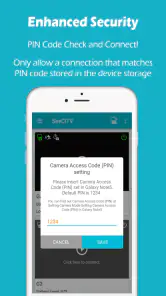
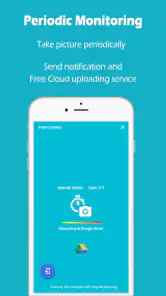
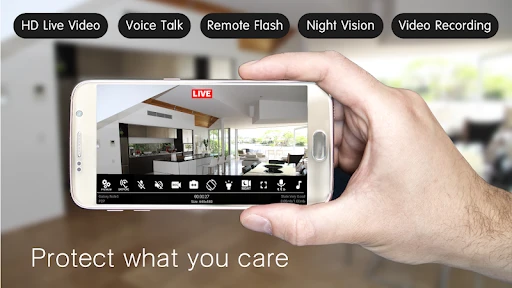
Analysis by Reviewed
If you’ve ever felt that lingering worry about what’s happening at home when you’re not around, you’re not alone. We all want that extra layer of security, and that’s where the Home Security Camera - SeeCiTV app steps in. This app promises to transform your old smartphone into a surveillance camera, and I’ve taken it for a spin to see if it delivers on its promise.
Setting Up - Easier Than You Think!
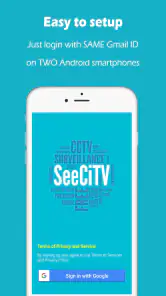
First off, let me tell you, setting up the Home Security Camera - SeeCiTV is a breeze. You don’t need to be a tech wizard to get things rolling. Just install the app on your old phone, position it where you need surveillance, and voila! You’ve got yourself a functioning security camera.
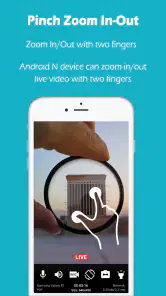
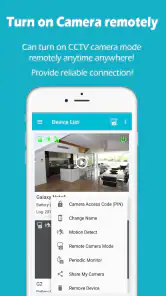
The app offers a clear and intuitive interface, making navigation as smooth as a summer breeze. I was impressed by how easily it connected to my home Wi-Fi, ensuring real-time monitoring without a hitch. Plus, you can access the feed from your current phone, tablet, or even computer. It’s like having a personal security guard in your pocket.
Features That Stand Out
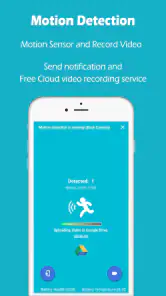
Now, let’s talk about what makes this app shine. One of the standout features is the motion detection. The app notifies you with alerts whenever it picks up movement. It’s like having an extra set of eyes at home, which is incredibly reassuring.
Another cool feature is the night vision capability. Yes, your old phone can now see in the dark! This is perfect for those late-night hours when you’re fast asleep, but want to ensure everything is as it should be. Also, the video quality is surprisingly good, considering it’s all happening on a phone camera.
And let’s not forget the cloud storage options. The app allows you to store footage in the cloud, which is a lifesaver if you ever need to review past events. No more worrying about filling up your phone’s storage with endless video clips.
My Two Cents
In my personal opinion, the Home Security Camera - SeeCiTV app is a game-changer for anyone looking to up their home security game without breaking the bank. It’s user-friendly, feature-rich, and most importantly, it works! Whether you’re looking to keep an eye on your pets, check in on your home while you’re at work, or just have some peace of mind during a vacation, this app is a solid choice.
Sure, there are professional security systems out there with more bells and whistles, but for the average user looking for a simple, cost-effective solution, this app ticks all the right boxes. So, dust off that old smartphone and put it to good use. You might just find yourself sleeping a little easier at night.
In conclusion, if you’re in the market for a no-fuss home security solution, give Home Security Camera - SeeCiTV a try. You won’t be disappointed.
Pros
- Easy to set up and configure.
- High-quality video streaming.
- Multiple camera support.
- User-friendly interface.
- Real-time alerts and notifications.
Cons
- Requires a stable internet connection.
- Limited free features.
- Occasional app crashes.
- Consumes battery quickly.
- Subscription needed for full features.

- Category
- House & Home
- Version
- 7.7