 About Google Drive
Google Drive Became the Office. Its Folders Still Get in the Way
The workday’s most important room may be a folder you never meant to open. A contract arrives in a chat, a photo of a receipt needs filing, and a colleague asks for the latest deck while you are nowhere near a laptop. Google Drive turns those interruptions into one place to act. That sounds ordinary until you notice how much modern work now depends on the folder being ready, searchable, and shared at the exact right moment.
That is the story behind this deceptively modest app: its biggest achievement is not storing files, but making storage feel like a live part of the day. Its biggest weakness follows from the same idea. Drive can be a calm, useful hub, then abruptly feel like a crowded filing cabinet whose rules are only obvious to the person who made it.
The folder that became a workplace
What makes this story feel big
Cloud storage used to sound like a backup plan: put files online in case a hard drive fails. On a phone, that promise has widened. Drive is where a shared document gets found, where a scanned form gets sent, and where a project survives the gap between an office computer and a train ride home. It is less a vault than a relay station between people, devices, and unfinished tasks.
That change matters because mobile work rarely arrives in neat batches. A person might review a PDF between appointments, share a folder with a contractor, then upload a video from a site visit before the details fade. The app is designed for this kind of stop-start activity. You open it for one practical job, and often leave having moved several pieces of work forward.


Drive’s real product is access with context. Files are not simply available; they can be organized into shared spaces, opened in compatible apps, and handed to other people without first passing through a desktop. When that chain works, the cloud feels less like a destination and more like plumbing: invisible until it fails.
The app at the center
On mobile, Google Drive puts recent files, search, folders, and shared material within easy reach. The layout is familiar enough that a new user can get moving quickly, while the search field does serious work when the filing system has grown beyond anyone’s memory. I found search especially useful for recovering a document by its name or contents instead of retracing a path through nested folders.
File previews help keep small jobs small. A PDF can be checked without launching a full desktop workflow, images are easy to inspect, and familiar Google document types open into the tools built for them. The mobile app also handles uploads and sharing, so a phone camera can become the first step in a paper trail rather than a separate source of clutter.
Latest News


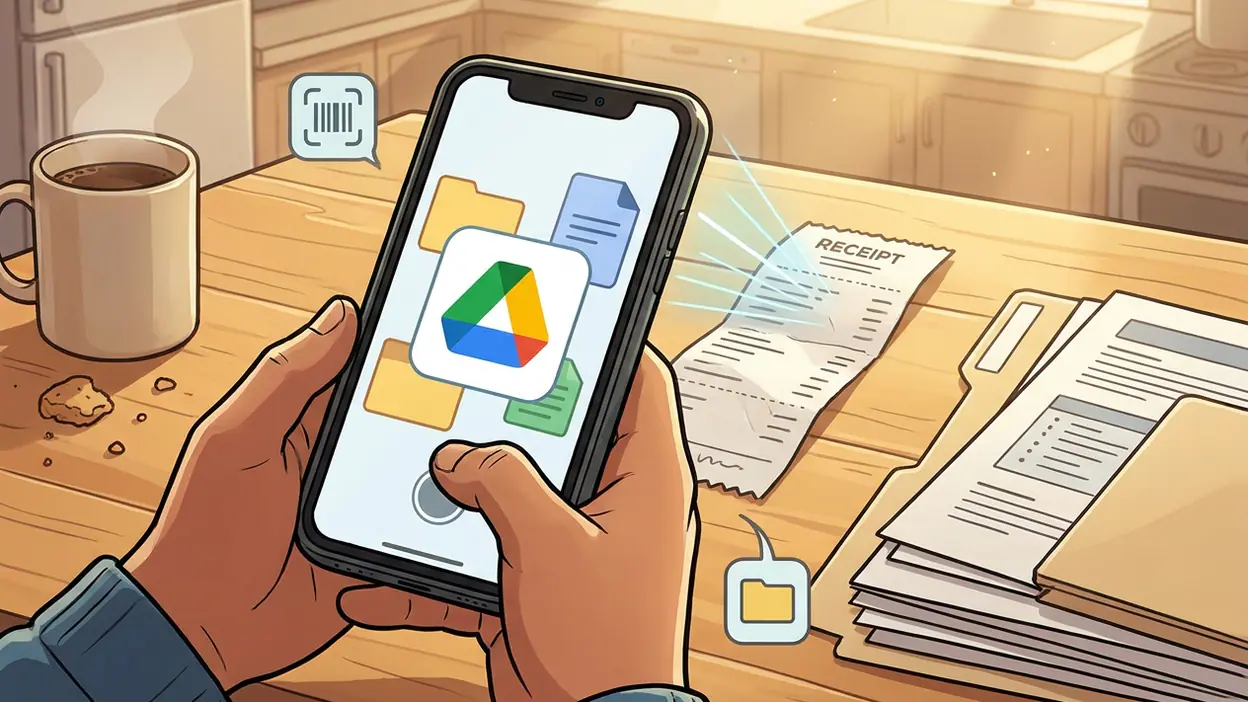
That usefulness is tactile. Tap a plus button, choose an action, and the app offers ways to create, upload, or scan. The scanner is practical for a signed page or a receipt that would otherwise be photographed badly and buried in the camera roll. It is not a replacement for a dedicated scanning setup, but it is exactly the sort of feature that earns its space by removing a tedious detour.
Offline access adds another layer, though it asks for some foresight. Marking a file available offline can save a meeting when reception disappears, but the app cannot anticipate every document a person will suddenly need. Drive is at its best when users prepare just enough: keep key material accessible, let the rest stay in the cloud, and trust search to find the needle later.
Why attention spiked
Drive’s relevance has risen alongside a broader shift: more people now expect a file to follow them from one device and one conversation to another. School assignments, work approvals, travel documents, and household records all become easier to manage when they are not trapped on the device that created them. The phone is no longer just a viewer. It is a scanner, uploader, editor, and sharing control panel.
Google’s connected services help make that expectation feel natural. A file shared from Drive can sit alongside a calendar invitation or a conversation, while Google Docs and Sheets give many stored files a direct path into editing. Google Calendar is useful for knowing when a deadline or meeting is coming; Drive is where the material attached to that moment can be found. The distinction sounds simple, but together they turn a collection of apps into a workable routine.
There is also a quiet social reason people keep returning: collaboration leaves traces. A shared file can be updated by someone else while the original owner is away, and permissions determine who can view or change it. That can spare a dozen attachment versions and the familiar question of which one is final. It can also create a new question: who has access now, and should they?
The most surprising detail
The surprise is how often the winning feature is not a clever cloud trick but the humble scanner. People tend to think of Drive as a place for finished files. In practice, the camera-to-document path is one of its most convincing mobile workflows. A paper receipt, signed form, or notice can be captured and filed before it becomes a loose end. The app meets information at the moment it enters someone’s life, not only after it has been neatly typed.
That shift gives Drive a more grounded role than the word “storage” suggests. It catches the messy beginnings of paperwork. A scan may be crooked, a filename may be rushed, and the folder may be imperfect, but the document has at least crossed the distance from physical page to searchable, shareable record. For many people, that is a more valuable kind of productivity than another dashboard.
The real user tension
Convenience has a bill, and Drive presents it in the form of choices. Shared files can be easy to pass around, but permission settings matter. A link that is too open can expose material; one that is too restricted can leave a teammate staring at an access request. The controls are there, yet the consequences are serious enough that users should slow down before sharing sensitive work.
Organization is another pressure point. Drive does not impose one perfect system, and that freedom is both useful and dangerous. A careful team can build clear shared folders; a hurried one can create duplicates, vague filenames, and a maze of old versions. Search softens the damage, but it cannot make every result trustworthy. The app can retrieve a file quickly without telling you whether it is the right one.
On a small screen, that uncertainty is amplified. Long names, nested folders, and dense lists demand more attention than they would on a desktop. A quick glance can become a sequence of taps, and some tasks still feel more comfortable with a keyboard and a wider view. Drive makes mobile work possible; it does not make every kind of work pleasant on mobile.
Storage limits and account boundaries also shape the experience. People may juggle personal and work accounts, and a file that appears missing may simply belong to another account. That is a human problem expressed through an interface. Drive is dependable once the right account, folder, and permission are in place, but the app cannot erase the confusion created by having several versions of “my files.”
What rivals reveal
Microsoft OneDrive makes a useful contrast because it is closely tied to Microsoft’s workplace tools and file habits. For organizations built around that ecosystem, OneDrive can feel like the natural home for documents. Drive’s advantage is its lightness: sharing and opening common files often feels direct, especially for people already using Google’s document tools. Neither approach eliminates the need for a tidy system; each makes its own ecosystem easier to inhabit.
Google Calendar and Google Assistant also clarify what Drive is not. Calendar organizes time, while Assistant can help answer or act on requests. Drive organizes the material people need to do the work. Google Gemini may add ways to interact with information across Google’s products, but the basic utility of Drive remains more concrete: locate a file, inspect it, share it, or move it into a workflow. The contrast keeps the app’s strength honest. Its magic is mostly operational.
What feels genuinely new
There is no single dramatic reinvention hiding in the current mobile experience. The meaningful change is the steady convergence of tasks that once required separate tools. Scanning, previewing, searching, uploading, and sharing live close together. That makes the app feel less like an online hard drive and more like a small workbench for documents that arrive in different forms.
The result is not frictionless, and it should not be sold as such. A mobile screen still limits careful editing. An unstable connection can interrupt uploads. A cluttered shared folder stays cluttered. But when the job is to capture a document, find an existing file, or pass the right version to another person, the app often removes the extra steps that used to turn a minor task into a later chore.
Why the story matters beyond hype
People rarely praise infrastructure when it behaves. They notice the file that will not open, the link that requests permission, or the document they cannot find five minutes before a meeting. That is why Drive’s importance is easy to underestimate: success looks like nothing happened. The attachment was there, the scan was saved, the colleague had access, and the day carried on.
Yet this quiet reliability has a cost in attention. Every shared folder creates a little governance problem: naming, ownership, access, and retention. Drive can support good habits, but it cannot supply them. Teams still need to decide what belongs where and who should be able to see it. Individuals still need to distinguish important records from the mountain of files that accumulate simply because storage is convenient.
Google Drive earns its place by making those ordinary actions available almost anywhere, not by turning file management into a thrill. I would trust it for the everyday handoffs that keep work moving, especially when scanning and sharing matter more than elaborate editing. I would not mistake easy access for perfect organization, or a successful upload for a thoughtful archive.
The folder has become a workplace, but it is still a folder: powerful when its contents are clear, frustrating when they are not. That is Drive’s quiet takeover and its warning in one. It can make a scattered day feel connected, but the final responsibility for what goes in, who gets it, and whether anyone can find it later still belongs to us.