Toddler Piano and Music Games
- 72.00
- 4.2
- Installs
- 10.00M
- Price
- Free
Screenshots
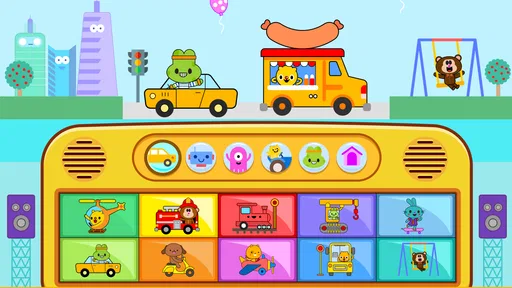
Analysis by Reviewed
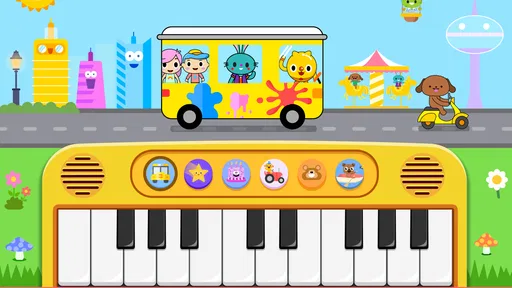
For a first-time user, the best way to approach Toddler Piano and Music Games is as a small, supervised music activity rather than a replacement for lessons or a full instrument. I’d start by sitting with the child, opening the piano screen, and inviting them to tap a few keys. That simple first success—a sound appearing as soon as they touch—makes the app’s purpose clear without needing a long explanation.
What to expect from a toddler music game
This is a free music game from Toy Tap LLC, intended for everyone, with a 4.2 average from around five thousand ratings and over ten million installs. Those figures suggest it has reached many families, but they don’t tell you whether its style will suit your child. I’d judge that by the first few minutes: does the child enjoy trying sounds, and can they stay with the activity without an adult turning it into a lesson?
The appeal is immediate, colorful musical play. The trade-off is that a bright, responsive screen can encourage rapid tapping rather than careful listening. I’d keep the first session short and make one small invitation at a time: “Can you find a sound you like?” or “Shall we play slowly?” That gives the child room to explore while making the moment feel shared instead of like another task.
Make the first session easy
Before handing over the device, I’d open the app myself and look around its starting screen. That little bit of preparation helps avoid a toddler’s familiar pattern of tapping every visible option before you have worked out what each one does. Keep the device within reach, but stay close enough to guide the first choice and notice whether the child is enjoying the sounds or becoming frustrated.
There’s no need to aim for a complete song right away. A useful first goal is simply to tap a key, hear its sound, and try again. If the child wants to explore rather than follow a tune, I’d let that be the activity; the value here is a low-pressure encounter with musical sounds, not a performance. For a calmer try, suggest a pause between taps and listen together to how each sound feels.
Where it fits—and where it doesn’t
I’d reach for this game during a short wait at home or as a shared activity before another part of the day, rather than expecting it to occupy a toddler for a long stretch. For example, while dinner is being prepared, an adult could sit nearby and let the child explore a few notes, then put the device away when attention shifts. That keeps the app useful without turning it into a promise of uninterrupted quiet.
Compared with a physical toy piano, a phone or tablet is easier to bring along, but it doesn’t offer the same tactile feel or experience of making sound in a room. Compared with a music video, interactive tapping gives the child a direct action to try, though it can be less passive and may need more adult involvement. If your goal is to teach instrument technique, read notation, or build a structured practice habit, I’d choose a dedicated learning tool or real instrument instead.
More From Our News Desk

Weather by Xiaomi Review: Clear at a Glance, Less Clear Up Close

X Under Pressure: Can It Recover When Posting Goes Wrong?

Clash of Clans Is Won Between the Battles

Android Auto Makes the Case for Quieter Car Software

MobiOffice: Transforming Mobile Productivity with Seamless Integration

EA SPORTS FC™ Mobile Soccer: Redefining Mobile Sports Gaming
Getting Started with Musical Exploration
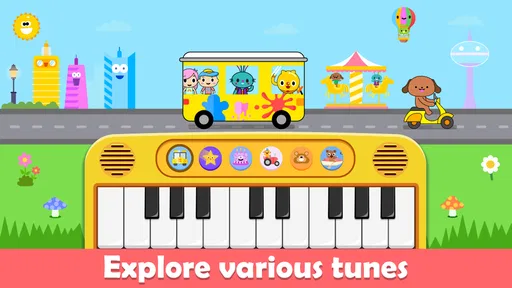
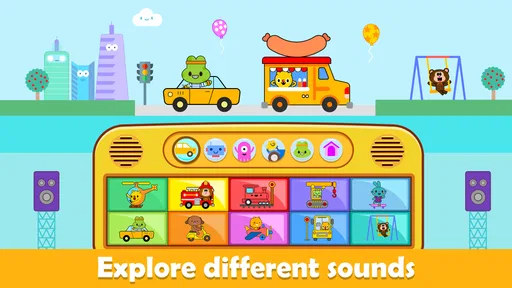
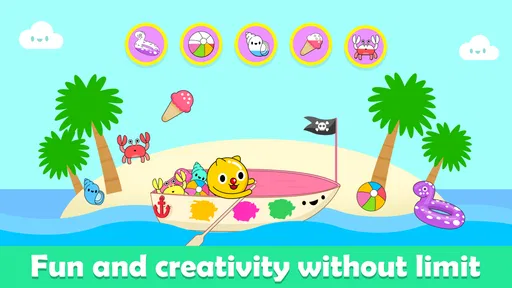
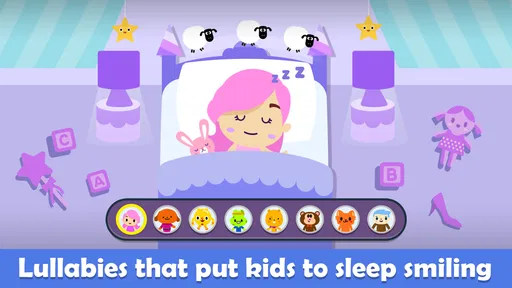
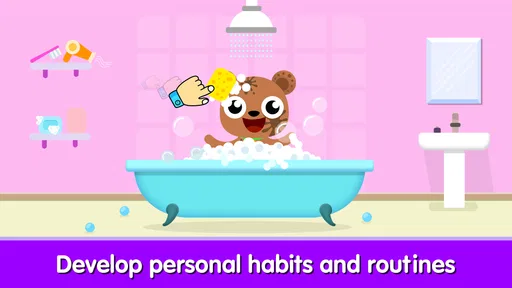
First things first, this app is all about letting your little one explore the joy of music in a super engaging way. From the moment you open the app, you're greeted with bright, colorful graphics that instantly capture a child's attention. It's like stepping into a candy store for music lovers! The interface is intuitive enough for even the youngest users, ensuring they can navigate through the different options without needing constant guidance.
Interactive Features That Spark Creativity
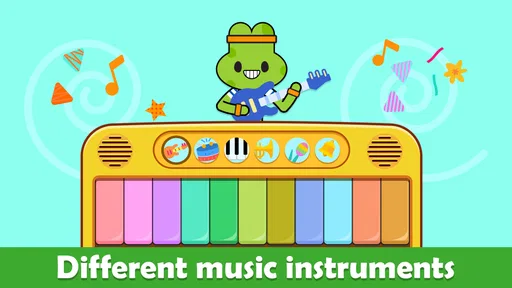
One of the standout features of Toddler Piano and Music Games is its wide array of musical instruments. We're talking everything from pianos and drums to more exotic options like the xylophone. Each instrument comes with its unique sound, encouraging kids to experiment and find what they enjoy most. It's not just about making noise; it's about creating music and understanding the different elements that come together to form a song.
Another cool feature is the app's built-in songs and tutorials. Kids can follow along with simple tunes, learning how to play them step by step. It's like having a mini music teacher right in your pocket! And trust me, the satisfaction on their faces when they finally master "Twinkle, Twinkle, Little Star" is priceless.
A Safe and Fun Learning Environment
As a parent, one of my primary concerns with any app is safety, and I'm happy to report that Toddler Piano and Music Games ticks all the right boxes. There are no in-app purchases or ads to worry about, so your child can play uninterrupted. Plus, the app is designed to be educational, subtly introducing concepts like rhythm and melody through play. It's like sneaking veggies into a kid's favorite dish—they're having so much fun, they don't even realize they're learning!
Oh, and did I mention the app's adorable animal characters? They provide helpful tips and encouragement along the way, making the learning process even more enjoyable. It's like having a cheer squad rooting for your child's musical journey.
Taking the next step
If the first visit goes well, I’d build on it with one small routine: let the child choose a sound, imitate it together, then try a simple tune if they’re still interested. A useful tip is to take turns—one person taps, the other listens and copies. This turns quick button pressing into a listening game and gives an adult a natural way to keep the session moving without taking over.
For a child who enjoys following tunes, the built-in songs and tutorials can offer a next step beyond free exploration. I’d treat them as an invitation, not a test: pause if the child loses interest, and return to open-ended tapping if that is what they prefer. Young children vary in attention and coordination, so a missed note or an unfinished song is not a sign that the app has failed.
The game is free to download, with optional in-app purchases priced from $1.99 to $4.99 per item. I’d check the purchase settings on the device before giving it to a child, and avoid assuming that every part of the experience is included at no cost. The current version is 6.8 and requires Android 6.0 or later, so it is worth checking device compatibility before planning to use it on an older phone or tablet.
One practical limitation is that a screen can make music feel like a sequence of taps rather than a sound made with the whole body. If the child starts tapping rapidly without listening, I’d switch to a call-and-response turn or simply take a break. That small change can restore the social part of play; if it doesn’t, a physical instrument, singing together, or a quieter activity may be a better fit that day.
Final Thoughts: A Must-Have for Young Music Lovers
In the end, Toddler Piano and Music Games is more than just an app; it's a gateway to a lifelong appreciation of music. Whether your child becomes the next Mozart or simply enjoys banging out a few notes, this app sets the stage for a positive and inspiring introduction to music. It's user-friendly, safe, and most importantly, fun. So, if you're on the lookout for an app that combines learning with play, this one definitely hits all the right notes!
My recommendation is for families looking for an easy, playful first contact with musical sounds, especially when an adult can join in and help shape a short session. I’d skip it as the main choice for formal music teaching, long stretches of independent entertainment, or a child who is more engaged by physical instruments. Used in small doses and with realistic expectations, it can make an ordinary wait or quiet moment feel like an inviting chance to listen, imitate, and play.
Toddler Piano and Music Games Frequently Asked Questions
Is Toddler Piano and Music Games free to download?
Yes. Toddler Piano and Music Games is free to download, so families can try its music-focused play without an upfront purchase. Optional in-app purchases are available, but they are not necessary to enjoy the core aspects of the app. If a child will be using the device, it is sensible to review purchase settings together and use any available device-level parental protections.
What devices and operating systems can run Toddler Piano and Music Games?
Toddler Piano and Music Games is an Android game that requires Android 6.0 or later. Before downloading, check the operating system on the device your child will use, as an older version may not meet that requirement. The game is listed in the Music category and is developed by Toy Tap LLC, making it easy to identify the right app when browsing.
What age group is Toddler Piano and Music Games suitable for?
Toddler Piano and Music Games is designed for young children, particularly those in the toddler age range of 1 to 5 years old. The app offers an engaging and educational experience, helping little ones develop musical skills, rhythm, and coordination in a fun, interactive environment. Its Everyone content rating also makes it suitable for a broad audience, though parents can decide whether its activities fit their child’s interests and stage of development.
What features are included in Toddler Piano and Music Games?
This app features a variety of mini-games and activities focused on music and rhythm. Children can play virtual instruments like the piano, xylophone, and drums. The app also includes sing-along songs and music puzzles, all designed to enhance your child's musical and cognitive skills through playful learning. Its central idea is simple: let children explore sounds and songs through hands-on play rather than making the experience feel like a formal lesson.
Is Toddler Piano and Music Games safe for children to use?
Yes, Toddler Piano and Music Games is designed with child safety in mind. The app does not contain any inappropriate content, and it is free from ads that could lead children to external websites. Parental controls are also available to ensure a safe and enjoyable experience for your child. As with any app used by a young child, an adult can stay nearby and check the device’s settings, especially around purchases.
Pros
- Engaging interface for toddlers
- Wide range of musical instruments
- Enhances motor skills
- Promotes creativity
- Easy to navigate
Cons
- Limited free content
- Requires internet for some features
- Ads can be intrusive
- In-app purchases can be costly
- Audio quality could be improved













