Stickman: draw animation maker
- 7.49K
- 4.3
- Installs
- 10.00M
- Price
- Free

Screenshots
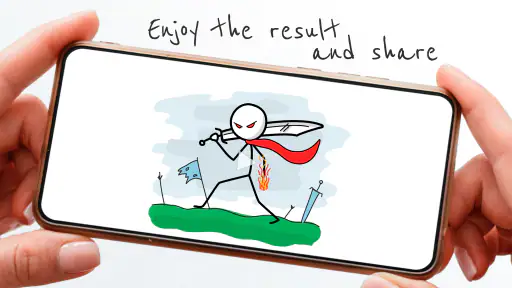
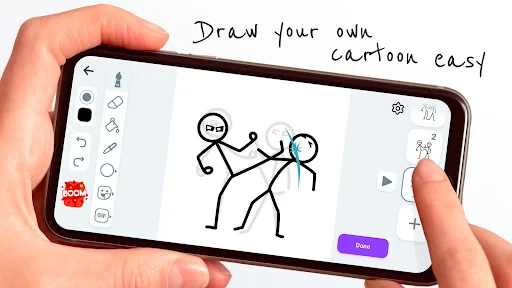
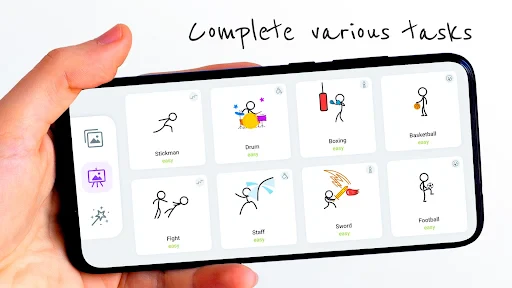
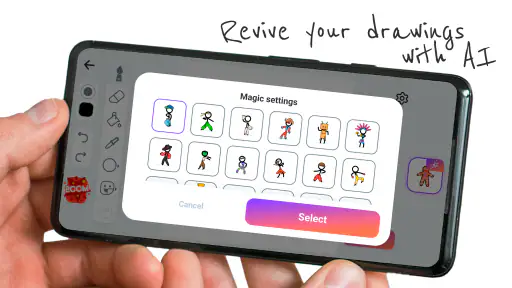
Analysis by Reviewed
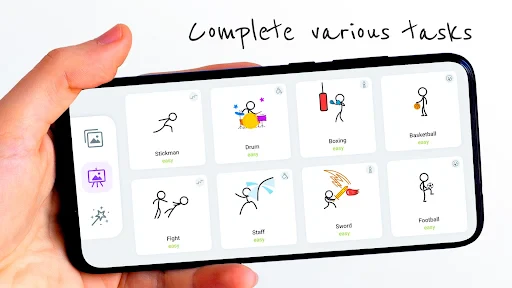
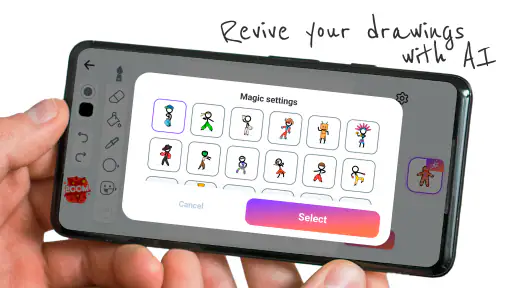
Have you ever wanted to create your own animations but felt overwhelmed by the complexity of animation software? Well, let me introduce you to Stickman: draw animation maker. This app is a delightful surprise for anyone who has ever doodled stick figures and dreamed of bringing them to life. Let's dive into what makes this app a must-have for aspiring animators.
Getting Started with Stickman
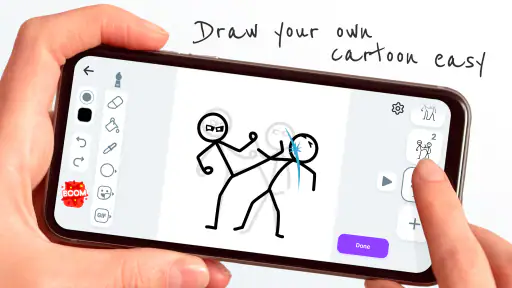
When I first opened Stickman: draw animation maker, I was greeted by a user-friendly interface that didn’t require a manual to navigate. The app is designed with simplicity in mind, making it accessible for users of all ages. Whether you’re a kid or just a kid at heart, you’ll find the tools easy to understand and use.
Features That Stand Out
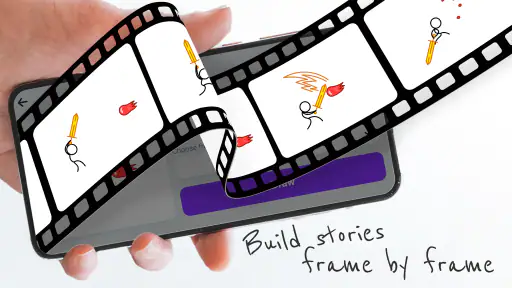
The app offers a variety of features that allow you to express your creativity fully. One of the standout tools is the frame-by-frame animation feature. It allows you to draw each frame individually, giving you complete control over the movement and flow of your animation. The onion skinning feature is another gem, letting you see the previous frame as you work on the next one, which is super helpful for maintaining consistency in your animations.
Another feature I absolutely loved is the audio integration. You can add sounds to your animations, making them more engaging and dynamic. This feature turns your simple stick figure animations into mini-movies with soundtracks!
Why It's Fun and Engaging
Creating animations with Stickman is not just about the end product; it's about the joy of the creative process. The app encourages experimentation. You can play around with different styles and techniques without the fear of making mistakes. The undo button is always there, just in case. Plus, the satisfaction of watching your stick figures come to life is truly rewarding.
The community aspect of the app is also worth mentioning. You can share your creations with other users and get inspired by their work. It’s a fantastic way to learn and improve your animation skills.
Room for Improvement
While Stickman is a fantastic tool for beginners, there are a few areas where it could improve. For instance, more advanced users might find the features a bit limited compared to professional animation software. However, for those just starting out, it strikes a nice balance between functionality and simplicity.
Additionally, the app could benefit from a few more tutorials or guides to help new users maximize their creative potential. A bit of guidance can go a long way in helping users create more polished animations.
In conclusion, Stickman: draw animation maker is an excellent app for anyone looking to dip their toes into the world of animation. It’s fun, easy to use, and above all, it sparks creativity. Whether you’re creating simple stick figure dances or elaborate animated scenes, this app provides a platform for your imagination to run wild. So why not give it a try and start animating your own stories today?
Pros
- Intuitive interface for beginners
- Wide range of drawing tools
- Supports frame-by-frame animation
- Export options are versatile
- Good community support
Cons
- Limited advanced features
- Occasional app crashes
- Ads can be intrusive
- Some tools are hard to find
- No online collaboration feature

- Category
- Art & Design
- Version
- 6.1.0s











