iDraw
- 52.00
- 3.8
- Installs
- 5.00M
- Price
- Free
Screenshots
Analysis by Reviewed
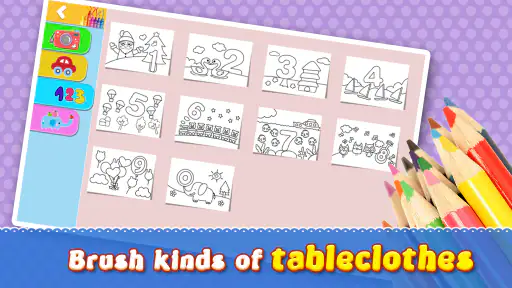
Ever find yourself scribbling on a piece of paper while on a call or during a meeting, only to realize your masterpiece belongs in a gallery? Well, let me introduce you to iDraw, the app that's changing the game for artists and doodlers alike. Whether you're a seasoned pro or just someone who likes to dabble in digital drawing, this app has got something for you.
A Canvas in Your Pocket
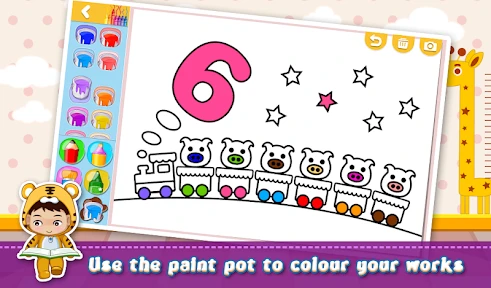
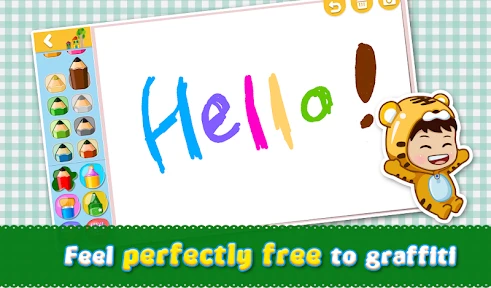
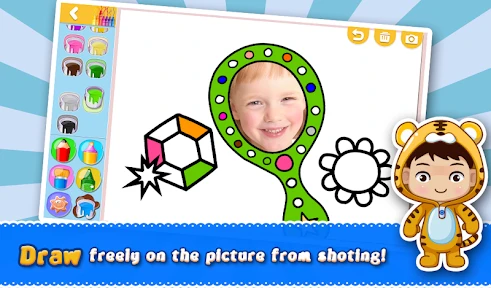
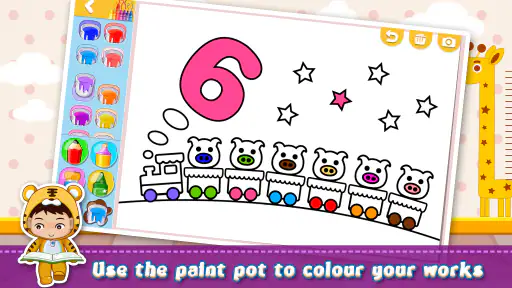
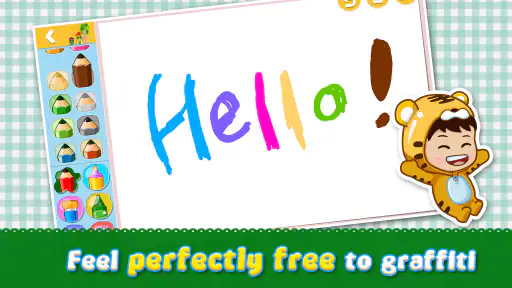
The first thing that struck me about iDraw is how it transforms your mobile device into a powerful digital canvas. No more lugging around sketchpads or worrying about running out of paper. With a plethora of brushes, pencils, and color options, you can create anything from intricate designs to simple doodles. It's like having a full art studio in your pocket!
User-Friendly Interface
Now, let’s talk about the interface. If you’re anything like me, you want an app that’s easy to navigate. iDraw nails it with a straightforward and intuitive layout. Everything you need is accessible with just a few taps. Whether you're adjusting the opacity of your brush or selecting from a variety of textures, it's all there and super easy to use. Trust me, even if you’re not the most tech-savvy person, you’ll find your way around this app in no time.
Advanced Features for the Pros
For those who take their art seriously, iDraw offers advanced features like layers, blending modes, and vector drawing. These tools give you the precision and flexibility you need to create complex pieces. I found the layering feature particularly useful for separating different elements of my artwork, allowing for more detailed and organized designs. Plus, with the ability to export your work in various formats, sharing your creations with the world is a breeze.
But wait, there's more! iDraw also supports stylus input, which is perfect for those who prefer a more traditional drawing experience. The responsiveness is spot on, making it feel just like you're drawing on paper.
Community and Sharing
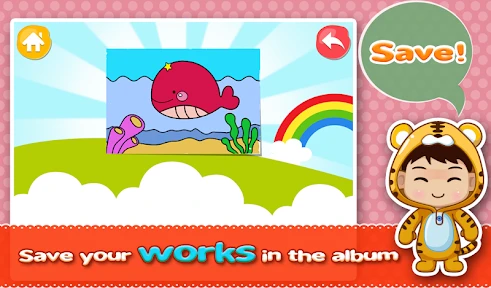
What’s a great piece of art if you can’t share it, right? iDraw integrates seamlessly with social media platforms, allowing you to showcase your work with friends, family, and the broader art community. The app also features a community gallery where you can get inspired by other artists and maybe even pick up a few tips and tricks along the way.
So, is iDraw worth the download? Absolutely! Whether you’re looking to pass the time with some casual doodling or create your next big masterpiece, this app has got you covered. It’s user-friendly for beginners yet packed with enough advanced features to keep professionals engaged. So grab your phone or tablet, download iDraw, and let your creativity run wild!
Pros
- Intuitive user interface for easy navigation.
- Wide range of drawing tools available.
- Supports multiple file formats for export.
- Regular updates with new features.
- Compatible with both Android and iOS.
Cons
- Limited free version features.
- In-app purchases can be expensive.
- Occasional lag on older devices.
- Requires internet for cloud features.
- Steep learning curve for beginners.
- Category
- Art & Design
- Version
- 1.16.11











