U.S. Bank Mobile Banking
- 207.11K
- 4.7
- Installs
- 10.00M
- Price
- Free

Screenshots

Analysis by Reviewed
Alright, folks! Let's dive into the world of mobile banking with the U.S. Bank Mobile Banking app, where managing your finances is just a tap away. If you’re anything like me, you want your banking experience to be as seamless as possible, and this app promises to deliver just that. So, grab your smartphone, and let's explore what this app has to offer.
Your Banking, Reimagined
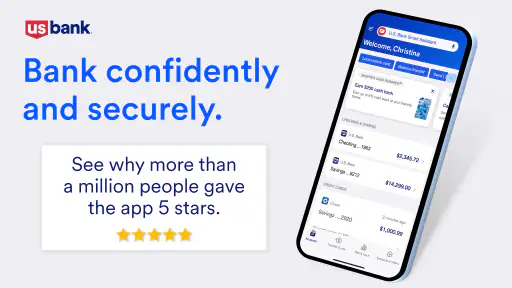
First things first, the U.S. Bank Mobile Banking app is all about convenience. Imagine being able to handle most of your banking needs without stepping foot in a bank. That's what this app is aiming for. Whether you need to check your balance while standing in line for coffee or transfer money while lounging on the couch, this app has got you covered. It’s like carrying a mini bank in your pocket. Pretty neat, right?
Features That Make Life Easier
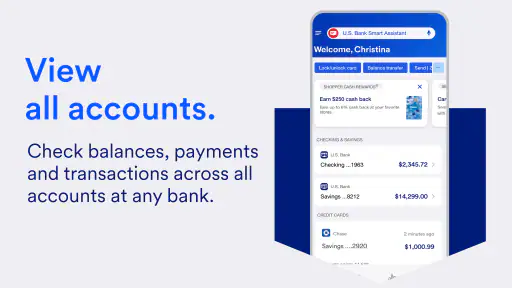
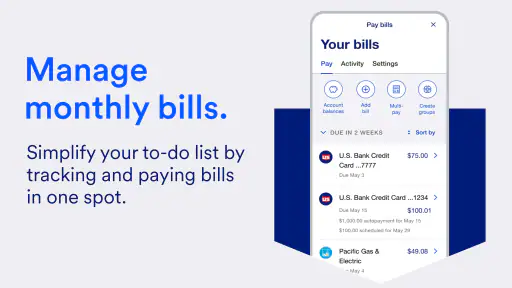
Let’s talk features. The app allows you to view your account balances and transaction history, which is super handy for keeping track of your finances. Need to pay a bill? You can do that directly from the app. And if you’re anything like me and sometimes forget to pay bills on time, the app’s bill pay feature is a lifesaver. You can even deposit checks just by snapping a picture. Seriously, how cool is that?
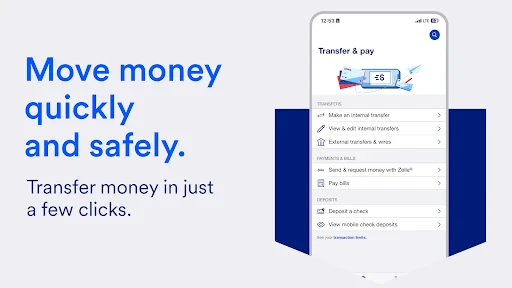
Another highlight is the app's ability to send money to friends and family using Zelle®. Gone are the days of awkward 'I owe you' notes; now you can settle up instantly. Plus, with the app’s enhanced security features, like fingerprint login and facial recognition, you can rest easy knowing your financial information is safe and sound.
User Experience and Design
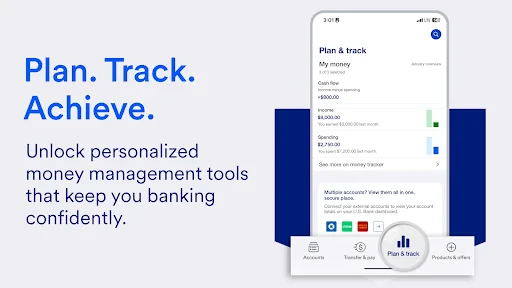
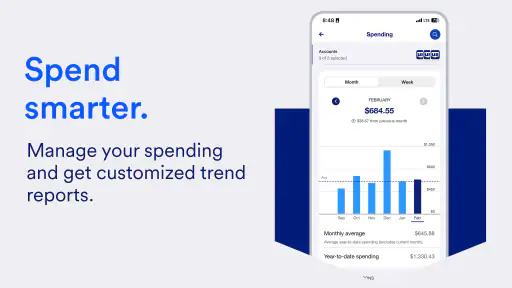
Now, let’s chat about the user experience. The design is sleek and user-friendly, making it easy for anyone to navigate, even if you’re not super tech-savvy. The layout is intuitive, with everything you need right at your fingertips. I found the app to be responsive and quick, which is a must when you're on the go.
One thing I really appreciate is the detailed help section. If you ever get stuck or have questions about a feature, the app provides clear guidance. It's like having a personal banker ready to help you out 24/7.
Final Thoughts
In conclusion, the U.S. Bank Mobile Banking app is a solid choice for anyone looking to simplify their banking experience. With its array of features designed for convenience and security, it truly stands out in the world of mobile banking. Whether you’re a tech enthusiast or just someone who wants to keep their financial life organized, this app has something for you.
So, why not give it a try? After all, managing your money should be as easy as ordering your favorite pizza. And with this app, it just might be.
Pros
- User-friendly interface
- Secure login options
- Real-time transaction alerts
- Bill pay feature
- Mobile check deposit
Cons
- Frequent app crashes
- Slow customer support
- Limited international features
- Complex navigation for new users
- Occasional login issues

- Category
- Finance
- Version
- 3.73.120











