 About Android Auto
Android Auto’s Community Takes Shape in the Passenger Seat
The most revealing thing about Android Auto is how little of its community you see while using it. There is no public timeline, creator page, or in-car chat room. Instead, its ecosystem lives in quieter places: passengers choosing a playlist, drivers trading setup advice before a road trip, developers adapting audio apps, and people learning which voice commands work when their hands are busy. That makes this less a social platform than a shared driving convention, and its value depends on how reliably those separate contributions meet in the car.
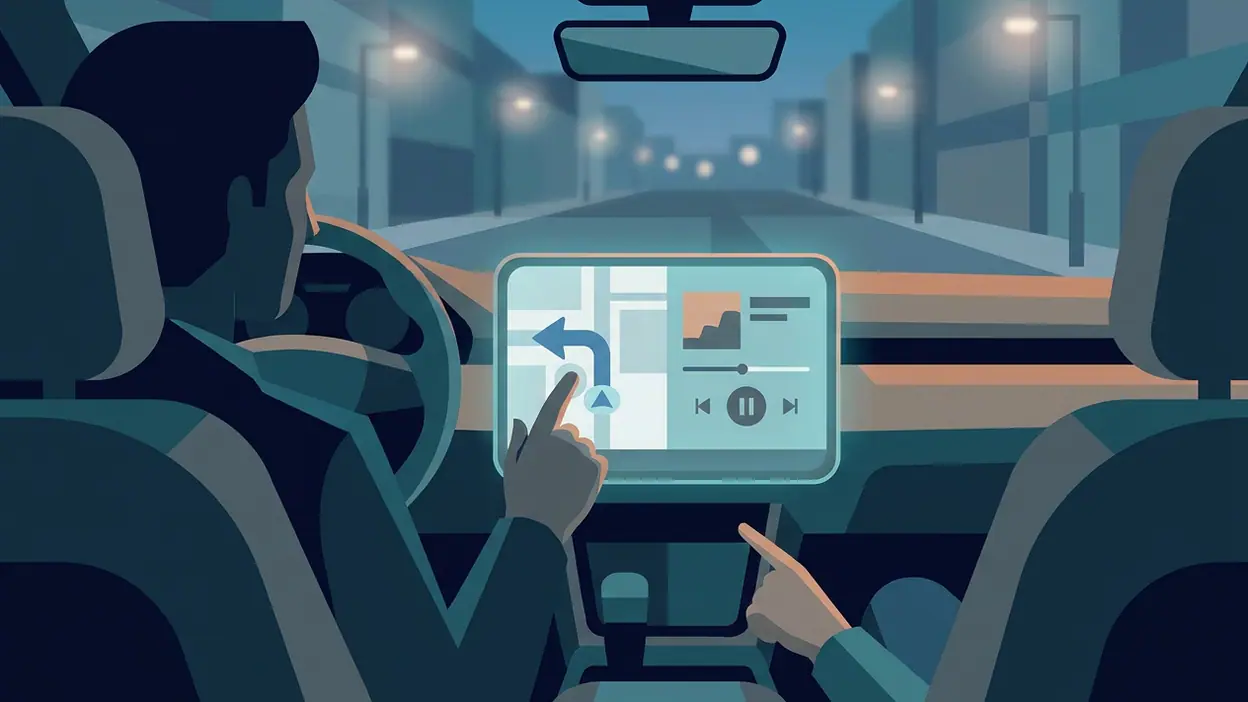
I tested the experience as a driver-facing layer rather than as a conventional app. The interface brings compatible navigation, calls, messages, and audio into a car display, with voice interaction doing much of the work. Its strongest community feature is therefore also its central constraint: people can contribute to the experience, but the driver should not be expected to browse, post, or manage a social feed on the move. The network works best when it reduces attention demands, not when it asks for more.
A community with the road as its boundary
Android Auto connects people through routines rather than direct interaction. A driver may rely on Google Maps or another compatible navigation app, ask the assistant to play a podcast, and hear a message read aloud. A passenger may supply a destination or queue up a shared playlist. The group is cooperating, but the interface rarely makes that cooperation look like a community feature. It is practical, fleeting, and usually tied to one trip.
That boundary matters. Apps such as Google News - Daily Headlines make discovery and sharing visible in a feed; Android Auto is designed to keep the driver’s attention on the road. Its ecosystem is consequently less about discussion and more about compatible services, familiar habits, and the people who help one another get those services working. The car is the meeting place, but often only for the length of a journey.


Participation means choosing and configuring
Most users participate by selecting which compatible apps appear, arranging their phone and car settings, and deciding how much of the experience to hand over to voice controls. Developers contribute by making audio, messaging, or navigation functions work within the platform’s driving-oriented limits. Passengers contribute in a more immediate way: they can search for a place, manage music, or help interpret a route while the driver remains focused.
This is not an open-ended publishing model. A driver cannot treat the car screen as a desktop, and an app cannot simply expose every mobile feature there. That restriction can feel frustrating when a familiar function is missing, but it also gives the ecosystem a useful shape. The best participation is brief, legible, and easy to complete without turning a trip into a browsing session.
There is a trade-off in that design. A small set of clear actions is easier to use than a sprawling interface, yet drivers still depend on the apps, phone, vehicle, and connection behaving together. When one link fails, the community’s shared habits do not fix the underlying problem. They only help users recognize it and try the next workaround.
Latest News



How newcomers find their way in
Newcomers usually enter through a practical prompt: connect a compatible Android phone, check that the car supports Android Auto, and follow the setup instructions on the vehicle display. The exact experience varies with phone, car, cable or wireless connection, and software version. That variability is the first lesson many users learn—not every setup guide applies to every dashboard.
After connection, the learning curve is mostly about restraint and repetition. A newcomer discovers which apps appear, how to start navigation, how to place a call, and how to ask for audio. A passenger can make the first few trips less awkward by helping with settings before the car moves. Online help communities and discussion boards can fill in gaps, but advice should be checked against the specific car and phone rather than treated as universal.
There is no single official gathering point that turns every Android Auto owner into a participant. That keeps entry low-pressure, but it also makes good guidance unevenly distributed. A clear setup video or a thoughtful forum answer may be more useful than a broad review, while an outdated tip can send a newcomer chasing a setting that has moved or changed.
Rituals that repeat without becoming content
Android Auto’s recurring rituals are ordinary enough to disappear into the trip. Drivers connect before leaving, check the route, ask for a familiar playlist or podcast, and use voice controls for calls or messages. On a commute, the sequence may become nearly automatic. On a longer drive, passengers may take turns choosing audio or searching for a stop. These small repetitions are the product’s most convincing form of stickiness.
That routine is less glamorous than a creator community, but it has real network value. When people know how the interface behaves, they can share a short command, a reliable setup, or a preferred compatible app with someone else. The knowledge travels outside the screen and returns as a smoother departure. It is cooperation measured in fewer pauses and less fiddling, not likes or follower counts.
Creators, app makers, and the limits of contribution
Android Auto’s most consequential creators are often developers rather than social personalities. Audio and navigation services that adapt their functions for the car can make the platform more useful, while updates to those apps can change what drivers have available. The contribution is tangible, but it is bounded by compatibility and safety requirements. A service may be popular on a phone and still provide a reduced experience in the car.
There is also a broader layer of user-created help: setup walkthroughs, troubleshooting posts, and comparisons of how different vehicles handle the connection. These contributions can be valuable precisely because the experience varies across hardware. Still, they are informal guidance, not guarantees. Without checking a claim on the relevant phone and vehicle, I would not assume that a community workaround is safe, current, or supported.
By contrast, PayPal - Pay, Send, Save and Word Search Quest - Puzzles invite activities that naturally happen on a personal screen. Android Auto is at its best when it does not compete for the driver’s attention in that way. Its creators have to contribute within a narrower lane, and that makes their work less visible but potentially more consequential to the quality of a trip.
Social friction and safety unknowns
The most common social friction is not an argument inside the app. It is disagreement over control: who chooses the route, who gets to change the music, whether a passenger should operate the screen, and how much trust to place in voice recognition. Even a small delay can irritate a driver who is trying to merge or follow an unfamiliar turn. The interface can lower the stakes, but it cannot settle the group dynamics of a car.
Connection and compatibility problems add another kind of friction. A cable that works one day may not be the only possible cause of a failure; phone settings, vehicle software, permissions, or app updates can also matter. That uncertainty pushes users toward advice from forums and social posts, where confident answers may outpace evidence. I would treat reports of fixes as leads to test while parked, not instructions to troubleshoot at speed.
Moderation and safety are hard to judge from the in-car experience itself. Android Auto is not a public discussion space, so the usual questions about feed moderation, creator harassment, and comment enforcement do not apply in the same way. Communities elsewhere may have their own rules, and those rules vary by forum or platform. What is clear is the design priority: interaction should be limited enough to avoid inviting the driver into extended reading or typing. That is not a substitute for judging every third-party app or user tip individually.
Where the network earns its keep
The network effect appears when each layer makes the others more dependable. More compatible services give drivers more choice; more drivers give developers a reason to support the car interface; and more experienced users create a larger pool of practical advice. None of that guarantees a better trip, but it explains why the ecosystem extends beyond the app’s visible controls.
Cooperation is especially visible in shared journeys. One person drives, another handles a destination or audio choice, and both benefit from a common interface. Even solo drivers rely on other people’s work: app makers maintain integrations, map services update information, and fellow users explain quirks in a particular vehicle. The value is distributed across contributors who may never meet.
Competition is real, too. Vehicle makers build their own infotainment systems, and other phone-based platforms compete for access to the dashboard. That pressure can encourage better integrations, but it can also fragment expectations. A driver switching cars may find different controls or compatibility, while an app that works well in one environment may be less useful in another. The ecosystem is strongest when it remains predictable across those changes.
Can this ecosystem last?
Its durability depends less on social momentum than on maintenance. Phones, cars, operating systems, and third-party apps all evolve on different schedules. A platform that feels essential on one commute can become unreliable after an update or a vehicle change. Users can share workarounds, but lasting trust requires the underlying integrations to keep pace and the driving interface to remain understandable.
The model has an advantage: it does not ask people to post constantly to sustain it. Drivers need navigation, calls, and audio whether or not they consider themselves part of a community. Developers can justify support if enough drivers use the platform, and users can benefit from that work without joining a forum. Its weakness is that people may only notice the ecosystem when something breaks, which makes its contributions easy to take for granted.
There is no strong reason to expect every compatible app to offer the same depth, or every car to deliver the same experience. That unevenness keeps the ecosystem from feeling seamless. But the basic bargain remains sensible: a focused set of driving tasks, backed by a wider network of services and informal knowledge, can be more useful than an ambitious in-car social layer.
The community verdict
Android Auto’s community is real, but it is mostly backstage. It consists of developers who adapt apps, passengers who share the workload, and users who pass along practical knowledge about setup and troubleshooting. The product does not turn those people into a visible social network, and that is probably the right call for a tool meant to be used in a moving car.
Its strongest community feature is shared competence, not social connection. The experience works best when familiar routines and compatible services make a trip calmer without asking the driver to become a moderator, creator, or forum regular. Its limitations are equally clear: support can be fragmented, hardware differences complicate advice, and the ecosystem offers little help when an integration itself fails. I would call it a durable cooperative layer around driving, not a community destination—and for Android Auto, that modest role is a strength.