Wear OS by Google Smartwatch
- 15.46K
- 3.7
- Installs
- 100.00M
- Price
- Free
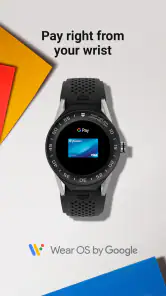
Screenshots
Analysis by Reviewed
Have you ever found yourself fumbling for your phone to check notifications or track your steps while on the go? Well, let me introduce you to Wear OS by Google Smartwatch, the app that’s got your wrist covered and your phone less hassled. If you’re new to the world of smartwatches, here's the lowdown on why this app might just become your new best friend.
The Seamless Integration
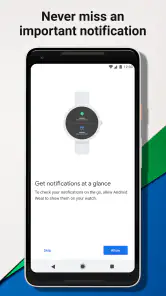
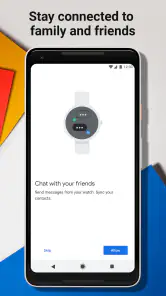
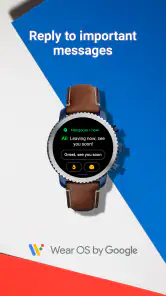
One of the standout features of Wear OS by Google Smartwatch is how seamlessly it integrates with both Android and iOS devices. I was pleasantly surprised at how easily it synced with my phone, allowing me to receive notifications, control music, and even reply to messages, all from my wrist. It’s like having a mini smartphone strapped to your arm. No more awkwardly trying to pull out my phone in crowded places or during meetings.
Customization Galore
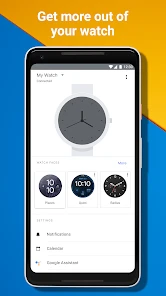
What I really love about this app is the level of customization it offers. You can choose from a variety of watch faces to match your mood or style. Want something sleek and minimal? You got it. Prefer a watch face with all the bells and whistles, like weather updates and your step count? Done and done. The app gives you the freedom to tweak your smartwatch just the way you like it.
Fitness Tracking and More
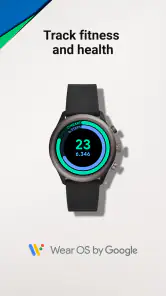
For all the fitness enthusiasts out there, this app is a game-changer. It keeps track of your workouts, heart rate, and even your sleep patterns. The built-in Google Fit integration means you can set goals and track your progress over time. It’s like having a personal trainer on your wrist. Plus, with the motivating reminders to get up and move, it’s a nudge to stay active throughout the day.
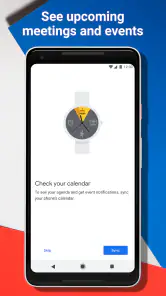
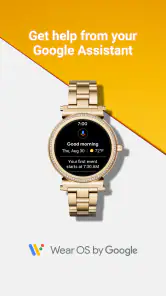
But wait, there’s more! The app also supports a range of third-party apps, meaning you can add functionalities like weather updates, calendar notifications, and even Google Assistant. It’s like having a Swiss Army knife of apps at your fingertips, or rather, at your wrist.
Battery Life Concerns?
Now, I know what you’re thinking – what about the battery life? Well, I’ve been using it, and while it does consume more power when you’re actively using apps, it’s manageable with some smart tweaks. Turning off always-on display and minimizing background apps can stretch the battery life significantly. It’s all about balance, folks.
In conclusion, Wear OS by Google Smartwatch is a fantastic app for anyone looking to enhance their smartwatch experience. It’s intuitive, packed with features, and offers great customization options. Whether you’re a tech enthusiast or someone just looking to simplify their life, this app is worth checking out. So, why not give it a whirl and see how it can transform your day-to-day interactions?
Pros
- Seamless integration with Android devices
- Extensive range of apps available
- Customizable watch faces
- Supports Google Assistant
- Fitness tracking capabilities
Cons
- Limited battery life
- Requires frequent software updates
- Some features need phone connection
- Expensive for premium models
- App selection can be overwhelming
- Category
- Communication
- Version
- Varies with device











