TV Remote Control for Roku TV
- 8.00K
- 4.7
- Installs
- 1.00M
- Price
- Free
Screenshots
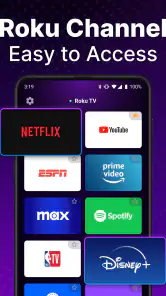
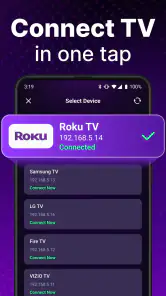
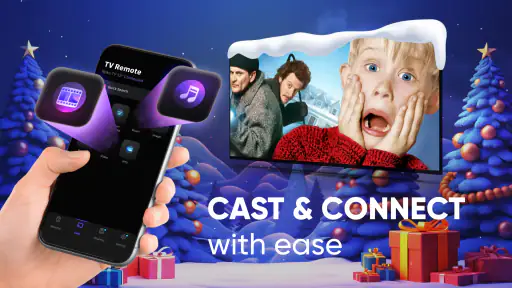
Analysis by Reviewed
Let me tell you about this nifty little app called TV Remote Control for Roku TV. If you've ever found yourself frantically searching for your remote control, only to find it wedged between the couch cushions or somehow tucked away in the fridge (true story), then this app is about to become your new best friend.
Getting Started with Ease
First things first, setting up the TV Remote Control for Roku TV app is a breeze. You just download it from the App Store or Google Play, and it practically sets itself up. The app connects to your TV over Wi-Fi, so make sure your phone and your Roku TV are on the same network. Once connected, you’ll find the interface refreshingly simple.
Features That Make Life Easier
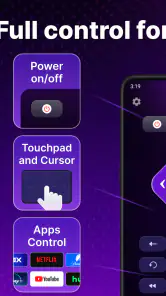
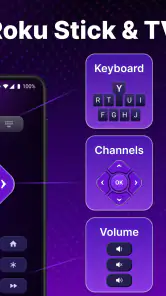
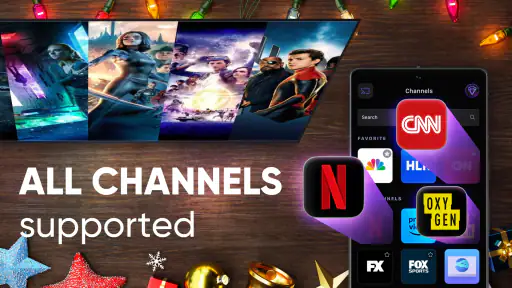
One of the features I absolutely love is the voice command function. You can just speak into your phone like you’re chatting with a friend, and the app does the rest. It’s perfect for those lazy days when lifting a finger feels like a chore. Whether you want to switch channels, adjust the volume, or search for your favorite show, it’s all just a vocal command away.
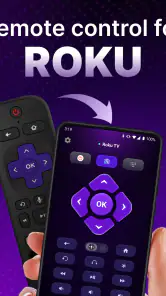
Another gem is the customizable remote layout. If you're anything like me, and you prefer a streamlined button setup, you’ll appreciate being able to tailor the remote to your liking. Plus, the app supports multiple Roku devices, so you can switch between TVs without a hitch. Talk about convenience!
Seamless User Experience
Navigating through the app is a walk in the park. The user interface is intuitive, and the buttons are responsive. It’s like having your usual remote, but smarter and always within arm’s reach. You can even use the app to cast photos and videos from your phone straight to the TV. You know, for those moments when you want to show off your vacation pics in all their glory.
And for the tech-savvy folks, there’s a widget feature too. It lets you access remote functions directly from your home screen. So, if you’re in a hurry or just love gadgets, this feature is bound to tickle your fancy.
Wrapping It Up
Overall, the TV Remote Control for Roku TV is a game-changer. It’s user-friendly, packed with features, and honestly, it makes the whole TV watching experience so much more enjoyable. No more scouring the living room for a misplaced remote or dealing with dead batteries. Just whip out your phone and get comfy on the couch. Trust me, once you try it, you’ll wonder how you ever lived without it.
If you're ready to upgrade your remote control game, go ahead and give this app a whirl. It's definitely worth it!
Pros
- User-friendly interface for easy navigation
- Compatible with most Roku TV models
- Fast and responsive control commands
- Supports voice commands for hands-free use
- Customizable remote layout
Cons
- Requires stable Wi-Fi connection
- May drain phone battery quickly
- Ads can be intrusive at times
- Limited features in free version
- Occasional lag in response time
- Category
- Tools
- Version
- 3.8.13











