djay - DJ App & Mixer
- 5.34K
- 4.0
- Installs
- 10.00M
- Price
- Free

Screenshots
Analysis by Reviewed
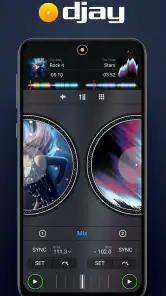
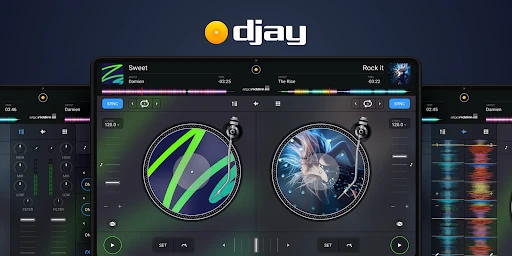
Ever wanted to feel like a DJ superstar without leaving your living room? Well, that's where djay - DJ App & Mixer steps in! It's like having a full-fledged DJ setup right in your pocket. With its sleek interface and powerful features, this app turns your device into a complete DJ system. Let's dive into the beats and explore what makes this app a must-have for music enthusiasts.
Getting Into the Groove
First off, the interface of djay is super intuitive. Even if you're a newbie, you'll find it easy to navigate through the options. The app seamlessly integrates with your existing music library, including Spotify, so you can start mixing right away. It feels like the developers really thought about user experience when designing this app.
Features That Rock
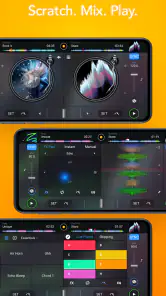
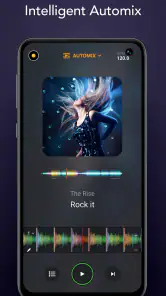
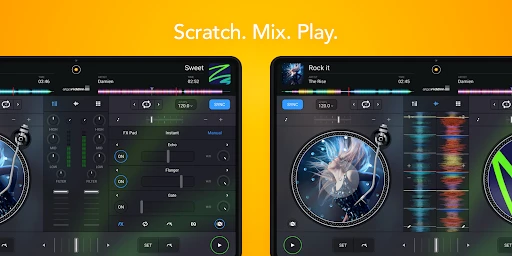
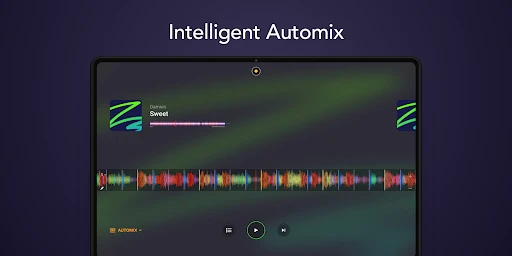
What really sets djay apart are its comprehensive features. From basic mixing to advanced audio tools, it offers everything a DJ could dream of. You can scratch, loop, and cue tracks with precision. The app supports multi-channel audio, external hardware support, and even allows you to record your mixes. Plus, the Automix AI feature is a lifesaver for those times when you want to enjoy the party without being glued to your screen. It intelligently mixes tracks for you, keeping the vibe alive without any awkward pauses.
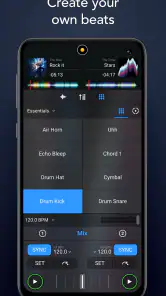
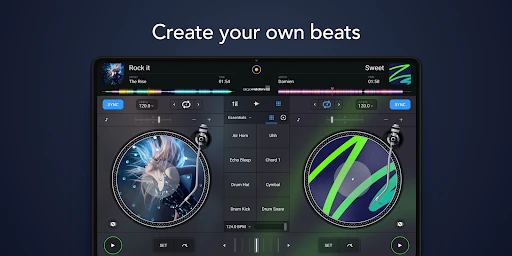
The app also comes with a sampler and a set of high-quality effects that can be applied in real-time. This means you can add a personal touch to every track you play, making each set uniquely yours.
Performance and Versatility
Performance-wise, djay is top-notch. It runs smoothly even on older devices, which is a huge plus. The app is also versatile, catering to both amateurs and professional DJs. Whether you're just starting out or you're a seasoned pro, you'll find tools in this app that suit your needs.
Another thing worth mentioning is the app's compatibility with a wide range of DJ controllers. This flexibility means you can take your setup to the next level if you decide to expand your gear.
Final Thoughts
In a nutshell, djay - DJ App & Mixer is an outstanding app for anyone looking to dive into the world of DJing. It combines an easy-to-use interface with powerful features, making it a great choice for both beginners and experienced DJs. Whether you're mixing at a house party or just jamming out in your room, this app has got your back. So go ahead, download it, and unleash your inner DJ superstar!
Pros
- Intuitive interface easy for beginners
- Seamless integration with Spotify
- Supports various audio formats
- Real-time audio effects and loops
- High-quality sound output
Cons
- Requires in-app purchases for full features
- Limited free version capabilities
- Can be resource-intensive on devices
- Occasional crashes reported
- No standalone desktop version

- Category
- Music & Audio
- Version
- Varies with device