Servers for Minecraft PE Tools
- 763.00
- 3.0
- Installs
- 50.00M
- Price
- Free

Screenshots


Analysis by Reviewed
If you’re anything like me, diving into the world of Minecraft can often feel like stepping into a vast, pixelated universe filled with endless possibilities. Recently, I stumbled upon Servers for Minecraft PE Tools, and let me tell you, it’s like having a magic wand that unlocks even more potential for your Minecraft adventures.
Getting Started: What’s It All About?
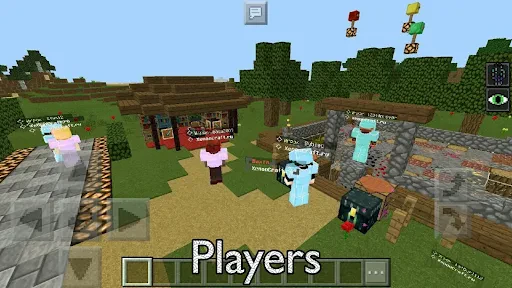
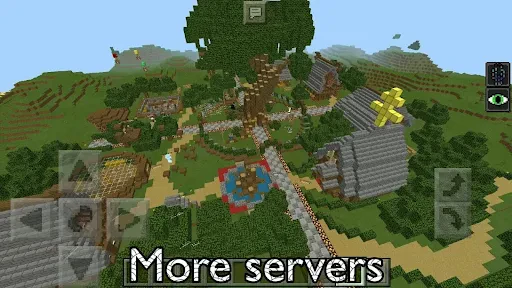
So, what exactly is this app all about? Well, Servers for Minecraft PE Tools is your go-to resource for finding the best Minecraft servers out there. Whether you’re looking to join a bustling community of builders or just want a quiet corner to craft away in peace, this app has got you covered. The interface is pretty straightforward – you search, you find, and then you join. Easy peasy, right?
Features That Make It Shine
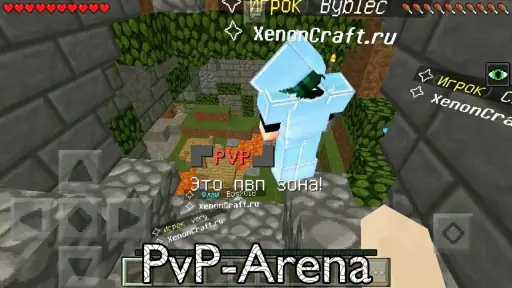
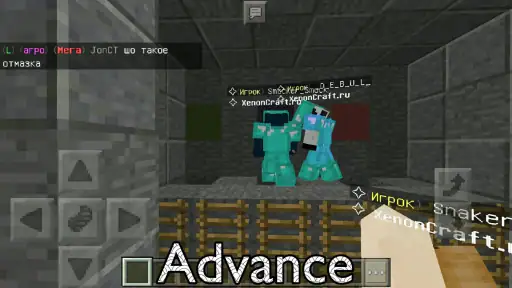
What really caught my eye with this app is how it categorizes servers. You can browse through different types like Survival, Creative, Adventure, and more. It’s like having a buffet of Minecraft experiences right at your fingertips. Plus, each server listing includes detailed information such as player count, server rules, and even mini-games available. It’s these little touches that make exploring new servers a breeze.
Another nifty feature is the ability to bookmark your favorite servers. This means no more endless scrolling trying to find that one awesome server you stumbled upon last week. Just hit that bookmark icon and you’re good to go!
Performance and Usability
Now, let’s talk about how it performs. Navigating through the app is smooth as butter, and I didn’t encounter any annoying lags or crashes. It’s been optimized to ensure you spend more time playing and less time troubleshooting. I’ve tried a fair few Minecraft server apps in my time, and this one definitely ranks high in terms of usability.
Connecting to servers is also a hassle-free process. Once you’ve found a server that piques your interest, joining is as simple as clicking a button. I was up and running in no time, ready to tackle whatever blocky challenges awaited me.
Final Thoughts: Is It Worth It?
In short, if you’re a Minecraft enthusiast, Servers for Minecraft PE Tools is an app worth having in your arsenal. It simplifies the process of finding and joining servers, making it easier than ever to connect with other players and explore new worlds. Whether you’re a seasoned player or a newbie, this app offers something for everyone.
So, give it a whirl, and who knows? You might just find your new favorite server. Happy crafting!
Pros
- Easy server setup process.
- Supports multiple server configurations.
- User-friendly interface.
- Regular updates and bug fixes.
- Wide compatibility with devices.
Cons
- Limited free version features.
- Requires stable internet connection.
- Occasional app crashes reported.
- Some features need in-app purchases.
- Ads can be intrusive at times.

- Category
- Tools
- Version
- 0.5.9.1











