ReCove: Photo - File Recovery
- 141.00
- 4.1
- Installs
- 1.00M
- Price
- Free

Screenshots
Analysis by Reviewed
Ever accidentally deleted a photo or file and wished you could magically retrieve it? Well, let me introduce you to ReCove: Photo - File Recovery. This app promises to be your lifesaver when it comes to recovering lost data on your Android device. But does it live up to its claims? Let's dive in and find out!
Easy Navigation and User-Friendly Interface
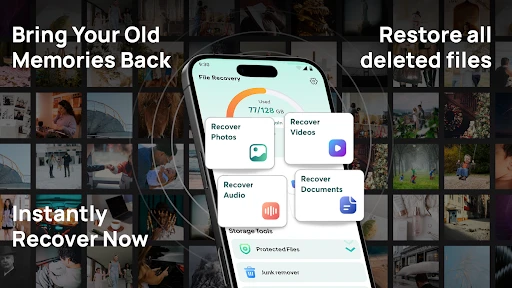
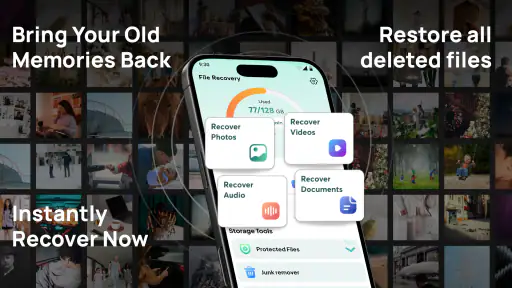
First off, the user interface is as smooth as butter. Navigating through ReCove: Photo - File Recovery is a breeze. The developers have clearly paid attention to design, ensuring that even the least tech-savvy among us can find our way around without a hitch. The app's main screen presents you with simple options to begin your recovery journey, and the layout is intuitive, making the process feel far less daunting than one might expect.
Recovery Features That Stand Out
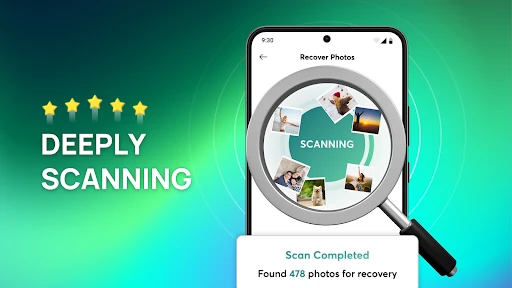
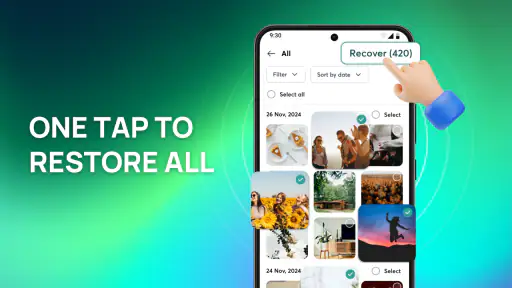
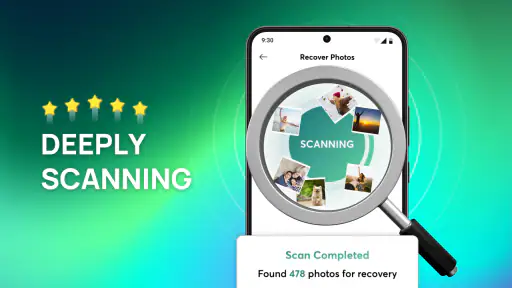
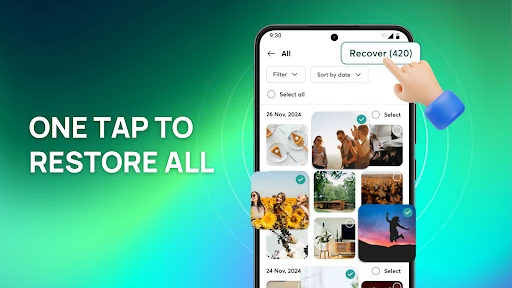
Now, let’s talk features. The app offers a comprehensive suite of recovery options, from photos and videos to documents and even audio files. What’s impressive is its ability to dig deep into your device’s storage, unearthing files you thought were long gone. During my test run, I was pleasantly surprised to find old photos from a year ago that I had assumed were lost forever. The recovery process is quick, and the files are restored in their original quality, which is a huge relief.
Performance and Reliability
Performance-wise, the app runs smoothly, and I didn’t experience any crashes or lags, which is crucial for an app of this nature. The recovery rate is impressive, although like with any recovery tool, it’s not 100% foolproof. Some files might not be recoverable, especially if they’ve been overwritten. However, for most users, the success rate will be satisfactory. Plus, there’s a handy preview feature, allowing you to view files before you decide to recover them, saving you time and storage space.
Free vs. Premium
Let’s talk money. The app is free to download, which is great for those who need a quick fix without breaking the bank. However, if you’re serious about data recovery, the premium version unlocks additional features, including a higher recovery success rate and the ability to recover more file types. It’s worth considering if you find yourself in frequent need of recovery services.
In conclusion, ReCove: Photo - File Recovery is a solid choice for anyone looking to recover lost data on their Android device. It’s user-friendly, efficient, and offers a range of features that make the recovery process less of a headache. While it may not be perfect, it certainly provides a reliable solution for most everyday users. So, next time you accidentally hit delete, don’t panic—just reach for ReCove and let it work its magic!
Pros
- Recovers lost photos efficiently
- User-friendly interface
- Supports various file formats
- Quick scanning process
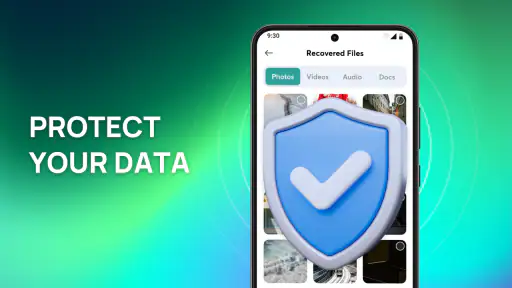
- Secure and reliable
Cons
- Limited free version features
- Requires internet for cloud recovery
- Advertisements in free version
- Occasional false positives
- Not suitable for encrypted files

- Category
- Tools
- Version
- 1.2.5











