QR Note Scan&Genarate
- 93.00
- 3.8
- Installs
- 10.00M
- Price
- Free

Screenshots
Analysis by Reviewed
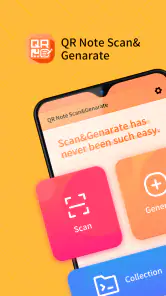
Have you ever stumbled across a QR code and wondered what secrets it might hold or wanted to create your own? Well, that's where QR Note Scan&Generate comes into play. As someone who loves experimenting with apps, I decided to give this nifty app a whirl, and let me tell you, it's quite the tool!
Scan Away: The Magic of QR Codes
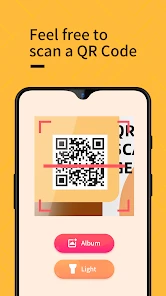
First things first, scanning QR codes has never been easier. With QR Note Scan&Generate, you can simply point your phone's camera at any QR code, and voilà! The app instantly deciphers it and reveals its contents. Whether it's a link to a website, contact info, or a plain old text message, this app has you covered. I found myself scanning everything from restaurant menus to tickets, and it worked like a charm every single time.
Create Your Own QR Codes
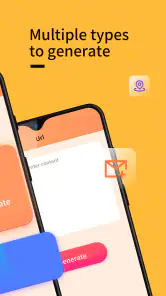
Now, here's where it gets even more interesting. Not only can you scan QR codes, but you can also generate your own. I had a blast creating custom QR codes for my business card. All you need to do is input your desired information, whether it's a URL, text, or contact details, and the app does the rest. It's really that simple, and the user-friendly interface makes the whole process a breeze.
User Experience: Simplicity Meets Functionality
The design of the app is straightforward and intuitive. No need to fumble around trying to figure out what does what. Everything is clearly labeled, and the app guides you through each step seamlessly. I appreciate apps that don't require a tutorial just to get started, and this one definitely fits the bill. Plus, it's pretty lightweight, so it won't take up too much space on your phone.
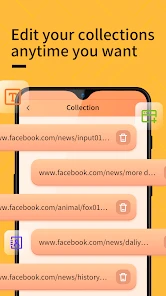
Another feature worth mentioning is the history log. It keeps track of all the QR codes you've scanned and generated, which is super handy if you need to revisit something later. I find this particularly useful when I'm juggling multiple projects and need to keep track of various links and information.
Security Concerns? Not Here!
In a world where privacy is a growing concern, it's reassuring to know that QR Note Scan&Generate prioritizes user security. The app doesn't store any personal data, so you can scan and generate QR codes with peace of mind. It's all about giving you the tools without compromising your privacy.
Overall, I must say, this app is a keeper. Whether you're a QR code newbie or a seasoned pro, QR Note Scan&Generate makes the process easy and fun. It's like having a little tech magic in your pocket, ready to scan and create QR codes at a moment's notice. So, what are you waiting for? Give it a try and unlock the endless possibilities of QR codes. Trust me, you won't be disappointed!
Pros
- Easy to generate QR codes
- Supports multiple file formats
- Offline functionality available
- Fast scanning capabilities
- User-friendly interface
Cons
- Limited customization options
- Ads in the free version
- Occasional scanning errors
- Requires camera permissions
- No cloud backup feature

- Category
- Tools
- Version
- 1.1.8











