PXPlay: Remote Play
- 2.11K
- 4.8
- Installs
- 100.00K
- Price
- $6.99

Screenshots
Analysis by Reviewed
Hey there, fellow app explorers! So, I recently got my hands on this nifty app called PXPlay: Remote Play, and let me tell you, it’s a game-changer for anyone who loves gaming on the go. Let’s dive right into what makes this app a must-have for gamers!
What is PXPlay: Remote Play?
If you’re like me and you love gaming but hate being tied to your console, PXPlay: Remote Play is here to save the day. This app enables you to stream your PS4 or PS5 games directly to your smartphone or tablet. Yup, you heard it right! You can now play your favorite games anytime, anywhere. All you need is a stable internet connection, and you’re good to go!
Setting Up: A Walk in the Park
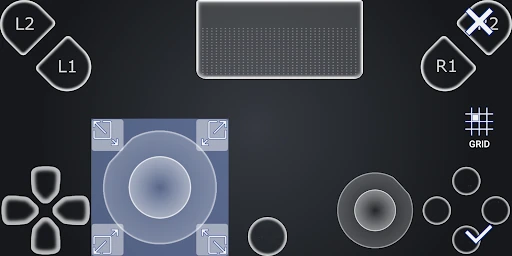
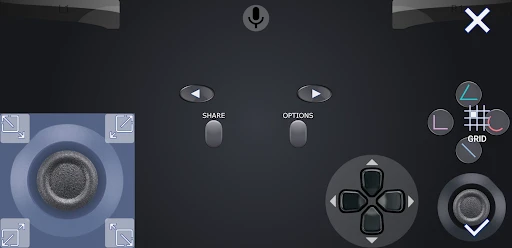
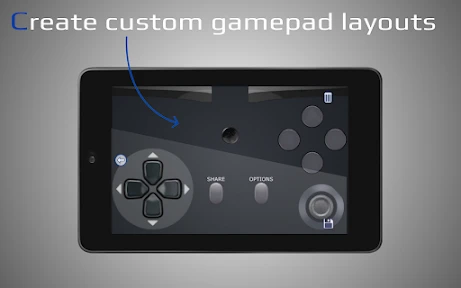
Setting up PXPlay: Remote Play is as easy as pie. Once you download the app, it guides you through a simple setup process. Just connect your device to your PlayStation account, and boom, you’re ready to game. The app also supports Bluetooth controllers, which is a huge plus if you want that authentic gaming experience without the hassle of touchscreen controls.
The Gaming Experience: Smooth Like Butter
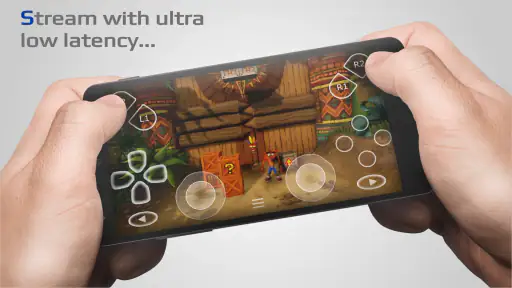
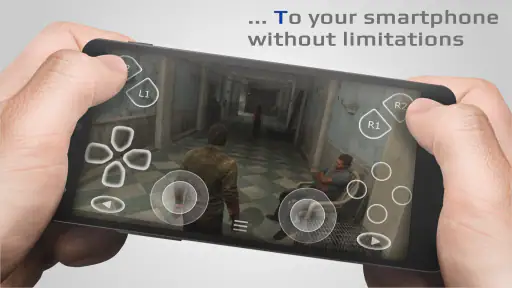
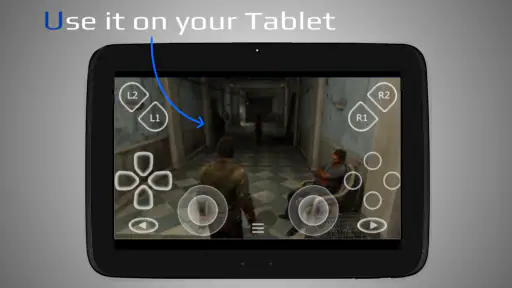
I was genuinely impressed by how smoothly the games run on this app. The streaming quality is top-notch, and I didn’t experience any significant lag or stuttering. It feels just like playing on your console, except you’re doing it from your phone or tablet. Plus, the app’s interface is super user-friendly, making it easy to navigate through your game library and settings.
Connectivity and Performance
Now, let’s talk about connectivity. To get the best out of PXPlay: Remote Play, you’ll need a decent internet connection. I found that a Wi-Fi connection works best, but mobile data can also do the trick if you’re in a pinch. Just be mindful of your data usage, as streaming can gobble up quite a bit.
Why You Should Give It a Shot
Whether you’re a casual gamer or a hardcore enthusiast, this app is a fantastic tool to keep your gaming sessions alive when you’re away from your console. It’s especially great for those long commutes or when you’re chilling at a coffee shop. Plus, the freedom to play whenever and wherever is simply unbeatable.
So, if you’ve been yearning for a way to game on the go without any strings attached, PXPlay: Remote Play might just be the answer to your prayers. Give it a try and unleash your gaming potential from the palm of your hand!
Pros
- Seamless integration with PlayStation consoles.
- High-quality streaming with minimal lag.
- User-friendly interface and easy setup.
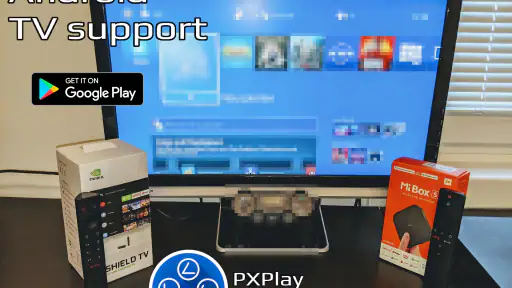
- Supports multiple devices and platforms.
- Regular updates and feature enhancements.
Cons
- Requires a stable and fast internet connection.
- Limited to PlayStation consoles only.
- Some features need a paid subscription.
- Occasional connectivity issues reported.
- Not all games are compatible with Remote Play.

- Category
- Tools
- Version
- 7.1.0











