CineToolkit:Caster&Roku Remote
- 2.78K
- 3.6
- Installs
- 1.00M
- Price
- Free

Screenshots

Analysis by Reviewed
Ever wished for a magic wand that could turn your smartphone into a remote control for your TV? Well, let me introduce you to CineToolkit:Caster&Roku Remote. This app claims to transform your viewing experience by offering a seamless way to control your TV and stream your favorite content. But does it live up to the hype?
Getting Started with the App
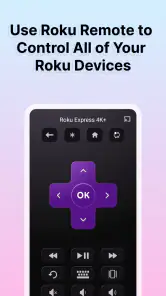
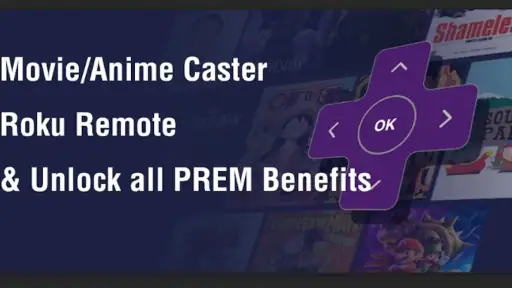
Downloading and setting up CineToolkit:Caster&Roku Remote was a breeze. With just a few taps, the app was ready to launch. The interface is sleek and straightforward, making navigation a piece of cake even for those who aren't tech-savvy. One of the first things I noticed was how the app cleverly mimics the layout of a traditional remote, which is a huge plus for those of us who appreciate familiarity.
Features That Stand Out
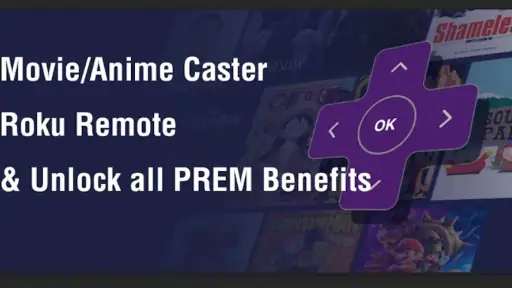
What sets this app apart from the crowd is its versatility. Not only can you use it to control your Roku device, but it also supports a variety of smart TVs. The app is like a Swiss Army knife for your living room, offering features like voice search, keyboard input, and even a private listening mode. Yes, you read that right! You can connect your headphones to your device and enjoy your shows without disturbing anyone else.
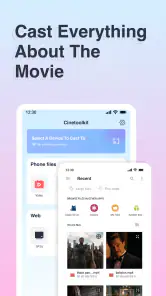
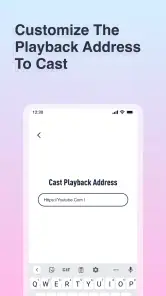
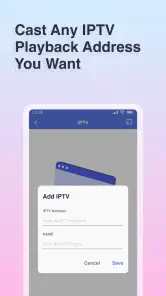
Moreover, the app supports casting, allowing you to stream videos, music, and photos from your phone directly to your TV. This feature is perfect for those spontaneous movie nights or when you want to show off your vacation snaps on a bigger screen.
User Experience
Using the app is a genuinely delightful experience. The response time is impressively fast; there's barely any lag between tapping a button on your phone and seeing the action happen on your TV. It makes everything feel so fluid and connected. However, ensure that your phone and TV are on the same Wi-Fi network for the best performance.
One tiny hiccup I encountered was when trying to use the voice search feature in a noisy environment. It seemed to struggle a bit with background noise, but in quieter settings, it worked like a charm. It's a small issue that could potentially be improved in future updates.
Final Thoughts
Overall, CineToolkit:Caster&Roku Remote is a fantastic addition to any household looking to simplify its entertainment setup. It combines functionality with ease of use, and its array of features means there's something for everyone. Whether you're a tech enthusiast or someone just looking to make life a bit easier, this app is definitely worth a try.
In a world where convenience is king, having an app that consolidates multiple remote controls into one is a game-changer. So, if you're tired of juggling remotes or just want to elevate your viewing experience, give this app a shot. You might find it's just the tool you never knew you needed!
Pros
- Intuitive user interface
- Seamless Roku integration
- Quick setup process
- Wide range of features
- Responsive customer support
Cons
- Requires stable internet
- Limited free version
- Ads in free version
- Occasional connectivity issues
- In-app purchases needed for full access

- Category
- Tools
- Version
- 2.2.9











