My crochet designer
- 3.00
- 3.7
- Installs
- 1.00K
- Price
- $3.49

Screenshots
Analysis by Reviewed
Diving into the world of crochet can be a delightful yet challenging experience, especially if you're a newbie like me. That's where My crochet designer swoops in to save the day. This nifty app has quickly become my go-to tool for all things crochet, blending creativity with practicality in the most seamless way possible.
Getting Started with Your Crochet Journey
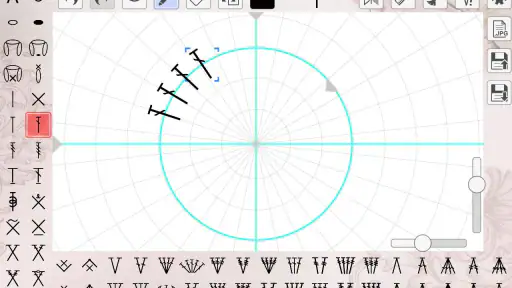
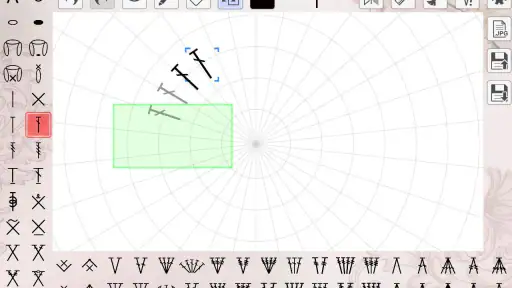
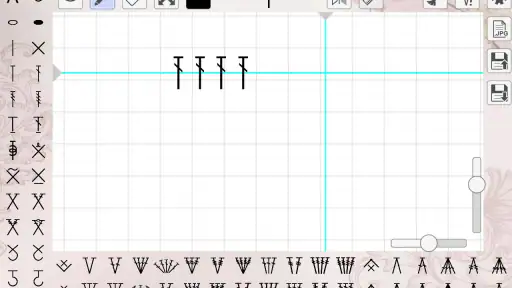
The first thing you notice when you open My crochet designer is its sleek and user-friendly interface. It’s like the developers knew exactly what we needed—a straightforward, no-fuss design that lets you get right to the heart of the matter: creating beautiful crochet pieces. Whether you're a seasoned crocheter or just starting out, the app is incredibly intuitive. I found myself navigating through its features with ease, thanks to its well-organized layout.
Features that Spark Creativity
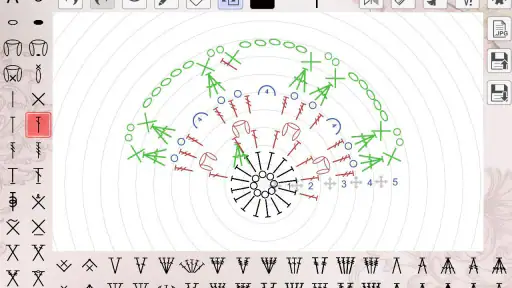
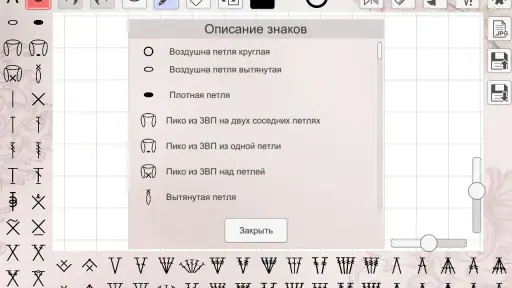
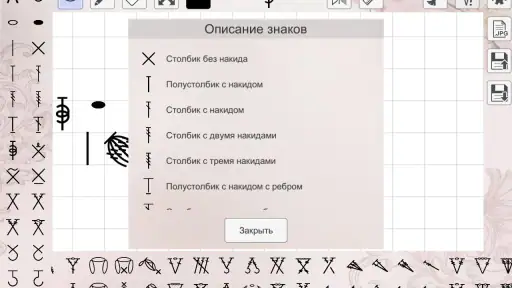
The app is packed with features that would make any crochet enthusiast swoon. One of my favorites is the pattern creation tool. It allows you to design your own patterns or tweak existing ones to fit your style. The app also boasts a comprehensive stitch library, which is perfect for those moments when you’re itching to try something new but aren’t quite sure how to start. I spent hours playing around with different stitches, and it was pure joy!
Another standout feature is the project tracking option. As someone who tends to juggle multiple projects at once, this was a game-changer. The app lets you keep tabs on your progress, ensuring you never lose track of where you left off. Plus, it’s super satisfying to see your projects slowly come together right before your eyes.
Community and Connectivity
Crochet isn’t just a hobby; it's a community. My crochet designer understands this and has built-in social features that allow you to connect with fellow crochet lovers. You can share your creations, exchange tips, and even collaborate on projects. It’s like having a global crochet club in your pocket!
Moreover, the app frequently updates with new patterns and tutorials, keeping things fresh and inspiring. It’s almost like having a personal crochet tutor who’s always ready to help you out of a creative rut.
Final Thoughts
In a nutshell, My crochet designer is more than just an app; it's a gateway to an endless world of crochet possibilities. It’s perfect for anyone looking to enhance their crochet skills or simply find a new creative outlet. The app’s versatility and community features make it a must-have, whether you're crocheting a cozy blanket or a quirky amigurumi.
So, if you're ready to take your crochet game to the next level, give My crochet designer a whirl. Trust me, you won't be disappointed!
Pros
- User-friendly interface for beginners
- Wide range of crochet patterns
- Customizable design options
- Regular updates with new features
- Helpful tutorials and guides
Cons
- Limited free features available
- Requires in-app purchases for full access
- Occasional app crashes reported
- Ads can be intrusive at times
- Some patterns may be too basic for experts

- Category
- Art & Design
- Version
- 1.0.22











