Language Translator, Translate
- 89.00
- 4.2
- Installs
- 5.00M
- Price
- Free
Screenshots
Analysis by Reviewed
Hey there! So, I've been playing around with this nifty app called Language Translator, Translate, and I gotta say, it's a real game-changer for anyone who loves to travel or just wants to communicate better in different languages. Let me walk you through my experience with it.
Why You Need This App
First off, if you're someone who travels frequently or interacts with people from different parts of the world, having a reliable translator app is essential. Language Translator, Translate offers a seamless and intuitive way to break down language barriers. I mean, who doesn’t want to sound like a local when ordering croissants in a Parisian café?
Features That Caught My Eye
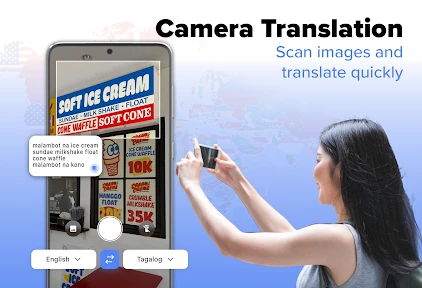
This app is packed with features that make it stand out. You can translate text, voice, and even images. Yes, you heard me right! Just snap a pic of a sign, menu, or any document, and bam! You’ve got the translation right in front of you. It supports a vast array of languages, so whether you're in Tokyo or Rio, you’re covered.
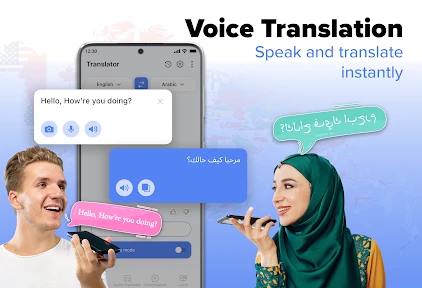
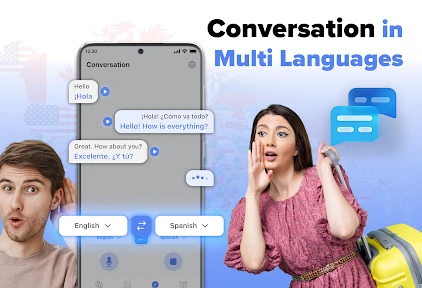
One of the features I particularly love is the voice translation. Just speak into the app, and it not only translates your words but also speaks them back in the desired language. It's like having a personal interpreter in your pocket. Plus, the user interface is super friendly, making it easy even for the tech-challenged among us.
Real-Life Applications
Let me give you a quick rundown of how I've used Language Translator, Translate in real life. Picture this: You're at a bustling market in Bangkok, eyeing some exotic fruits, but you have no idea how to ask for them. With this app, just type or speak your request, and voila, you’re bargaining like a pro!
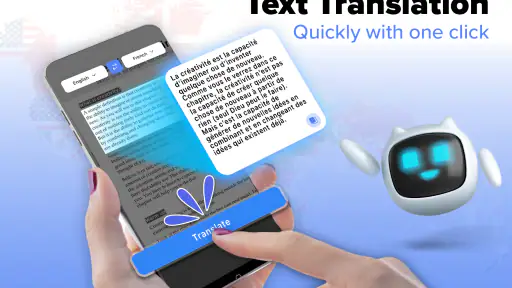
Another scenario - you're reading an intriguing article in a foreign language. Simply copy the text into the app, and you can understand it in seconds. It’s honestly a lifesaver for students and avid readers like me.
My Final Thoughts
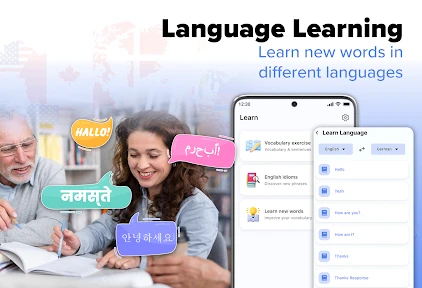
In a nutshell, Language Translator, Translate is a must-have app for anyone keen on exploring new cultures or needing help with language learning. Its ease of use, coupled with its extensive language support, makes it a top pick on my list of essential apps. So, what are you waiting for? Dive into a world where language is no longer a barrier, and start communicating effortlessly!
More From Our News Desk

Clash of Clans Is Won Between the Battles

Android Auto Makes the Case for Quieter Car Software

MobiOffice: Transforming Mobile Productivity with Seamless Integration

EA SPORTS FC™ Mobile Soccer: Redefining Mobile Sports Gaming

How Microsoft OneDrive Became a Mobile Productivity Giant

How Google Translate Breaks Language Barriers Effortlessly
Language Translator, Translate Frequently Asked Questions
What platforms is Language Translator, Translate available on?
Language Translator, Translate is available on both Android and iOS platforms. This makes it highly accessible to a wide range of users who can download it from Google Play Store or Apple App Store. The app is designed to work seamlessly on smartphones and tablets, providing a versatile translation solution.
Does Language Translator, Translate require an internet connection?
Yes, Language Translator, Translate requires an internet connection to provide accurate and up-to-date translations. While some basic translation features may be available offline, the full functionality, including real-time translation and language updates, relies on connectivity. Users should ensure they have internet access to maximize the app's capabilities.
How many languages does Language Translator, Translate support?
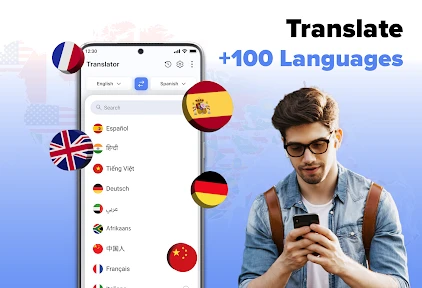
Language Translator, Translate supports a wide array of languages, potentially covering over 100 different dialects and languages. This extensive support enables users to translate text, voice, and even images across multiple languages, making it a valuable tool for travelers, students, and professionals who interact with diverse linguistic groups.
Is Language Translator, Translate user-friendly for beginners?
Absolutely, Language Translator, Translate is designed with a user-friendly interface that caters to both beginners and advanced users. Its intuitive layout allows users to easily navigate through different features such as text translation, voice input, and camera translation. The app also provides helpful tips and guidance to enhance the user experience.
Are there any in-app purchases or subscriptions required?
Language Translator, Translate offers a free version with basic features, but it also has premium options available through in-app purchases. These may include a subscription model providing advanced features like ad-free experience, faster translation speeds, and additional language packs. Users can choose based on their needs and usage preferences.
Pros
- Supports multiple languages efficiently
- Easy-to-use interface for quick translation
- Offline mode available for travelers
- Voice input for hands-free translation
- Text recognition from images
Cons
- Limited language options in offline mode
- Occasional inaccuracies in translation
- Ads can be intrusive
- Requires internet for full functionality
- Voice recognition can be inconsistent
- Category
- Education
- Version
- 96