Car Play for Android/Auto sync
- 0.00
- 0.0
- Installs
- 10.00K
- Price
- Free
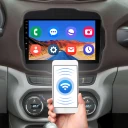
Screenshots
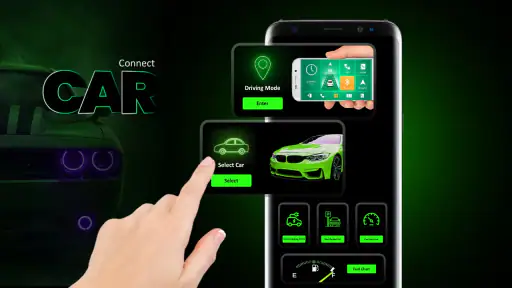
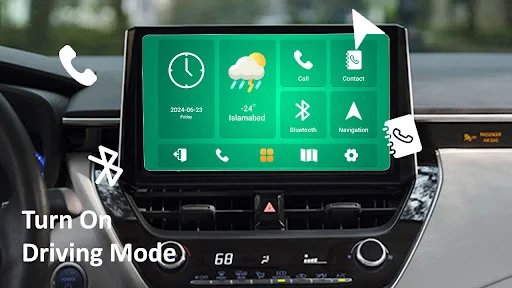
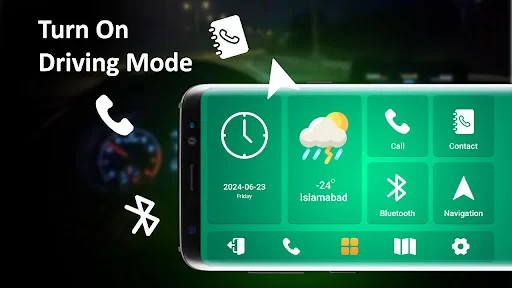
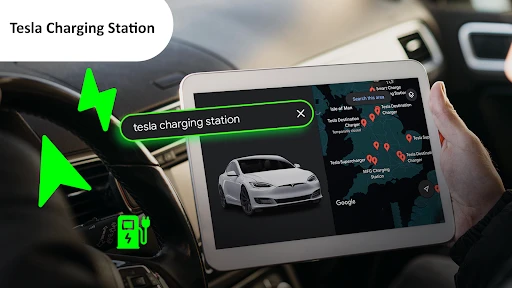
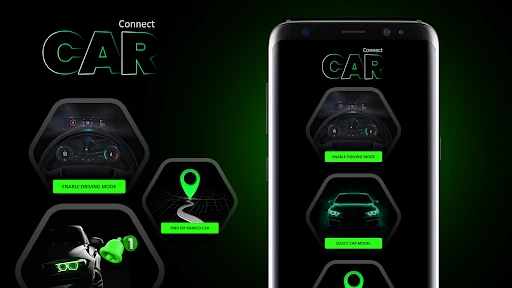
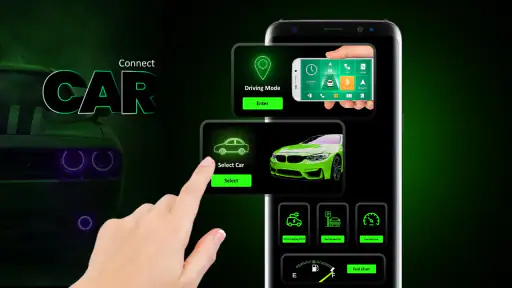
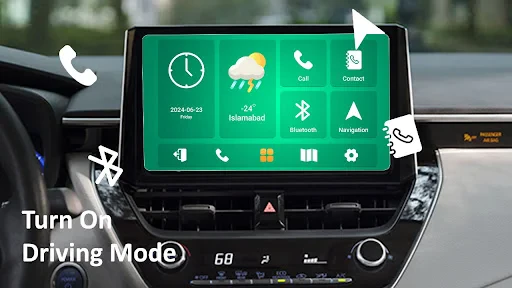
Analysis by Reviewed
Have you ever found yourself fumbling with your phone while driving, trying to change the song or navigate to a new location? Enter Car Play for Android/Auto Sync, a game-changer for Android users who want to seamlessly integrate their smartphones with their car's infotainment system. This app promises to bring the convenience of a tech-savvy cockpit right to your fingertips, and trust me, it's worth checking out.
Getting Started with Ease
First things first, installing Car Play for Android/Auto Sync is as easy as pie. You just head over to the Google Play Store, download the app, and let it do its magic. Once installed, pairing your phone with your car's system is a breeze. The app walks you through every step, ensuring even the least tech-savvy driver can get up and running without a hitch.
Seamless Integration
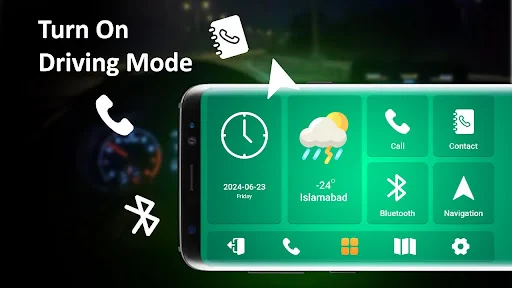
Once set up, the integration is nothing short of impressive. Imagine having your favorite apps like Spotify, Google Maps, and WhatsApp right on your car's dashboard. The interface is intuitive and user-friendly, mirroring your phone's screen without the distraction of handling the device. It's like having a personal assistant on the road, making your drive safer and more enjoyable.
Stay Connected
One of the standout features is how it keeps you connected without compromising safety. With voice commands, you can make calls, send texts, or even ask for directions. It's like chatting with your car, and who wouldn't want that? The app smartly reads your messages aloud and allows you to dictate responses, keeping your hands on the wheel and eyes on the road.
Customization Galore
For those who love a personalized touch, this app offers a ton of customization options. You can tweak the interface to suit your preferences, from adjusting the layout to selecting which apps appear on your dashboard. It feels like you've designed your own car entertainment system, tailored to your taste.
Performance on the Go
Performance-wise, the app runs smoothly, with minimal lag or glitches. It's designed to work efficiently, ensuring that your driving experience remains uninterrupted. Whether you're streaming music or navigating through traffic, Car Play for Android/Auto Sync handles it all with aplomb.
In conclusion, Car Play for Android/Auto Sync is a must-have for Android users who spend a lot of time on the road. It offers a blend of convenience, safety, and entertainment, making every drive a pleasure rather than a chore. So, if you're looking to enhance your driving experience, give this app a try—you won't regret it.
More From Our News Desk

Weather by Xiaomi Review: Clear at a Glance, Less Clear Up Close

X Under Pressure: Can It Recover When Posting Goes Wrong?

Clash of Clans Is Won Between the Battles

Android Auto Makes the Case for Quieter Car Software

MobiOffice: Transforming Mobile Productivity with Seamless Integration

EA SPORTS FC™ Mobile Soccer: Redefining Mobile Sports Gaming
Car Play for Android/Auto sync Frequently Asked Questions
What is Car Play for Android/Auto sync and how does it work?
Car Play for Android, also known as Auto sync, is an app designed to integrate your Android device with your car's infotainment system. This allows you to access navigation, music, calls, and other apps directly from your car's dashboard. It works by connecting your device via USB or Bluetooth, enabling seamless interaction with your car's display and controls.
Is Car Play for Android/Auto sync compatible with all car models and Android devices?
Compatibility can vary depending on the car model and the Android device you are using. Most recent car models and Android devices support Car Play for Android/Auto sync, but it's advised to check with your car manufacturer and device specifications. Ensure your Android version is up to date to avoid compatibility issues.
What features are available with Car Play for Android/Auto sync?
Car Play for Android offers a variety of features including GPS navigation, hands-free calling, music streaming through popular apps like Spotify, and access to messaging apps. It also provides voice command functionalities, allowing you to interact with the system without taking your hands off the wheel, enhancing safety and convenience while driving.
Are there any subscription fees or additional costs associated with Car Play for Android/Auto sync?
Car Play for Android/Auto sync itself does not require a subscription fee. However, some apps that you might use within the system, such as music streaming services, may require their own subscriptions or one-time purchases. It's important to review the terms of each app you plan to use to avoid unexpected charges.
How can I troubleshoot connectivity issues with Car Play for Android/Auto sync?
If you encounter connectivity issues, first ensure that your device and car system are both up to date. Check your USB or Bluetooth connections, and try restarting your device and infotainment system. If problems persist, consult your car's manual or contact customer support for further assistance. Regular software updates can also help resolve connectivity issues.
Pros
- Integrates seamlessly with most car systems.
- Supports voice commands for hands-free use.
- Customizable interface for user preferences.
- Wide range of compatible apps available.
- Frequent updates enhance functionality.
Cons
- May drain phone battery quickly.
- Requires stable internet connection.
- Limited support for older car models.
- Occasional app crashes or freezes.
- Some features locked behind paywall.
- Category
- Libraries & Demo
- Version
- 1.11










