Car Launcher
- 578.00
- 4.3
- Installs
- 1.00M
- Price
- Free

Screenshots
Analysis by Reviewed
Ever found yourself fumbling with your phone while driving, trying to launch an app or find your favorite playlist? Well, you're not alone! That's where the Car Launcher app comes into play. This nifty app is designed to make your driving experience not just safer but also a lot more enjoyable. Let’s take a ride through what makes this app a must-have for every driver out there.
First Impressions
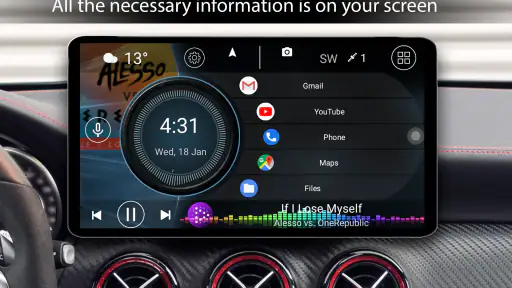
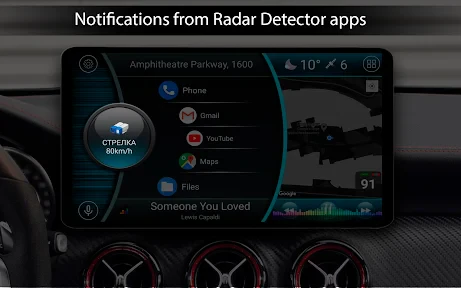
On first launching the Car Launcher, you’re greeted with a sleek, intuitive interface that’s as straightforward as it gets. The app is designed to minimize distractions, which is crucial when you’re behind the wheel. It’s like having a mini-command center right on your dashboard. The icons are large and easy to tap, which is a huge plus when you’re driving and need to keep your eyes on the road.
Features That Stand Out
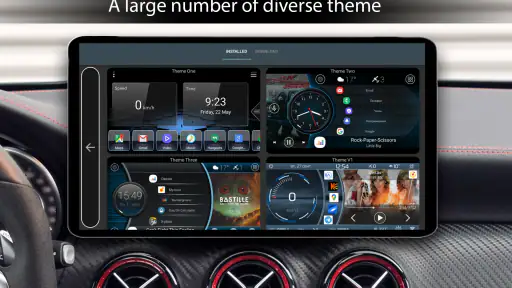
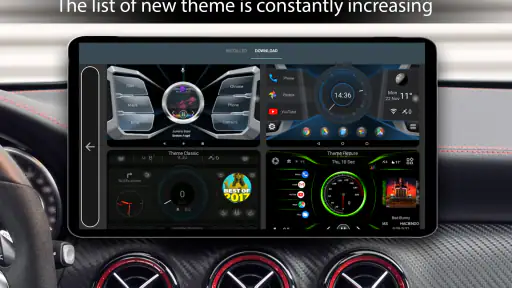
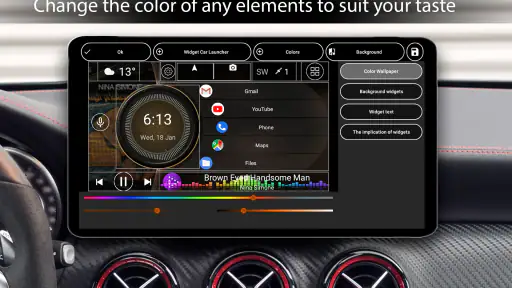
One of the standout features of Car Launcher is its customization options. You can tailor the home screen to suit your needs, whether you want quick access to navigation, music, or even your favorite contacts. This flexibility ensures that you have everything you need right at your fingertips.
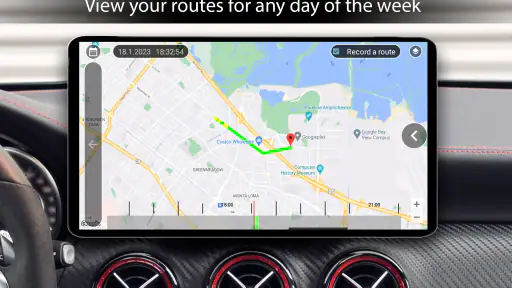
Another cool feature is the built-in speedometer. It not only shows your current speed but also logs your speed history. This can be a handy tool for those who like to keep track of their driving habits or even when you’re on a long road trip.
Driving Experience
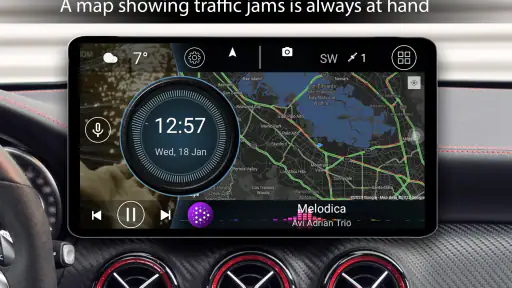
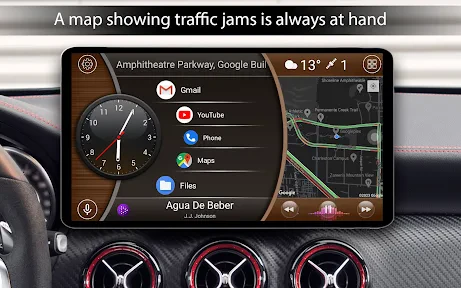
Using the app is like having a co-pilot who’s got your back. The integrated GPS navigation is seamless and works well even without an internet connection, which is a lifesaver in areas with poor coverage. Plus, you can integrate popular music apps directly into the launcher, so you can sing along to your favorite tunes without skipping a beat.
Another feature I personally love is the automatic day/night mode. This adjusts the screen brightness based on the time of day, reducing strain on your eyes during nighttime driving.
Is It Worth It?
In my opinion, absolutely! The Car Launcher app transforms your phone into a powerful tool that enhances your driving experience while keeping safety at the forefront. Whether you're a daily commuter or just love long drives, this app is designed to make your journeys smoother and more enjoyable.
If you’re looking for an app that combines functionality with user-friendly design, then the Car Launcher is definitely worth a spin. It’s like having a personal assistant in your car, ensuring that you stay connected while keeping your focus on the road where it belongs.
Pros
- Customizable interface for personalization
- Supports multiple widgets for convenience
- Enhanced GPS features for navigation
- Optimized for easy driver interaction
- Fast loading time and smooth performance
Cons
- Limited free features without premium
- Occasional ad interruptions
- May drain battery quickly
- Compatibility issues on older devices
- Paid features can be expensive

- Category
- Auto & Vehicles
- Version
- 5.1.0.10











