AI Passport & ID Photo Maker
- 213.00
- 4.6
- Installs
- 1.00M
- Price
- Free

Screenshots
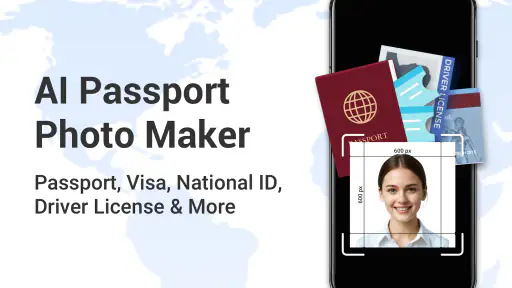
Analysis by Reviewed
Hey there! Today, I'm diving into the world of digital convenience with the AI Passport & ID Photo Maker. If you're anything like me, the thought of taking a perfect passport photo can be a bit daunting. But with this app, it's like having a personal photographer right in your pocket. Let's get into it!
First Impressions
When I first launched the app, I was immediately impressed by its sleek and user-friendly interface. The AI Passport & ID Photo Maker greets you with a simple layout that's not only easy on the eyes but also incredibly intuitive. No more fumbling around trying to figure out which button does what.
Features Galore
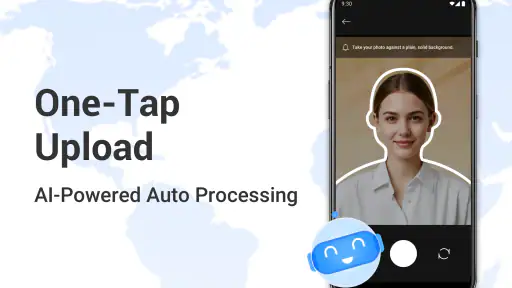
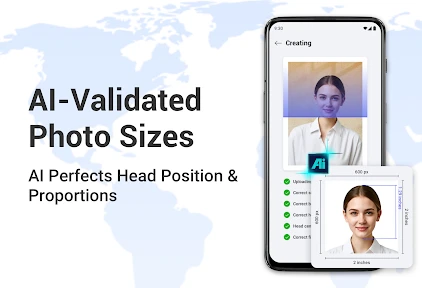
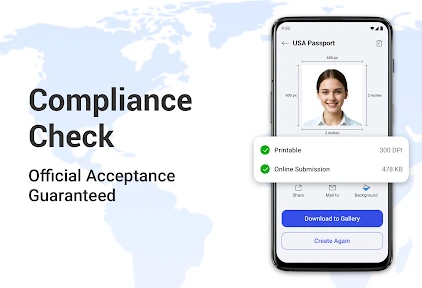
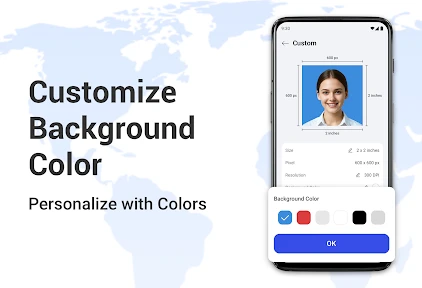
One of the standout features is the app's ability to automatically adjust your photo to meet the official requirements for passport and ID photos. It uses AI technology to ensure your picture is the right size, has the correct background, and that your face is perfectly centered. It's like magic! You just snap a selfie, and the app does the rest.
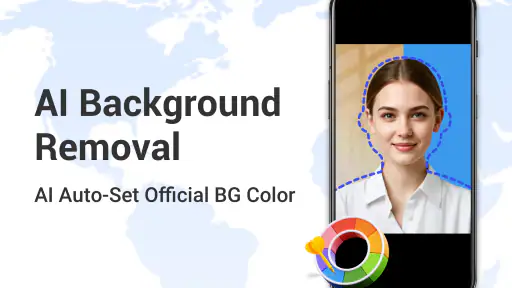
Another cool feature is the background removal tool. You can take your photo anywhere, and the app will seamlessly replace your background with a plain white one, which is typically required for official documents. This is a game-changer for those of us who don't have a blank wall handy.
Getting the Perfect Shot
Taking a good photo is one thing, but getting it to look professional is another. The app provides guidelines on how to pose, ensuring your head is at the right angle and your expression is appropriate. Plus, it offers tips on lighting and positioning, so you can achieve a studio-quality shot without leaving your home.
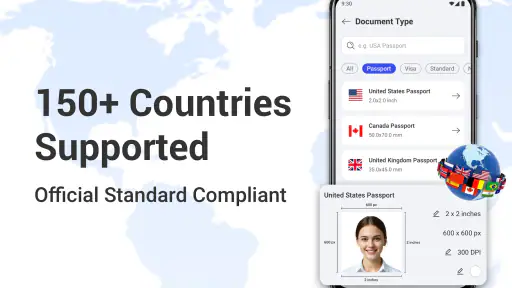
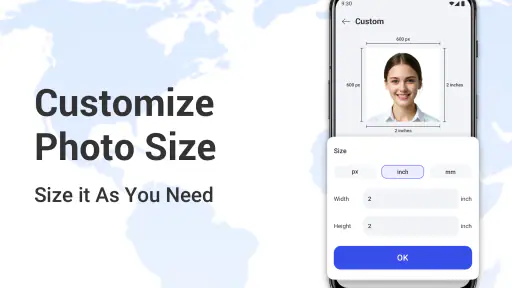
Once you're happy with your photo, you can choose the format you need—be it for a passport, visa, or any other ID. The app even supports a variety of sizes and specifications for different countries, which is super helpful for frequent travelers like myself.
User Experience
Using the app feels like a breeze. The process is straightforward: you take a photo, let the AI do its magic, and then download or print the finished product. It's efficient and saves you a trip to the local photo studio. I found the app's performance to be smooth, with no noticeable lag or crashes, which is always a plus.
Moreover, the app offers a preview option, so you can see exactly how your photo will look before committing to printing. This feature is particularly handy if you're a bit of a perfectionist like me!
Final Thoughts
In a nutshell, the AI Passport & ID Photo Maker is a fantastic tool for anyone in need of a quick and easy way to produce professional-quality ID photos. It's user-friendly, efficient, and incredibly convenient, making it a must-have app for travelers and anyone needing a new passport photo. So next time you're in a pinch, give it a try and see how it can simplify your life!
Pros
- Easy-to-use interface for quick editing.
- Supports multiple ID photo sizes.
- High-quality photo output.
- Offers background removal feature.
- Includes guidelines for various countries.
Cons
- Limited free features in the app.
- Occasional ads can be distracting.
- Requires internet for full functionality.
- No advanced photo editing tools.
- In-app purchases can be pricey.

- Category
- Photography
- Version
- 1.0.18











