MiniCraft Pocket Edition Game
- 47.00
- 3.7
- Installs
- 1.00M
- Price
- Free
Screenshots
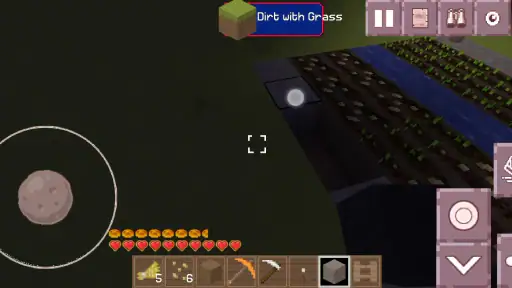
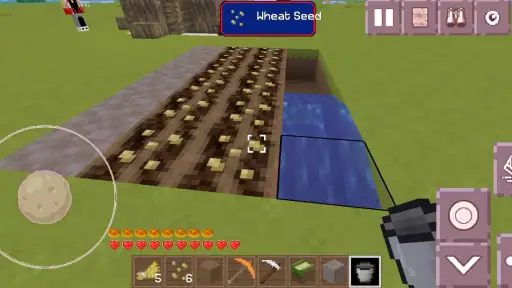
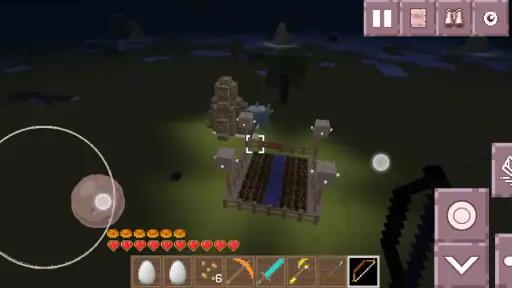
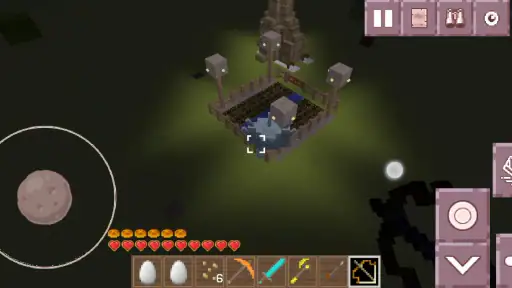
Analysis by Reviewed
I found MiniCraft Pocket Edition easiest to judge as a shared-device game: it can turn a spare moment into a small building session, but it also asks players to agree on what they want to do with the same world. That makes it a more interesting household choice than a game that simply hands one person a sequence of levels. Its appeal is the freedom to explore and make things; the trade-off is that a casual player may need a little patience before that freedom feels purposeful.
A shared screen works best with a shared plan
Picture a quiet stretch after dinner: one person gathers materials while another suggests a place for a shelter, then they trade the phone when it is time to build. That kind of short, cooperative routine suits a block-based game well, because the result is visible and can be picked up again later. I would set a simple goal before passing the device around—such as choosing a site or finishing one structure—so a brief session feels complete rather than turning into an argument about what to do next.
For siblings or friends sharing a phone, decide whose turn it is to change the world and whose turn it is to explore. This is not a substitute for separate accounts or clearly separated saves; it is just a practical way to avoid one player undoing another’s work. If preserving individual projects matters, I would check how the game handles worlds and saved progress before investing a lot of time in a shared build.
Set expectations before a longer build
The game is free, and Loco Craftman Studio’s block-building title has a Teen content rating. I would still treat that label as a starting point for a parent’s own judgement, not as a promise that every child will enjoy the same experience. A younger player may need help with the controls or with deciding what to work on, while an older player who likes open-ended construction may be comfortable exploring independently.
Its audience is substantial—over a million installs—and its average rating is 3.7 from around 7,700 ratings. I read that as a sign of a game that has found interested players without being a universal fit. If someone in the household wants a tightly guided campaign, quick wins, or a clear endpoint, I would choose a more structured game instead. Here, enjoyment depends more on making your own plan than on following a ready-made one.
What to check on a phone you share
Before handing over a device, I would check the current world and make sure everyone understands whether they are exploring or changing a shared build. That small pause is useful because the creative freedom that makes this style appealing can also make accidental changes frustrating. On a phone used by several people, agree on a stopping point and leave the world in a recognizable state; it makes the next person’s turn easier to start.
The app is listed as free, which makes it easy to try, but “free” does not answer every practical household question. I would look over the on-device settings and the store page before letting a child use it, and supervise the first session if you want to understand how the game is presented on your particular device. I would also avoid assuming that a shared phone automatically means separate progress or privacy boundaries; those need to be checked rather than guessed.
More From Our News Desk

Weather by Xiaomi Review: Clear at a Glance, Less Clear Up Close

X Under Pressure: Can It Recover When Posting Goes Wrong?

Clash of Clans Is Won Between the Battles

Android Auto Makes the Case for Quieter Car Software

MobiOffice: Transforming Mobile Productivity with Seamless Integration

EA SPORTS FC™ Mobile Soccer: Redefining Mobile Sports Gaming
As an events-category app, MiniCraft Pocket Edition is an unusual fit at first glance; in practice, the experience described by its name and presentation is a mobile block-building game. It was released on June 25, 2019, and its current version is 138.33.21.19, with Android 8.0 as the minimum OS. Those details matter if you are checking an older handset before installing, though a compatible operating system alone does not guarantee that every device will feel equally comfortable for building.
My household verdict is that MiniCraft Pocket Edition is worth a try for people who enjoy inventing their own goals and are willing to coordinate around a shared world. It is less suitable when several players need separate, protected progress or when someone wants a guided adventure with a clear finish. I would begin with a short session, agree on what the group wants to make, and see whether the freedom feels relaxing or directionless. That is the quickest way to tell if this particular kind of pocket-sized building belongs in your routine.
Getting Started with MiniCraft Pocket Edition
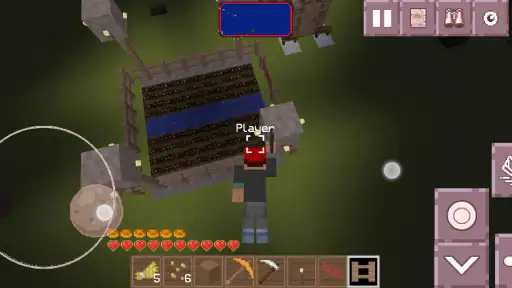
The first thing you’ll notice when you launch MiniCraft Pocket Edition is its charmingly simple interface. The developers have done an excellent job of keeping the controls intuitive, making it easy for anyone to jump in and start playing. Whether you’re navigating your character through dense forests or crafting intricate structures, the learning curve is gentle and inviting.
Dive Into the Adventure
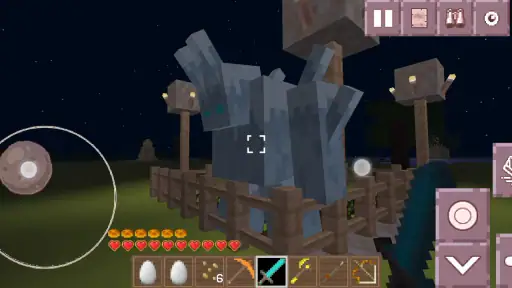
One of the most captivating aspects of this game is its open-world environment. You’re free to roam vast landscapes, gather resources, and embark on quests that tickle your curiosity. Each session is a new adventure, and the game’s random world generation means you’ll never get the same experience twice. It's like having a new canvas to paint every time you play!
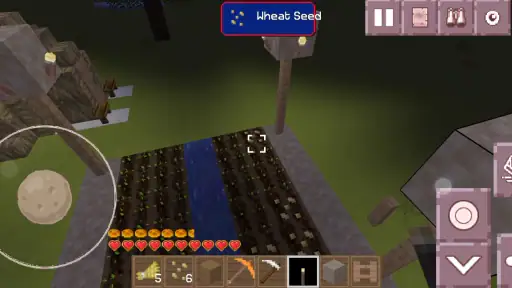
Crafting is at the heart of MiniCraft Pocket Edition. The game offers a robust crafting system, allowing you to create everything from simple tools to complex machinery. It’s incredibly satisfying to see your resources transform into something useful or beautiful, and it keeps you hooked as you strive to improve your skills and creations.
Graphics and Sound
While the graphics lean towards a more retro, pixelated style, they add a certain charm and nostalgia that’s hard to resist. The simplicity in the graphics allows for smooth performance on most devices, which is a huge plus if you’re not sporting the latest smartphone model. The sound design complements the visuals perfectly, with subtle background music and sound effects that enhance the immersive experience without being intrusive.
Why You'll Love It
What really makes MiniCraft Pocket Edition stand out is its ability to cater to a wide range of players. Whether you’re a hardcore gamer looking to build the ultimate fortress or a casual player wanting to unwind after a long day, this game has something for everyone. Its flexibility in gameplay style is a testament to its well-thought-out design.
Another highlight is the community aspect. You can connect with friends and other players, share your creations, and even collaborate on projects. It’s a wonderful way to engage with a community of like-minded adventurers and builders.
Choosing a first project that fits a short session
For a new player, I would resist the urge to start with a grand castle or a complicated machine. A small, useful build gives you a chance to learn how movement, gathering, and placing blocks feel on your particular phone without turning the first session into a long chore. A shelter, a marked path, or a compact storage area can also give a shared group a clear result to point to when it is time to hand over the device.
There is a practical trade-off here: collecting materials is part of the satisfaction, but it can take attention away from the creative idea that brought you in. If the group is sharing one handset, decide whether the session is for gathering or building rather than trying to do both in a few minutes. That little distinction helps keep the experience enjoyable for a younger player who may lose interest while waiting for someone else to finish a lengthy task.
How it compares with more guided games
Compared with a conventional mobile adventure built around missions, checkpoints, and a clear next objective, this game asks more of the player’s imagination. That freedom is the point if you like inventing projects, but it is also why I would not recommend it as the first choice for someone who wants instant direction. A puzzle game or level-based builder is usually easier to pick up for a quick, self-contained round; MiniCraft is stronger when you want to return to an idea and shape it over several sessions.
It also occupies a different space from a dedicated creative tool. A drawing or design app may offer more precise control over a single piece of work, while this block-based world gives the pleasure of moving through a space you have helped create. I would choose this when exploration and construction belong together, not when the goal is careful illustration or a polished plan. That difference can help households decide whether the game complements what is already on the phone or merely duplicates it.
Small habits that protect shared progress
One useful routine is to say out loud what changed before ending a turn: where the group is building, what still needs doing, and which materials were set aside for a specific purpose. It sounds simple, but it prevents the next player from mistaking a half-finished project for abandoned clutter. If several people take turns, a short verbal handoff can be more dependable than expecting everyone to remember the previous session in detail.
I would also keep the first shared project modest enough that no one feels ownership of the entire world. Let one person choose the location, another handle a small section of the build, and then swap roles next time. This makes collaboration feel fair without relying on any special family or account feature. It is a useful approach for siblings with different patience levels: one can enjoy exploring while the other focuses on placing blocks, and both can contribute to an outcome.
Who will enjoy it, and who may not
I think the best match is a player who enjoys tinkering, can tolerate a little trial and error, and does not need the game to announce a single correct objective. It can also suit a household looking for a low-pressure activity to share, provided everyone accepts that the same world needs a bit of coordination. The free entry point makes it reasonable to test that fit before committing to a longer routine.
I would steer away from it if you need clearly isolated projects on a shared device, prefer a strong narrative with a defined finish, or expect every short play session to deliver a tidy reward. Those are not small preferences; they change what makes a game satisfying. In that case, a guided building game, a solo campaign, or a turn-based title with distinct rounds may suit your household better than an open-ended world.
To sum it up, MiniCraft Pocket Edition is more than just a game; it’s an invitation to explore a world of endless possibilities. Whether you’re on a quick break or settling in for a longer session, it offers a delightful and engaging experience that’s hard to put down. So, why wait? Dive into the adventure and see where your creativity takes you!
MiniCraft Pocket Edition Game Frequently Asked Questions
Is MiniCraft Pocket Edition Game free to download?
Yes, MiniCraft Pocket Edition Game is free to download. That makes it easy to try its block-building and exploration experience without paying upfront. Before installing, check the app page on your device for its current details and make sure you are comfortable with the permissions and any purchase options shown there.
What kind of gameplay can I expect from MiniCraft Pocket Edition Game?
The game is presented as a block-based sandbox experience centered on creating and exploring. Its store summary highlights blocks, tools, and items in the inventory, suggesting that these are central to the experience. If you enjoy experimenting with building materials and shaping a virtual world, that broad creative focus may appeal to you.
What is MiniCraft Pocket Edition Game?
MiniCraft Pocket Edition Game is a mobile version of the popular sandbox game, offering a world-building experience where players can explore, create, and survive in a pixelated 3D environment. It is designed to be more accessible for mobile users, allowing them to engage in creative tasks, fight off enemies, and build structures on-the-go.
How does MiniCraft Pocket Edition differ from other versions of MiniCraft?
MiniCraft Pocket Edition is specifically optimized for mobile devices, featuring touch controls and a user interface adapted for smaller screens. While it includes many of the core elements found in other versions, such as block-building and exploration, it may have limitations in terms of certain complex features or graphics due to hardware constraints. However, it remains a fully immersive experience for fans of the series.
Is MiniCraft Pocket Edition Game suitable for children?
The app has a Teen content rating, so it is best for parents and guardians to check whether that rating suits the child who will use it. The game is described as a creative sandbox experience, but its rating is an important consideration before downloading. Parents can also use the parental controls available on their device to manage access.
Pros
- Smooth graphics enhance gameplay
- Intuitive controls for easy navigation
- Regular updates with new features
- Offline mode available
- Low battery consumption
Cons
- Limited multiplayer options
- In-app purchases can be expensive
- Occasional bugs disrupt experience
- Basic tutorial lacks depth
- No cloud save feature
- Category
- Events
- Version
- 138.33.21.19