Learn to Read: Kids Games
- 313.00
- 4.7
- Installs
- 5.00M
- Price
- Free
Screenshots

Analysis by Reviewed
When it comes to educational apps for kids, there's a sea of options out there. But every now and then, one app pops up and makes you think, "Wow, this is something special." That's exactly how I felt after trying out the Learn to Read: Kids Games app. Whether you're a parent or a teacher, this app might just be the tool you've been looking for to help kids develop their reading skills.
Diving into the Features
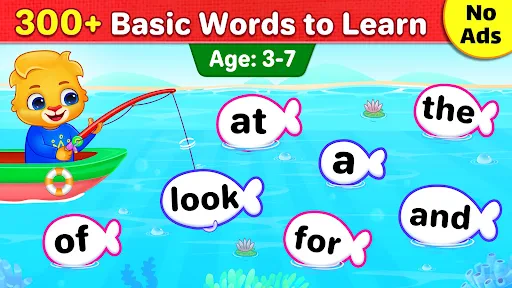
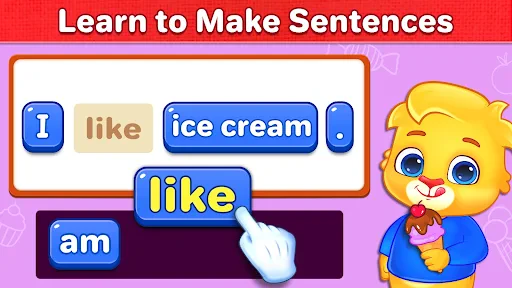
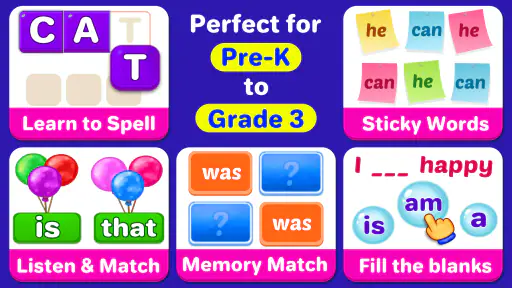
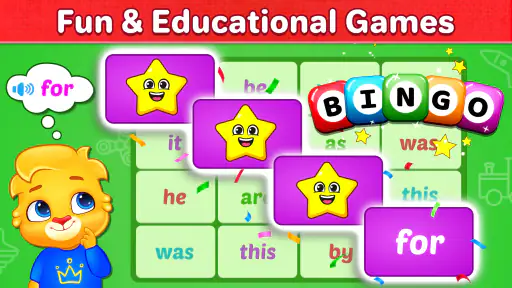
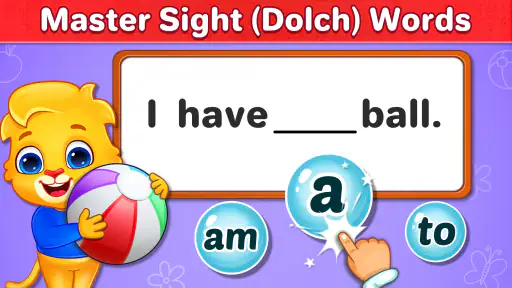
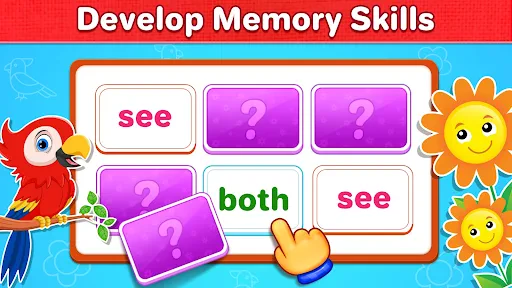
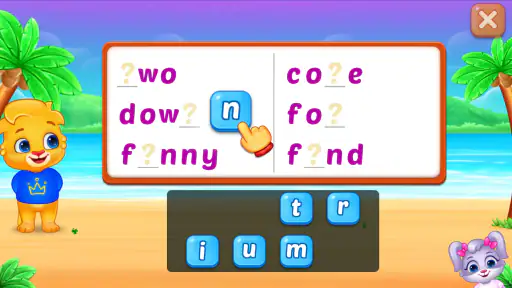
The first thing that caught my eye was the app's playful and colorful interface. Kids are instantly drawn to it - it’s like a magnet! The Learn to Read: Kids Games app is designed to make reading fun and interactive. It offers a variety of activities that cater to different learning styles, ensuring that every child can find something that resonates with them.
One of the coolest features is the phonics-based approach. The app has a collection of mini-games that focus on different phonetic sounds, which is a fundamental part of learning to read. These games are not only educational but also super engaging. I mean, who wouldn't want to learn phonics through a fun treasure hunt game?
Interactive Storytelling
Another standout feature is the interactive storytelling section. Kids can choose from a variety of stories that are tailored to different reading levels. As they progress, the stories become more complex, helping to gradually boost their reading skills. Plus, the app includes read-aloud options, where characters narrate the stories, making it perfect for kids who are still getting the hang of reading on their own.
There’s also a neat little reward system in place. Each time a child completes a game or a story, they earn stars and badges. This not only keeps them motivated but also gives them a sense of accomplishment. It's like turning reading into a rewarding adventure!
Why It Stands Out
While there are many reading apps out there, what sets this one apart is its adaptability. The developers behind Learn to Read: Kids Games have done a fantastic job of ensuring that the app grows with the child. As kids improve, the app adjusts the difficulty level, providing just the right amount of challenge to keep them engaged without overwhelming them.
Moreover, the app supports multiple languages, which is a huge plus for bilingual families or for those who want to introduce a new language to their kids. It's like having a multi-lingual reading tutor right in your pocket!
And let's not forget the parental controls, which are a godsend. Parents can easily track their child's progress and customize the app settings to better suit their child's needs. This level of involvement ensures that parents can be an active part of their child's learning journey.
In conclusion, if you're looking for a way to make reading an enjoyable and fruitful experience for kids, Learn to Read: Kids Games is definitely worth checking out. It's not just an app; it's a comprehensive learning tool that combines fun and education seamlessly. So, go ahead, give it a whirl and watch your little ones embark on an exciting reading adventure!
Pros
- Engaging game-based learning.
- Adaptive difficulty levels.
- Colorful visuals attract kids.
- Supports multiple languages.
- Encourages independent learning.
Cons
- Limited offline access.
- Requires in-app purchases.
- Ads can be distracting.
- Not suitable for older kids.
- Requires internet connection.
- Category
- Educational
- Version
- Varies with device