Drawing Games: Draw & Color
- 123.00
- 4.3
- Installs
- 50.00M
- Price
- Free

Screenshots
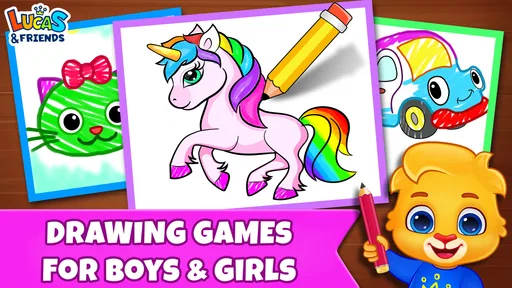
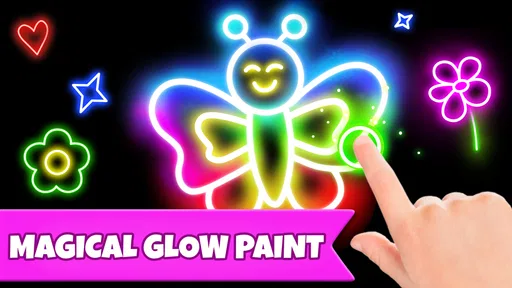
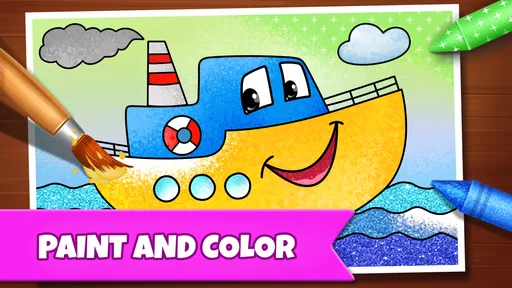
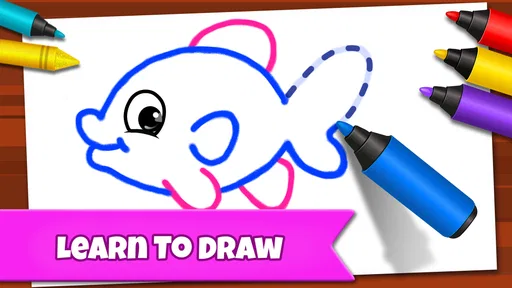
Analysis by Reviewed
I’d decide what kind of drawing experience you want before opening Drawing Games: Draw & Color. The name can suggest a simple coloring activity, while the published write-up describes a broader drawing setup with brushes, layers, tutorials, and a social community. That makes it worth checking the app’s own screens as you go rather than assuming every activity works the same way. For a child who wants a guided creative task, that variety may be a plus; for someone looking for a quiet, no-frills coloring book, it may feel like more to explore than necessary.
Where a first session can feel less straightforward
My main practical advice is to begin with one small task instead of trying every tool at once. Drawing apps can feel busy when the palette, brush choices, and other options all compete for attention. I’d pick a simple image or drawing activity, choose a color, and test the brush on a small area before committing. That quick check helps you see how the mark looks and whether the size suits the detail you’re working on.
The app is an educational game from RV AppStudios, and its appeal is hands-on rather than lesson-heavy: the user learns by choosing colors and making marks. That can suit short breaks at home or a child who enjoys experimenting without being asked to produce a polished picture. It is free, rated for Everyone, and has an average rating of 4.3 from around 22,000 ratings, with over 50 million installs. Those figures suggest broad reach, but they don’t tell you whether its particular mix of activities will suit your child or your own expectations.
A sensible setup for kids and casual use
Before handing over a device, I’d open the app myself and look through the available activities. That gives you a chance to see which choices are easy for a young player to understand and to decide whether the social elements mentioned in the app’s description are appropriate for your household. If a child is using it, staying nearby during the first session is a practical way to help with navigation and keep the activity focused.
For a realistic everyday use, imagine a child waiting while dinner is prepared. I’d set up a short drawing session, let them choose a picture or tool, and avoid turning it into a test of artistic skill. If the goal is a calm, independent activity, a straightforward coloring option may work better than exploring every feature. If the goal is practice, try a tutorial and repeat one technique rather than jumping between unrelated tools; that makes it easier to notice what the child has learned.
Recovering when the result goes wrong
When a line lands in the wrong place or a color choice doesn’t work, pause before restarting. Check the controls on the current screen and see whether an undo or clear option is available; I wouldn’t assume those controls behave identically across every activity. If the drawing feels hard to manage, simplify the task: use a larger brush for broad areas, then switch to a smaller one only for details. Saving a complicated picture for later is less frustrating than trying to fix it while a child is losing interest.
Touchscreen drawing also depends on the device and the person using it. A small screen can make fine details awkward, while a finger may cover the spot a child is trying to color. In that situation, choosing bigger shapes or a simpler activity is often more useful than repeatedly adjusting settings. If the app seems unresponsive, I’d first check that the device is responding normally, close and reopen the activity, and make sure the screen is clean. Those basic steps help separate an app hiccup from a touch-control problem.
More From Our News Desk

Weather by Xiaomi Review: Clear at a Glance, Less Clear Up Close

X Under Pressure: Can It Recover When Posting Goes Wrong?

Clash of Clans Is Won Between the Battles

Android Auto Makes the Case for Quieter Car Software

MobiOffice: Transforming Mobile Productivity with Seamless Integration

EA SPORTS FC™ Mobile Soccer: Redefining Mobile Sports Gaming
Unleashing Your Inner Artist
When I first opened the game, I was greeted by a vibrant interface that immediately got the creative juices flowing. It is designed to be intuitive, so even if you’re a beginner, you can dive straight into creating your masterpiece. The tools are laid out in a way that makes them easy to access, and the variety of brushes and colors is truly inspiring. I found myself experimenting with different styles, thanks to the wide range of options available.
Features That Stand Out
What sets this app apart is its extensive toolkit. There’s a plethora of brushes, from pencils to spray cans, each with adjustable sizes and opacity. The color palette is vast, allowing for endless combinations, and there’s even an option to create your own colors. But what really caught my eye was the layering system. It’s not often you find such a feature in drawing apps, and it’s a game-changer for creating detailed artwork.
Another cool feature is the tutorial section. Whether you’re looking to hone your skills or learn new techniques, the step-by-step guides are incredibly helpful. They cover everything from basic drawing tips to more advanced techniques, ensuring that artists of all levels have something to learn.
Making the tools work for your goal
That toolkit can be more useful when I treat it as a small set of choices rather than a reason to experiment with everything at once. For a young child, the simplest route is to choose a color and make broad strokes; for an older beginner, trying one brush at a time makes it easier to understand how size and opacity change the result. Layers are most helpful when you want to keep separate parts of a picture distinct, but they can add complexity to a quick doodle. I’d use them when the drawing genuinely benefits from separation, not just because the option is there.
The tutorials are a better fit for someone who wants to practice than for a child looking for instant entertainment. A useful routine is to follow one short step, then make a small variation of your own. That turns copying into a chance to experiment. If the goal is simply to fill shapes with color, a dedicated digital coloring book may be quicker to learn and less distracting. If the goal is to try drawing tools and build confidence, this app’s broader approach has more room to explore.
Building a low-pressure routine
For a child who wants to return to drawing without needing an adult to invent a new activity each time, I’d keep a simple routine: choose one picture or tutorial, work on it for a short stretch, then stop while the task is still enjoyable. This avoids turning a creative game into a long lesson. It also gives a parent a natural point to check whether the child is comfortable with the controls or wants help choosing a less detailed image.
For an older beginner, a small “one tool, one goal” challenge can make the range of brushes less overwhelming. For instance, use one brush to make a background, then another to add a few details. The point is not to create a perfect finished piece but to notice what each tool changes. This is a more useful way to explore than switching brushes after every mark, which can make the screen feel busy without teaching much.
The Community Aspect
One of the things I love about the game is its community feature. You can share your artwork with other users, get feedback, and even participate in drawing challenges. It’s a great way to stay motivated and improve your skills. Plus, seeing what other people create can be truly inspiring!
There’s also a social aspect to the app. You can follow other artists, like their work, and even collaborate on projects. It turns the app into a social network for artists, which is pretty neat if you ask me.
Keeping social features in perspective
The community can add motivation, but it changes the feel of the activity: drawing becomes something that may be shown to other people rather than kept as a private experiment. I’d make that distinction clear for a child before they start. If the aim is simply to practice coloring, there is no need to make sharing or following part of the session. A parent can first inspect those areas and decide whether they belong in the child’s routine at all.
For someone using the app alone, community interaction is most useful when it encourages another attempt or provides examples to look at. It is less useful if the user mainly wants quiet, uninterrupted drawing. In that case, I’d stay with the creative tools and treat the social side as optional rather than as the reason to choose the game.
Choosing the right kind of creative app
Compared with a paper coloring book, this gives you a digital space to try colors and tools without needing pencils or cleanup. Compared with a basic drawing app, the tutorials and community described here offer more guidance and ways to engage with other users. Those extras are not automatically better: a parent may prefer a paper activity or an offline-feeling, single-purpose coloring app when simplicity and fewer distractions matter most. Someone seeking professional illustration controls may also be better served by a dedicated art program rather than a game aimed at casual, educational creativity.
If artwork sharing or following other artists is part of the appeal, I’d treat that as an optional part of the experience, not a requirement for enjoying the drawing tools. For younger players, it’s sensible for an adult to review the social areas first and decide what is appropriate. If a feature is confusing, returning to a basic drawing or tutorial is a reasonable way to keep the session enjoyable without forcing every part of the app into use.
Who will get the most from it
I’d put this game on the shortlist for families who want a creative activity that can shift between free drawing and guided practice. It also makes sense for casual users who enjoy trying brushes and colors but do not need advanced production tools. The educational angle is strongest when the player has room to make choices and repeat techniques at their own pace, rather than being pushed to finish a polished picture.
I’d steer away from it if you need a very quiet, tightly focused coloring experience, if a child is not ready to navigate a variety of choices, or if you want a serious illustration workspace. In those cases, a paper book, a simpler coloring app, or a dedicated art program may be a better match. Choosing a narrower tool is not a downgrade if it better fits the person and the moment.
When a problem may be outside the app
If a child says that drawing feels difficult, I wouldn’t immediately assume the game is malfunctioning. A small display, an awkward grip, a finger that hides the target, or a task with details that are too fine can all make a simple action frustrating. Try a larger drawing area or a simpler activity, and give the player time to settle into the touch controls. If the whole device is lagging or ignoring taps in other apps too, the sensible next step is to check the device itself rather than keep changing drawing choices.
Likewise, if an activity seems confusing, return to a screen or tool the player already understands and explore one new option at a time. That helps identify whether the difficulty comes from navigation, the drawing task, or simply too many choices at once. I find this kind of reset more helpful than repeatedly restarting the same complicated picture.
Overall Experience
In conclusion, this is more than just a drawing app. It’s a vibrant community, a learning platform, and a creative outlet all rolled into one. Whether you’re looking to pass the time, improve your skills, or connect with other artists, this app has something to offer. I’ve thoroughly enjoyed my time with it, and I think you will too. So why not give it a shot and see where your creativity takes you?
My recommendation is strongest for families and casual users who want a playful way to draw, color, or try guided practice, and who are happy to explore a mix of tools. RV AppStudios released it on May 25, 2021, and its large audience—over 50 million installs—shows that many people have tried it, though popularity alone is no guarantee of a perfect fit. I’d skip it if you want a strictly focused coloring book, a professional art workspace, or an activity that needs no adult setup for a young child. For everyone else, I’d start with one simple drawing, check which tools feel comfortable on your screen, and expand from there.
Drawing Games: Draw & Color Frequently Asked Questions
What age group is Drawing Games: Draw & Color intended for?
Drawing Games: Draw & Color has an Everyone age rating, making it suitable for a broad audience. Its drawing and coloring activities may be especially appealing to children and families, while the simple creative format can also suit adults who want a relaxed pastime. Parents can preview the game and decide whether its activities are a good fit for their child.
Can I use Drawing Games: Draw & Color for quick, casual play?
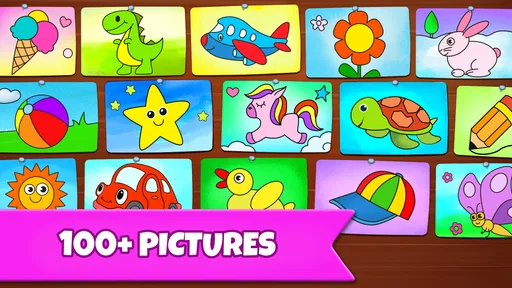
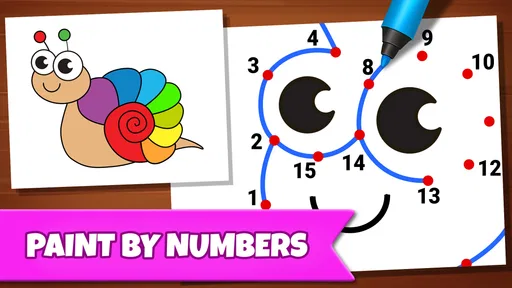
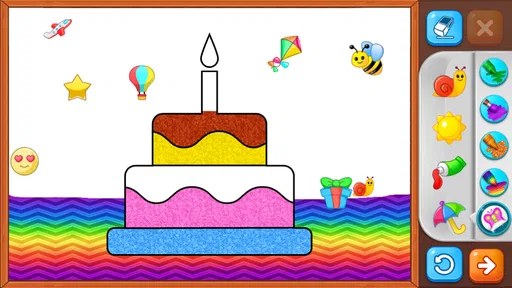
Yes. The game centers on drawing and coloring activities, including a coloring book, glow effects, and paint-by-numbers. These formats make it easy to dip in for a short creative session rather than needing to commit to a longer game. It is a casual choice for anyone who wants a simple, hands-on activity.
What kind of game is Drawing Games: Draw & Color?
Drawing Games: Draw & Color is an educational game built around creative activities. Its focus is on drawing and coloring, with options that include a coloring book, glow effects, and paint-by-numbers. It may suit players looking for a relaxed, hands-on activity, whether they want to follow a guided coloring format or explore simple drawing play.
Is Drawing Games: Draw & Color free to download?
Yes, Drawing Games: Draw & Color is free to download. Its free-to-play format makes it easy to try the drawing and coloring activities before deciding whether it fits your preferences. The game is from RV AppStudios, and it is aimed at a broad audience, so it can be considered by families and individuals looking for an accessible creative game.
What features does Drawing Games: Draw & Color offer?
Drawing Games: Draw & Color provides users with a variety of tools to create digital art, including pens, brushes, and color palettes. The app also offers a range of templates and tutorials to help beginners get started. Users can save their artwork and share it across social media platforms, making it an engaging tool for both novice and experienced artists.
Pros
- User-friendly interface for beginners.
- Wide variety of drawing tools.
- Supports multiple file formats.
- Offline mode available.
- Regular updates with new features.
Cons
- In-app purchases can be costly.
- Lacks advanced features for pros.
- Occasional app crashes.
- Limited color palette options.
- Ads can be intrusive.













