Security Craft Mod Minecraft
- 89.00
- 4.0
- Installs
- 1.00M
- Price
- Free
Screenshots
Analysis by Reviewed
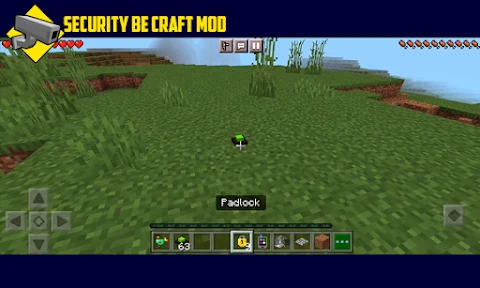
Ever found yourself wishing that Minecraft had a bit more in the way of protecting your precious builds? Well, your prayers have been answered with the Security Craft Mod. This nifty addition to your game amps up the security measures, letting you safeguard your creations from those pesky creepers and other unwanted intruders. Let’s dive into what makes this mod a must-have for any Minecraft enthusiast.
Enhanced Security Features
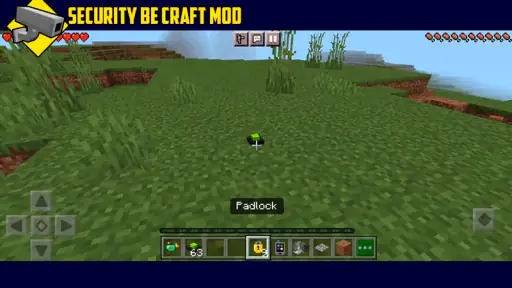
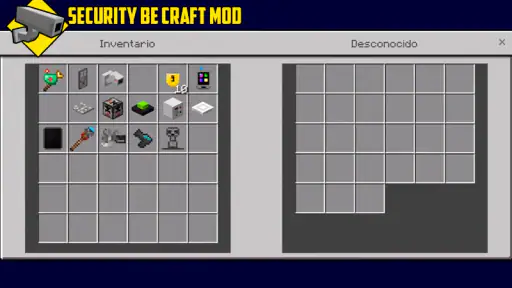
First off, the Security Craft Mod is all about fortifying your Minecraft world. You’ve got lasers, keypads, and even retinal scanners at your disposal, making your virtual home a veritable fortress. Imagine setting up a laser tripwire that alerts you whenever someone tries to sneak into your base. Pretty cool, right? It’s like having your own secret agent gadgets in the blocky universe.
Easy to Use Interface
Now, I know what you might be thinking: “All these gadgets sound complicated!” But fear not. The mod is surprisingly user-friendly. With a straightforward interface, even the most technologically challenged players can navigate through setting up their security systems. Whether you’re crafting a simple keypad lock or an elaborate retinal scanner, the process is smooth and intuitive.
Customization Galore
One of the standout features of this mod is the level of customization it offers. You can tailor security measures to fit the aesthetic of your build. Whether you’re going for a medieval castle vibe or a modern skyscraper look, the mod’s elements integrate seamlessly. Plus, with the ability to set custom codes and security levels, you can ensure that your defenses are as strict or lenient as you desire.
Moreover, for those who love a bit of tech tinkering, the mod allows you to delve deeper into customization. You can adjust settings to control who gets access and even set up traps to catch intruders off guard. It’s a playground for the creative mind!
Seamless Integration with Minecraft
Another major plus is how well the Security Craft Mod meshes with the existing Minecraft mechanics. It doesn’t feel like a clunky add-on; rather, it complements the game’s core features beautifully. The mod doesn’t interfere with the usual gameplay but enhances it, allowing for a more immersive and engaging experience.
In conclusion, if you’re looking to add an extra layer of protection to your Minecraft world, the Security Craft Mod is your go-to. With its array of advanced security features, ease of use, and extensive customization options, it’s an essential tool for any player wanting to up their game. So, why not give it a try and turn your Minecraft builds into impenetrable fortresses? Happy crafting!
More From Our News Desk

Clash of Clans Is Won Between the Battles

Android Auto Makes the Case for Quieter Car Software

MobiOffice: Transforming Mobile Productivity with Seamless Integration

EA SPORTS FC™ Mobile Soccer: Redefining Mobile Sports Gaming

How Microsoft OneDrive Became a Mobile Productivity Giant

How Google Translate Breaks Language Barriers Effortlessly
Security Craft Mod Minecraft Frequently Asked Questions
What is Security Craft Mod for Minecraft?
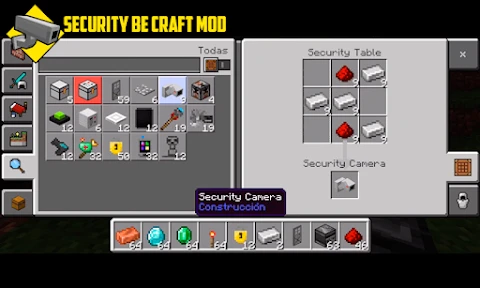
Security Craft Mod is an add-on for Minecraft that enhances the security aspects of the game by introducing new features like cameras, laser tripwires, and keypad-protected doors. It is specifically designed for players who want to protect their creations from intruders, whether in single-player worlds or multiplayer servers.
How do I install Security Craft Mod on Minecraft?
To install Security Craft Mod, you'll need to have Minecraft Forge installed first. After setting up Forge, download the Security Craft Mod file and place it in the 'mods' folder within your Minecraft directory. Launch the game using the Forge profile, and the mod should be active. Always ensure to download mods from reputable sources to avoid malware.
Is Security Craft Mod compatible with other Minecraft mods?
Security Craft Mod generally works well with many other Minecraft mods, as long as they are all compatible with the same version of Minecraft Forge. However, compatibility issues can arise if another mod alters the same game mechanics or features. It's advisable to test the mod combination in a new world to ensure everything functions correctly.
What are the key features of Security Craft Mod?
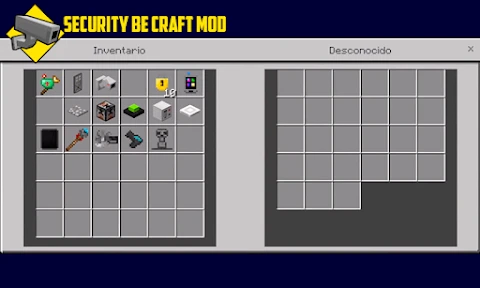
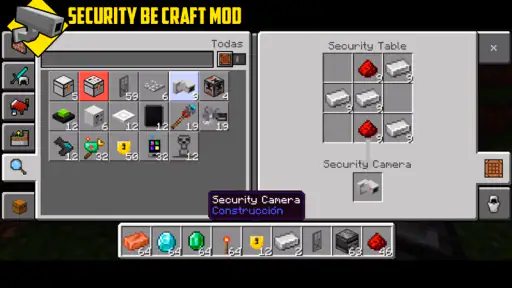
Security Craft Mod offers a variety of features to enhance your Minecraft security, including laser tripwires, keypad-protected doors, security cameras, and reinforced blocks. These tools allow players to create complex security systems to protect their bases from enemies or other players, adding an extra layer of strategy to the game.
Does Security Craft Mod affect game performance?
While Security Craft Mod is designed to be lightweight, it may still impact game performance depending on your system specifications and the number of mods installed. Players using lower-end devices might experience some lag, especially in heavily modded environments. It's recommended to adjust game settings or remove unnecessary mods to improve performance.
Pros
- Enhances game security features creatively.
- Customizable security settings available.
- Integrates well with other mods.
- User-friendly interface for beginners.
- Regular updates and support.
Cons
- May lag on low-end devices.
- Requires Forge installation.
- Not compatible with all servers.
- Some features need in-depth understanding.
- Limited official tutorials available.
- Category
- Entertainment
- Version
- 5.2