Car play/Android Auto Sync
- 12.00
- 3.2
- Installs
- 10.00K
- Price
- Free
Screenshots
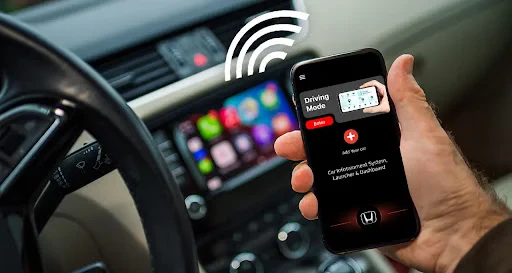
Analysis by Reviewed
So, you know when you're on the road and you want your favorite tunes and navigation apps right at your fingertips? That's where CarPlay and Android Auto come into play, syncing your smartphone with your car's infotainment system. It's like having a co-pilot who knows all your favorite spots and jams. Let me tell you, once you get the hang of it, there's no going back to fumbling with your phone at stoplights.
Getting Started with CarPlay and Android Auto
First things first, let's talk about setting up CarPlay and Android Auto. If you're an Apple user, you'll need an iPhone 5 or later running iOS 7.1 or above. For the Android crowd, it's Android 5.0 (Lollipop) or newer. Most new cars and aftermarket stereos support these systems, so chances are, you're in luck.
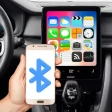
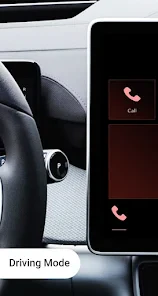
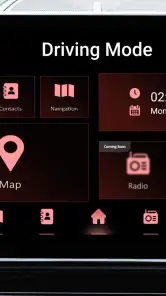
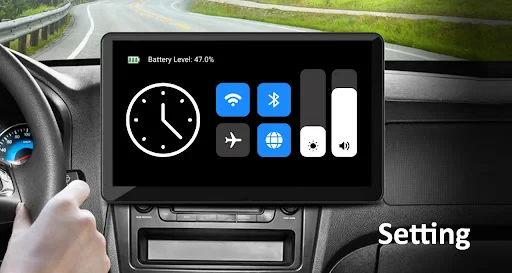
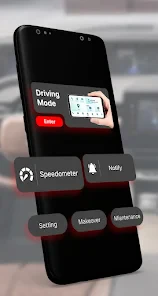
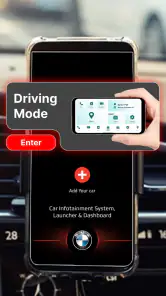
Hooking up is pretty straightforward. Plug your phone into the car's USB port or connect wirelessly if your car supports it. Voila! Your car's display should now mirror your phone's interface, minus the clutter. You’ll get a simplified view with big icons and limited apps to keep your driving distraction-free. It’s almost like your smartphone is wearing a tuxedo—sleek and ready for the road.
Features You'll Love
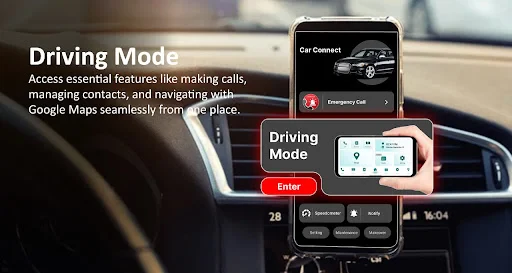
Alright, let's dive into the features. Both platforms let you make calls, send texts, and play music hands-free. Google Maps and Apple Maps are your best friends here, offering real-time traffic updates and alternate routes. Just say "Hey Siri" or "Okay Google" to get things rolling without lifting a finger.
One feature I particularly love is the seamless integration with music apps. Whether you’re a Spotify junkie or an Apple Music loyalist, you can control your playlists with simple voice commands. It’s like having a DJ in the passenger seat who knows exactly what you want to hear.
Compatibility and App Selection
Now, let's talk compatibility. Not all apps are ready for the ride; only those optimized for CarPlay and Android Auto will show up on your car's screen. You’ll find a list of compatible apps in the settings menu on your phone, and trust me, it’s growing every day. From messaging apps like WhatsApp to audiobook services, the essentials are covered.
However, don't expect to see your entire phone mirrored. It’s designed this way to keep you focused on driving. And let's be honest, do you really need Candy Crush on your dashboard?
My Personal Take
In my opinion, the beauty of CarPlay and Android Auto lies in their simplicity. They strip away all the unnecessary bells and whistles, giving you just what you need without overwhelming you. It’s like having a sleek, efficient assistant who knows when to talk and when to be quiet.
Whether you're on a road trip or just commuting to work, these systems make the journey smoother and more enjoyable. Plus, with constant updates and improvements, they’re only getting better. So, if you haven't tried syncing your smartphone with your car yet, what are you waiting for? It's time to hit the road and enjoy the ride!
Pros
- Seamless integration with car systems.
- User-friendly interface for easy navigation.
- Supports a wide range of apps.
- Improves driving safety with hands-free features.
- Regular updates enhance functionality.
Cons
- Limited app compatibility.
- Requires a stable internet connection.
- May not work with older car models.
- Occasional connectivity issues.
- Voice recognition can be inconsistent.
- Category
- Auto & Vehicles
- Version
- 1.15











