AAWireless for Android Auto™
- 754.00
- 4.8
- Installs
- 1.00M
- Price
- Free

Screenshots
Analysis by Reviewed
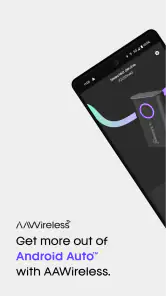
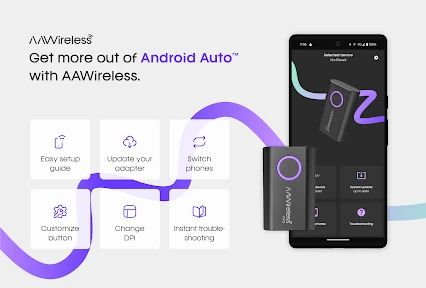
Have you ever wished you could ditch the cables while using Android Auto? I sure have, and that's where AAWireless comes into play. This nifty little gadget promises to make your car rides a whole lot smoother by allowing a wireless connection between your smartphone and your car's infotainment system. Let's dive into what makes this app tick and whether it's worth the hype.
Seamless Wireless Connection
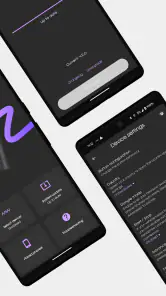
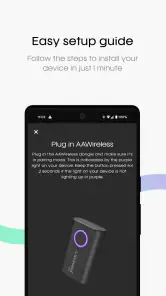
The first thing that stood out to me was the seamless setup. Once I got my hands on AAWireless, I was eager to test its claim of a quick and easy connection. True to its promise, the pairing process was as simple as connecting any Bluetooth device. Just plug the device into the USB port, follow the on-screen instructions, and voilà! You're all set to enjoy a wireless Android Auto experience. No more fumbling with cables every time I get in the car — a huge win in my book!
Performance and Reliability
Now, let's talk about performance. One of my biggest concerns with wireless connections is lag. Fortunately, with AAWireless, I didn't experience any noticeable lag or connectivity issues. The transition between apps, navigation, and music streaming was smooth, just as if my phone were plugged in. It's reassuring to know that I can rely on it for long drives without any hiccups.
Compatibility and Updates
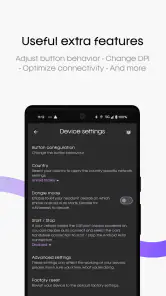
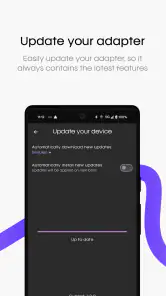
Another great feature is the device's wide compatibility range. It supports most vehicles that are compatible with Android Auto, so there's a good chance it will work with your car. Plus, the developers are continually pushing updates to ensure compatibility with the latest phones and car systems. It's nice to see a team dedicated to keeping their product up-to-date, which gives me confidence in its longevity.
Design and Portability
Let's not forget about the design. AAWireless is compact and discreet, making it easy to tuck away in your car without cluttering the dashboard. Its small size means I can leave it plugged in without worrying about it being an eyesore or a distraction. It's the little things like this that contribute to a better overall user experience.
In conclusion, if you're someone who values convenience and a clutter-free environment in your car, AAWireless is definitely worth considering. The ease of use, reliable performance, and ongoing support from the developers make it a solid investment for anyone looking to enhance their Android Auto experience. Say goodbye to cables and hello to a more streamlined ride!
Pros
- Seamless Android Auto connectivity
- Compact and portable device
- Easy setup with user-friendly app
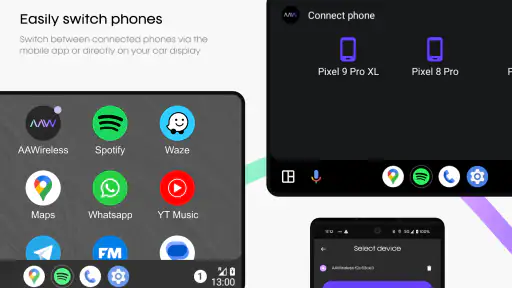
- Supports multiple devices
- Regular firmware updates
Cons
- May experience occasional disconnections
- Limited to Android devices
- Requires initial Bluetooth pairing
- Dependent on car's USB port
- Battery drain with prolonged use

- Category
- Auto & Vehicles
- Version
- 6.16-2399











