

Cartoon Video & Gif Maker
- 467.00
- 4.0
- Installs
- 1.00M
- Price
- Free
Screenshots
Analysis by Reviewed
I approach Cartoon Video & Gif Maker with one practical question in mind: does it give a newcomer a comfortable way to make a small cartoon, or does it demand the patience and setup of a full animation studio? It is a free comics app from Avatar Maker, and its stated focus is making cartoon-style moving images. That makes it appealing for quick creative experiments, though I would judge it as a casual tool rather than assume it can replace a professional production workflow.
Where a short cartoon fits into everyday life
The app makes the most sense when I have one small idea to communicate, not a whole story to produce. A quick reaction to a group-chat joke, a playful greeting, or a tiny visual reminder can all suit a brief cartoon. In a realistic everyday scenario, I might want to send a friend a birthday message that feels more personal than a plain text: I would settle on one clear action, keep the scene uncluttered, and make the loop easy to understand without explanation.
That narrow scope is a strength rather than a flaw. Short animations are easier to finish, easier to review on a phone, and less likely to become an unfinished project that needs an entire evening. If I am making something for a particular person, I would decide what the joke or message is before opening the editor. A simple idea gives me a useful test: if the action is not clear in a few beats, adding more decorations probably will not make it clearer.
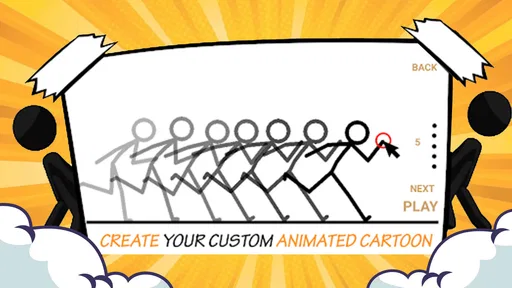
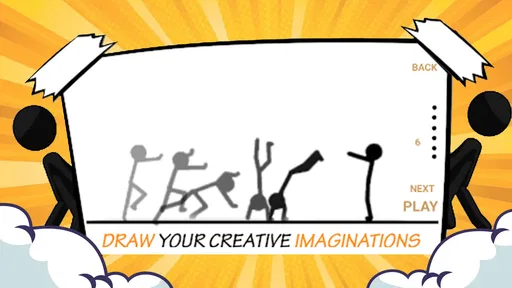
For a first project, I would sketch the action in a few beats before opening the editor. That small bit of planning matters in frame-by-frame work: a character moving too far between frames can look jumpy, while tiny changes can make a sequence feel slow. I would make a rough pass first, play it back, and adjust only the frames that make the movement hard to follow. This is a more useful workflow than trying to perfect every image before seeing the motion.
A casual tool, not a full studio
Compared with drawing each frame in a general-purpose art app, a cartoon maker can be less intimidating because the task is already centered on animation. Against a full desktop animation program, though, a phone-sized workflow is naturally better suited to compact ideas than detailed scenes with many moving parts. I would choose this app for a quick visual gag or an experiment; for precise character acting, layered production, or a project that needs dependable professional editing controls, I would look for a more specialized option.
The trade-off is worth keeping in mind before investing time. A general drawing app may give an illustrator more freedom over brushes and artwork, while a specialist animation package is usually the better choice when a project depends on complex editing and repeatable control. This app sits between those approaches: it is aimed at getting a cartoon moving, rather than serving as a comprehensive art or production environment. That makes it a sensible starting point for curious beginners, but not necessarily the right home for work that needs a polished, multi-stage pipeline.
Exporting as a GIF is useful when the goal is an easily shared loop, but it also encourages restraint. A small image and a simple action are often clearer than a crowded scene with several characters competing for attention. I would decide where I plan to share the result before building it, then keep the composition readable at that size. That avoids finishing an animation only to discover that its main detail disappears when viewed on a phone.
More From Our News Desk

 Gmail
GmailGmail in a Busy Inbox: Who Benefits Most?
From first account to crowded workday, Gmail earns its place through dependable search and flexible sorting—but its best fit depends on how much inbox maintenance you can tolerate.

 Prime Video
Switching to Prime Video: What Changes in Your Viewing Routine
Prime Video can make a compelling second home for streaming, but switching means learning a different catalog, rental layer, and route from browsing to playback.

 Universal TV Remote Control
Universal TV Remote Control Works Best as a Reliable Backup
A phone remote earns its place through quick setup and reliable habits. Here is how to get more from Universal TV Remote Control—and where its limits show.

 Weather - By Xiaomi
Weather by Xiaomi Review: Clear at a Glance, Less Clear Up Close
Xiaomi’s weather app makes everyday forecasts quick to scan, but its calm surface can leave useful details and recovery paths harder to find than they should be.

 X
XX Under Pressure: Can It Recover When Posting Goes Wrong?
A resilience-focused review of X, examining setup, mistaken posts, interruptions, weak connections, and the gaps that matter when recovery needs to be dependable.

 Clash of Clans
Clash of Clans Is Won Between the Battles
Its raids are quick; its community is a long-term project of coordination, teaching, rivalry, and shared responsibility—with all the friction that entails.
Latest News



The Magic of Animation at Your Fingertips
Let me tell you, the first time I opened Cartoon Video & Gif Maker, I was like a kid in a candy store. The app boasts a user-friendly interface that doesn't overwhelm you with too many options but rather guides you smoothly through your creative process. Creating your first animation is as simple as selecting your canvas size and letting your creativity flow. I was particularly impressed with how intuitively the tools are laid out, making it easy for even the most novice of users to dive right in.
Features That Spark Creativity
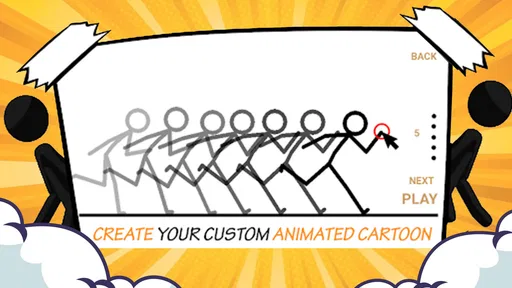
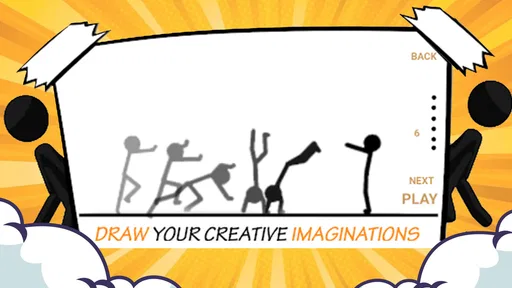
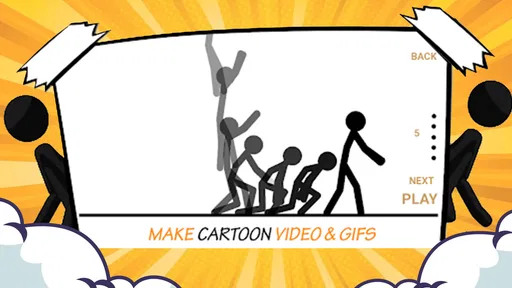
Now, let’s dive into what makes this app a treasure trove for animation enthusiasts. One of the standout features is the extensive library of pre-made characters and backgrounds. This allows you to either jump-start your project or simply gather inspiration before creating your unique assets. The app also supports frame-by-frame animation, which is a game-changer for those who want precise control over their creations.
A practical way to use those ready-made elements is as a timing aid, not just as a shortcut. I would first test whether the character and background help the action read clearly, then spend my effort on the movement itself. If I later decide to make a more personal version, I can treat the first pass as a rough storyboard: it tells me what the scene needs before I invest time in refining its look. The trade-off is that a supplied visual starting point may not match the exact style or subject I have in mind, so it is useful for an idea that can adapt to available materials, not for a commission with strict art direction.
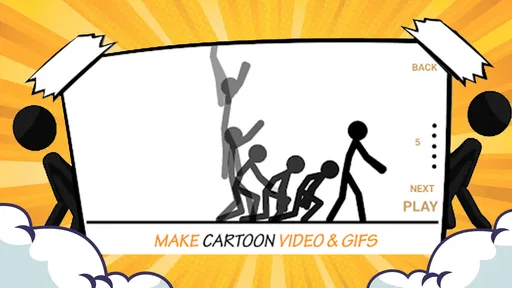
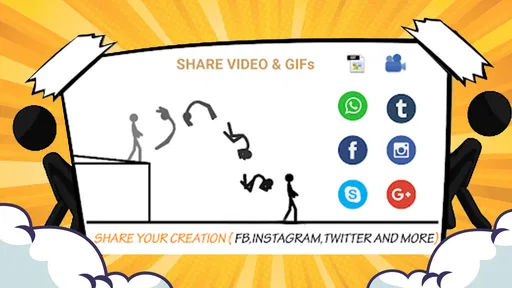
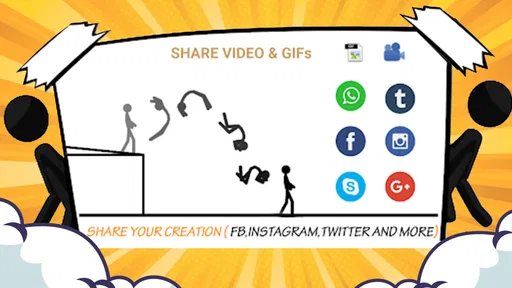
Another nifty feature is the app’s ability to generate GIFs. I found this particularly useful for sharing quick snippets of my work on social media. The seamless integration with platforms like Instagram and Twitter means your creations can go viral in no time, spreading your creative genius far and wide.
For a more grounded sharing routine, I would make the animation for its intended destination instead of assuming every export will look equally good everywhere. A loop that works in a message may feel too busy as a profile image or too small in a feed preview. I would check whether the key gesture is visible at a reduced size and whether the ending flows naturally back into the beginning. If it does not, a simple change to the action may improve the result more than adding extra frames or visual detail.
Why You’ll Love It
One of the things I absolutely adore about Cartoon Video & Gif Maker is the community aspect. You can share your animations with a vibrant community of like-minded creators. Feedback and support from fellow animators have not only helped refine my skills but also kept me motivated to push the boundaries of my creativity.
Community feedback can be most useful when I ask a focused question rather than simply asking whether someone likes the clip. For example, I might ask whether the action is understandable without a caption or which moment feels too fast. That kind of response helps me make a specific revision. I would still treat feedback as one perspective, not a requirement to change a cartoon until it pleases everyone; the best choice depends on whether I am making a private joke, a personal greeting, or something intended for a wider audience.
Furthermore, the app’s capacity to export high-quality videos means your animations are not just restricted to small screens. You can showcase them on larger platforms or even use them for professional purposes. The possibilities are endless!
Before sharing a finished cartoon, I would watch it once without sound and once at the size it is likely to appear on a phone. That catches two common problems early: movement that is difficult to read, and details that vanish in a small preview. I would also keep a copy of the version I am happiest with before experimenting further, so a late timing change does not replace the better take. These are simple habits, but they help when a mobile project is built in small, easy-to-adjust steps.
Trust, choices, and sensible sharing
For a creative app, trust is partly about what I can judge before making something: who publishes it, what the app is meant to do, and whether I feel comfortable with the choices presented on my own device. Avatar Maker is the developer, and the app has an Everyone age rating. It first appeared on September 28, 2017; version 4.3 is listed, with Android 5.0 as the minimum system requirement. It is free, has more than a million installs, and holds a 4.0 average from around 8,700 ratings, with 467 written reviews.
That context helps me place the app, but popularity alone does not tell me whether its creative workflow suits my needs. I would focus on the choices I encounter while using it and on the way I handle the result. The key point for a casual creator is that making a cartoon and deciding to distribute it are separate steps. I can keep a clip as a personal experiment, share it with one friend, or prepare it for a broader audience; I do not need to treat every finished animation as a public post.
Those figures offer context about its reach, not a guarantee that every creator will like the results or that every sharing destination will suit every project. I would treat each export as something I choose to distribute, rather than assume that making an animation means it must be posted publicly. If a scene includes a friend’s name, face, or a private joke, I would check the finished file and intended audience before sending it on. That is a sensible habit for any animation tool, especially when a playful clip can travel farther than expected.
Privacy-minded habits for personal cartoons
A cartoon can contain more personal information than its playful style suggests. A character might include someone’s name, an inside joke, or a setting that makes it obvious where a person spends time. Before sharing, I would look at the whole image, not only the main action, and remove details that the recipient does not need to see. If I am making a clip about someone else, I would consider whether they would be comfortable with it reaching beyond the original audience.
I would also make a deliberate choice about where a finished file goes. Sending a clip directly to a friend is different from posting it somewhere that can be viewed or passed along more broadly. If I am unsure, I would start with a smaller audience and ask before turning a private joke into a public one. These are user-controlled decisions that matter regardless of which animation editor I use, and they are especially easy to overlook when the project feels casual.
Who should try it, and who should move on
The app is most appealing to someone who wants to try cartoon movement without beginning with a blank professional timeline. It may be less satisfying for a person who wants detailed control over a long film, needs a carefully documented production process, or prefers to keep every part of the artwork in a separate desktop project. I would also recommend keeping expectations modest: a familiar-looking character or an expressive loop can be charming, but a polished result still depends on the idea, pacing, and care put into each frame.
If you are wondering whether you need drawing experience, I would say the best first test is a tiny action that can be understood with simple shapes and a short sequence. The app’s animation focus and ready-made characters can lower the barrier, while frame-by-frame work still rewards patience. If you are hoping to type a sentence and receive a finished cartoon automatically, this is not the promise I would take from its purpose. It is better suited to someone willing to make choices, check the playback, and refine a small idea.
It is also worth asking what kind of control you expect after the first draft. If your priority is a quick, expressive GIF, this can be an approachable place to experiment. If you need extensive editing options, fine-grained control of a complex scene, or a long-form project that must be easy to revise later, I would choose a dedicated animation program instead. The right tool is the one that matches the amount of control your project actually needs, not the one with the most appealing first impression.
Final Thoughts
In conclusion, if you’re looking for an app that’s both fun and functional, Cartoon Video & Gif Maker is the way to go. It combines the thrill of creating with the convenience of mobile technology, making animation accessible to everyone. Whether you’re killing time on a commute or seriously honing your craft, this app is your go-to tool for all things animated.
My recommendation is more specific: I would try it when I have a compact cartoon idea and want to see it move without first learning a full desktop workflow. I would keep the first attempt simple, review the loop at its likely viewing size, and decide carefully who should receive it. That approach plays to the app’s casual, mobile-friendly purpose while avoiding the expectation that it will replace a specialist tool for demanding production.
So, what are you waiting for? Grab your smartphone, download the app, and let your creativity take flight. Trust me, once you start animating, there’s no turning back!
Cartoon Video & Gif Maker Frequently Asked Questions
Is Cartoon Video & Gif Maker available for my device?
Cartoon Video & Gif Maker is an Android app that requires Android 5.0 or later. Before downloading, check your device’s operating-system version to make sure it meets that requirement. The app is listed in the Comics category, and its content rating is Everyone, making it suitable for a broad audience.
Is Cartoon Video & Gif Maker free, and what is its age rating?
The app is free to download and has an Everyone content rating. That makes it an accessible option for people looking to create cartoon-style videos and GIFs. Keep in mind that the original version of this FAQ also describes optional in-app purchases and subscriptions; those purchase details are covered below, so review them before deciding whether the free offering meets your needs.
What features does Cartoon Video & Gif Maker offer?
Cartoon Video & Gif Maker provides a range of features for creating animated videos and GIFs. Users can transform photos into cartoon-style animations, add text or stickers, and apply a variety of filters and effects. The app also allows for frame-by-frame animation editing, giving users full creative control over their projects.
Is Cartoon Video & Gif Maker user-friendly for beginners?
Yes, Cartoon Video & Gif Maker is designed with a user-friendly interface that caters to both beginners and experienced animators. It offers intuitive tools that are easy to navigate, with tutorials and tips to help new users get started. The app’s layout is straightforward, ensuring a smooth creative process for all users.
Does Cartoon Video & Gif Maker support multiple file formats?
Cartoon Video & Gif Maker supports various file formats to ensure compatibility and ease of sharing. Users can export their creations as MP4 videos or GIFs, and the app allows importing of images in formats such as JPEG and PNG. This flexibility makes it easy to share animations across different platforms.
Pros
- Easy to use interface for quick navigation.
- Wide variety of cartoon effects available.
- Supports both video and GIF formats.
- High-quality output with vivid colors.
- Frequent updates with new features.
Cons
- Limited free version features.
- Occasional ads might disrupt usage.
- Requires internet for full functionality.
- Some effects require in-app purchases.
- May consume significant device storage.











