codeSpark - Coding for Kids
- 1.64K
- 3.5
- Installs
- 1.00M
- Price
- Free
Screenshots
Analysis by Reviewed
Have you ever wanted your kids to dive into the world of coding but didn't know where to start? Well, let me introduce you to an app that's making waves in the educational tech space: codeSpark - Coding for Kids. This app is like a gateway for children to explore the basics of coding in a fun and engaging way. Let's dive into what makes this app a must-have for parents and educators alike.
What Makes codeSpark Stand Out?
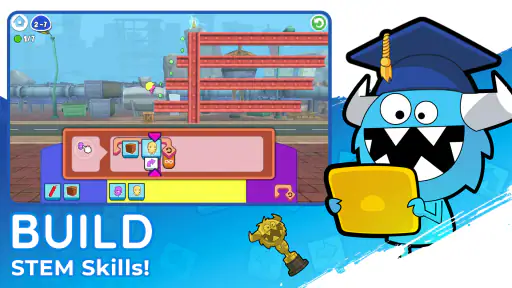
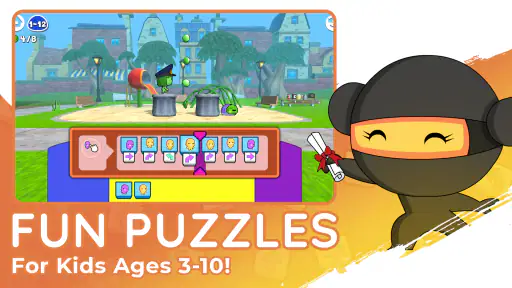
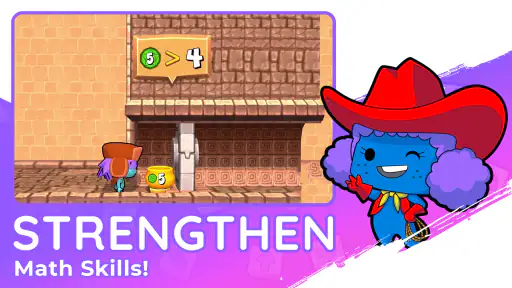
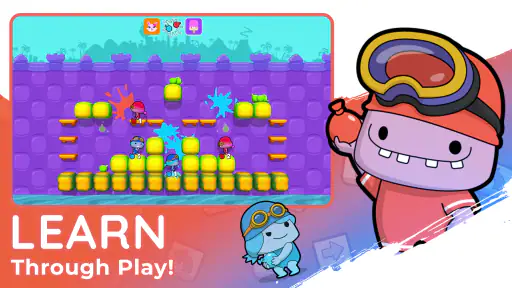
First off, the app is designed specifically for kids, and you can tell from the moment you open it. The interface is colorful and inviting, which immediately grabs the attention of younger users. The creators of codeSpark - Coding for Kids have done a stellar job in making sure that the learning process feels more like a game than a lesson.
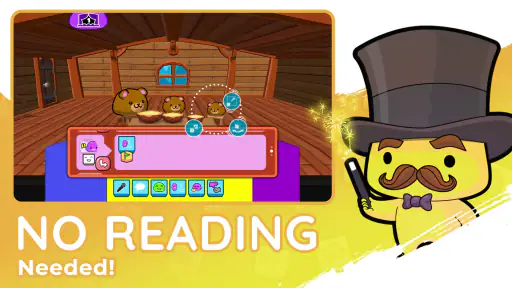
The app uses a unique approach by incorporating puzzles and interactive challenges that teach kids the fundamentals of coding. This isn't just about typing lines of code; it's about understanding the logic and structure behind coding, which is crucial for young learners. The best part? No reading required! The app is designed with pre-readers in mind, making it accessible to even the youngest tech enthusiasts.
A Game-Based Learning Experience
One of my favorite features of the app is its game-based learning model. Kids get to solve puzzles and complete challenges to advance through various levels. These aren't just random games; they're carefully crafted to teach specific coding concepts. Think of it as learning by doing, where each completed level adds a new layer of understanding.
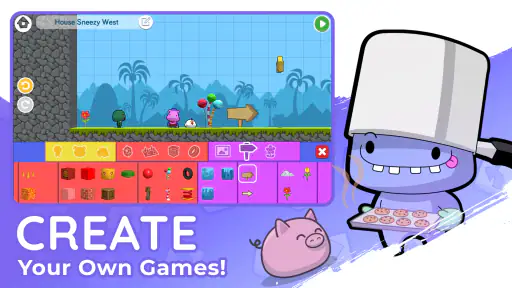
As kids progress, they earn stars and badges, which work as motivational tools to keep them engaged. The app also offers a "create" mode, where kids can build their own games and stories. This is where they get to apply what they've learned, and trust me, seeing your child create their own little game is a rewarding experience.
The Parent and Educator Connection
Another aspect that I found impressive is how parent and educator-friendly this app is. There's a dashboard for parents that allows you to track your child's progress and see which skills they've mastered and where they might need a bit more practice. This feature is a game-changer for parents who want to be involved in their child's learning journey without being overbearing.
For educators, the app provides lesson plans and curriculum guides that align with educational standards. This makes it an excellent resource for teachers looking to incorporate coding into their classrooms. The app is compatible with both Android and iOS, making it easily accessible for schools and homes alike.
Why Your Kids Will Love It
Aside from the educational benefits, kids will love codeSpark - Coding for Kids because it's genuinely fun. The characters are quirky and relatable, and the stories are engaging. The app strikes a perfect balance between education and entertainment, making it a favorite among kids and parents.
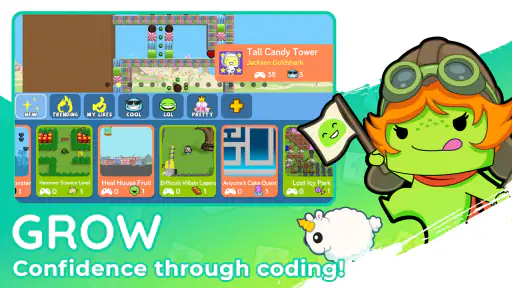
There's also a social aspect to the app, where kids can share their creations with a community of young coders. This not only boosts their confidence but also allows them to see what other kids are creating, sparking inspiration and creativity.
Final Thoughts
In conclusion, if you're looking to introduce your kids to the world of coding, codeSpark - Coding for Kids is a fantastic place to start. It's user-friendly, educational, and most importantly, fun. Whether you're a parent wanting to give your child a head start in tech skills or an educator looking to enrich your curriculum, this app is worth checking out.
So why wait? Download the app today and watch your kids explore the exciting world of coding in a way that's both educational and entertaining. Trust me, you won't regret it!
Pros
- Engaging interface for young learners.
- No prior coding experience needed.
- Includes creative and educational challenges.
- Regular updates with new content.
- Encourages logical thinking and problem-solving.
Cons
- Limited free content; subscription needed.
- Some puzzles may seem repetitive.
- In-app purchases can add up quickly.
- Requires internet for most features.
- May lack depth for advanced users.
- Category
- Educational
- Version
- 4.30.01