 About Contacts
Contacts Review: A Better Address Book Makes Every Call Easier
The worst time to discover your address book is a mess is when you need someone now. A number is saved twice, a familiar name is buried under an old work account, or the person you want is hiding behind an entry you never finished fixing. Contacts is built to make that everyday lookup feel simple again. It is not a messaging service or a caller-identification system; it is the quiet directory underneath those things. Used well, it removes small bits of friction from nearly every call, text, and introduction.
That modest role is also the app’s strongest argument. Communication apps compete to keep you inside their own conversations, while Contacts helps you find the right person before you choose how to reach them. It is most useful when your social life and work life span several services, or when the same person appears in more than one account. The app’s value is not spectacle. It is reducing the number of moments in which you stop and think, “Which number was that?”
A reliable address book earns its place through small saves
Why the basic job is handled cleanly
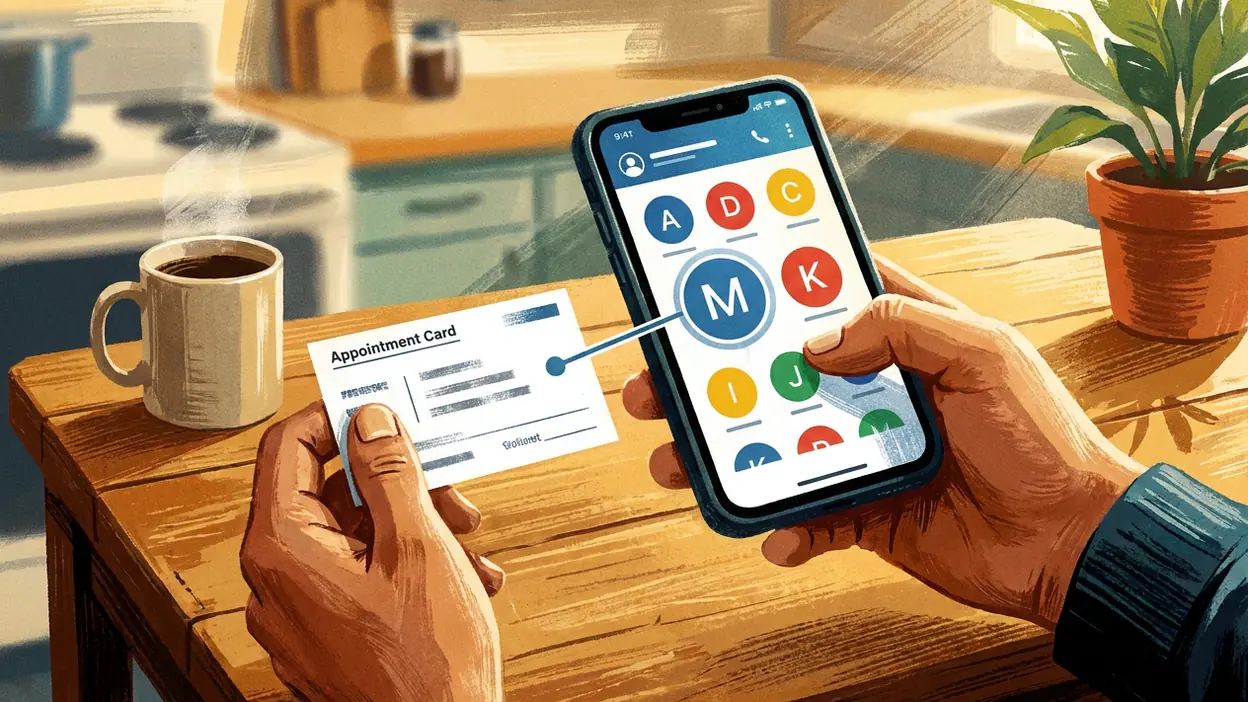
The central task is straightforward: search for a person, open their record, and choose a way to reach them. Names, phone numbers, email addresses, and other saved details are gathered into individual contact cards, so the useful information is close at hand instead of scattered across old messages. Search matters more than a flashy home screen here. When a person’s name or a recognizable detail brings up the right entry quickly, the app has done its most important work.
Contact cards also provide a practical bridge to the rest of the phone. Depending on the details available and the services installed, you can start a call, compose a text, or use another supported communication option from the person’s record. Google Messages, WhatsApp Messenger, and Messenger are where conversations happen; Contacts helps you get to the right person without having to remember which app contains the latest thread. That distinction keeps the address book useful rather than trying to turn it into another inbox.


The cleanest experience depends on keeping information in the right place. Contacts can show entries associated with accounts on the device, but the precise controls and available features can differ by phone, operating system, and app version. That account-aware approach is convenient once it is understood: a number saved in one account does not have to be manually copied everywhere just to appear in your contact list. It also means that a little care during setup pays off later.
What makes it indispensable
An address book becomes indispensable through repetition. You look up a colleague before a meeting, call a family member on the way home, or check an email address while filling out a form. None of those actions is dramatic, but they recur often enough that a dependable contact list becomes part of the phone’s basic infrastructure. The less time you spend navigating to the right person, the more invisible the utility becomes.
There is also real value in keeping a person’s details together. A contact card can be more useful than a bare number when it holds the name you recognize, the email address you need, and the notes or extra details you have chosen to save. Instead of searching old conversations for a number or trying to remember which spelling you used, you can update the record once and use it again. That is a small form of maintenance with a long shelf life.
Latest News



Contacts is not a replacement for Truecaller: Spam Call Blocker, which focuses on identifying and filtering unwanted calls. Nor does it organize your conversations like WhatsApp Messenger or Snapchat. Those tools solve different problems. The address book’s advantage is neutrality: a person can remain easy to find even if you switch messaging apps or use different channels for different parts of your life.
Everyday scenarios where it helps
For work, a well-kept list makes it easier to move between colleagues, clients, and service providers without relying on a search through email or chat history. If several people share a common first name, adding a company or role to the record can make the correct entry easier to identify. When you are arranging a call or sending a quick follow-up, that bit of context can prevent a needless detour.
At home, the benefit is often even more basic. A relative’s updated number, a landlord’s email, or the contact details for a regular appointment are worth having where you expect to find them. Contacts is also helpful when you meet someone and need to save their information before the context slips away. Adding a last name, organization, or other distinguishing detail at that moment is much easier than trying to reconstruct it weeks later.
It earns its keep during transitions, too. A new phone, a changed job, or a new messaging habit can leave people spread across accounts and services. Contacts gives you a familiar place to look, though it cannot make every account or third-party app behave identically. In that respect, it serves as a stable starting point rather than a guarantee that every service has the same information.
Where it saves time and removes friction
The most obvious time saving is fewer steps between intent and action. Search for a name, confirm the person, and choose the relevant contact option. That can be quicker than opening several apps in turn or scrolling through conversations to find an old phone number. It is especially useful when you already know who you want but cannot remember where their details were last used.
It also cuts down on avoidable errors. A clearly labeled contact is less likely to be confused with someone who has a similar name, and a current number reduces the chance of sending a message to an outdated one. This is not an automatic guarantee: the app cannot know whether a number has changed unless you update it or a supported feature provides a correction. But keeping a single, recognizable record gives you a better source of truth than relying on memory.
Duplicate entries are the main friction point to watch. They can appear when information is saved through multiple accounts or imported from different places. A little cleanup can make search results less confusing, but merging or removing records should be done carefully, especially if you rely on more than one account. Take a moment to check which account owns an entry before making broad changes. The time saved by a tidy directory can be lost quickly if an important record is deleted by mistake.
Smart setup advice
Start by checking which accounts are supplying your contacts and where new entries are being saved. Pick a default destination you will remember, rather than letting each new record land wherever the phone happens to choose. If your work and personal details need to stay separate, use the account structure intentionally and confirm that the people you need are visible in the view you use most.
Next, make your entries easy to distinguish. Add surnames, organizations, or a short role where those details genuinely help. Use consistent naming rather than relying on a vague label you may not recognize later. When you discover a changed number or email address, update the existing record instead of creating another one unless there is a clear reason to keep both.
Finally, take a cautious approach to syncing and cleanup. If you use multiple devices, confirm that contact changes appear where you expect before removing an account or resetting a phone. Review duplicate suggestions rather than accepting every merge without checking the details. A contact list is personal infrastructure; a few minutes of thoughtful setup can prevent a frustrating search later.
Who should install it first, and what could improve
Contacts deserves immediate attention if you regularly switch between communication apps, keep separate work and personal accounts, or have accumulated years of partial entries. It is also an easy recommendation for anyone who saves numbers in message threads and then struggles to find them again. People with only a handful of contacts may not notice much difference day to day, but even they benefit from having a dependable place for the details that matter.
The weaknesses are mostly tied to the limits of the job. The experience can vary across devices, and account syncing may be confusing if you have not decided where new contacts belong. Duplicate entries and incomplete records still require human judgment; the app cannot reliably infer which “Alex” is the right one from a name alone. Contacts also does not provide the spam protection of Truecaller or the conversation tools of Google Messages, Messenger, and WhatsApp. If you expect one app to manage every part of communication, this is not that app.
I would like the app to make account ownership and duplicate cleanup as clear as possible, because those are the moments when a simple directory can suddenly feel technical. Better guidance around where a new entry will be stored would also help people who use several accounts. Those are meaningful areas for refinement, but they do not undermine the everyday usefulness of a well-maintained list.
The real payoff is less searching, fewer wrong turns, and a faster route to the person you mean. Contacts is not exciting software, and it should not need to be. It is a practical utility that makes the rest of your communication habits easier to manage. Set up its accounts deliberately, keep the records recognizable, and it becomes the sort of app you notice mainly when it is missing. For anyone whose address book has grown into a jumble, it is worth fixing before the next urgent call.