 About Google Play services
Google Play Services: The Invisible System That Keeps Android Working
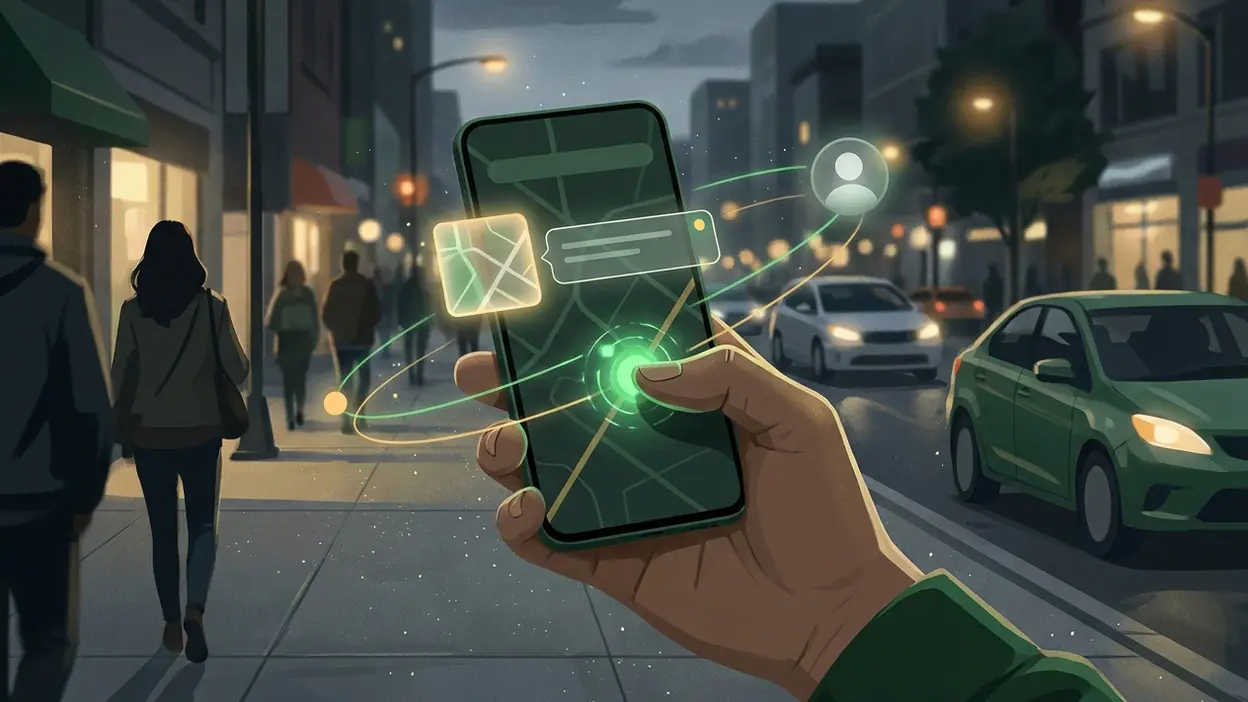
The most influential app on an Android phone may be the one most people never open. Google Play services works in the background, helping other apps handle sign-in, location, notifications and updates. Its cultural power comes from that quietness: it makes a complicated phone feel like a single, ready-to-use object, while keeping Google’s systems close to the center of everyday life.
That arrangement is easy to miss because the service does not behave like an app with a feed, a game loop or a destination. There is no daily screen to check and no obvious ritual of launching it. Instead, its presence shows up as continuity: an account remembered, a map location found, a notification delivered, an app that still runs after an update. The experience is less “using Google Play services” than expecting the phone to work.
The utility hiding inside the habit
Phones have trained us to expect small acts of coordination to happen without ceremony. A work app should recognize an account; a travel app should know roughly where we are; a message should arrive while another task is open. Google Play services helps Android apps access shared capabilities rather than building every connection from scratch. It is not the Google Play Store, where people browse and install apps, though the names are often confused. One is a storefront; the other is part of the plumbing that supports many apps already on the device.
This distinction says something about the present moment. The smartphone is no longer a collection of isolated tools that we consciously operate one by one. It is an environment expected to carry context between them. We move from a map to a ride app, from a saved account to a game, from a notification to a reply, and expect each handoff to feel ordinary. Shared services make that expectation practical, and their best work is often invisible precisely because nothing interrupts us.


There is a trade in that convenience. A phone that remembers settings and helps apps communicate reduces friction, but it also makes shared infrastructure feel natural rather than chosen. Many people cannot readily say which background component handled a sign-in or location request. They simply know that the app opened. That gap between what users experience and what the system coordinates is not a defect unique to Google; it is a defining feature of modern mobile computing.
The behavior it normalizes is a kind of ambient trust. We accept that an app can ask for a location, that an account can follow us across services, and that updates can arrive without a hands-on maintenance routine. Some permissions remain visible and adjustable, but the deeper dependencies are harder to see. Google Play services is not a substitute for an app’s own privacy choices, nor does its presence mean every app shares the same data practices. Still, it belongs to a system in which smooth operation depends on users accepting a lot of coordination they rarely inspect.
That makes the service a convenience signal as much as a technical one. In practical terms, it helps developers reach familiar Android features without forcing users through a different setup for every app. For the owner of a phone, the reward is not status in the usual sense. There is no badge for having it installed. The signal is subtler: a device that behaves as expected, with fewer broken links between the things we use. Reliability becomes a quiet form of polish.
Latest News



Daily rituals reveal the same point. We unlock, glance at messages, check the weather, open a work tool, look up a route, then return to whatever was waiting. Google Play services rarely claims any of those moments for itself, but shared sign-in, location support and other system functions can help them proceed. When everything works, the phone feels less like a machine requiring management and more like a familiar pocket environment. When something stalls, the hidden layer suddenly becomes part of the story.
That is why users keep it close without choosing to keep it close in any ordinary sense. On many Android devices it is a core component, not a casual download that people compare with alternatives and remove if they lose interest. Its value is cumulative: one app’s account flow, another’s location feature, and the maintenance that keeps the broader system compatible. People may not love it, but they rely on the conditions it helps create. Reliance is a more durable bond than affection.
The design mirrors a culture that prefers maintenance without ceremony. The service is not built around a prominent interface, so its quality is measured by absence: no repeated setup, no obvious pause, no need to understand each connection. That restraint is a genuine strength. It also makes the product difficult to judge as a conventional app. There is little to explore or personalize, and almost no direct feedback that explains which function is active or why a particular app needs it. The interface is sparse because the interface is not the main event.
Here the uneasy part becomes clear. Invisible design can be considerate, but invisibility can also hide power. A background service is difficult to evaluate on its own, especially when its role varies across Android versions, phone makers and individual apps. Users may encounter an update notice or a battery warning and have little sense of what would stop working if they interfered. The service’s reliability is valuable; its opacity makes informed control harder than it should be. Convenience should not require pretending the infrastructure is inconsequential.
Rivals sharpen that observation by copying the pattern rather than replacing it. LinkedIn: Community & Network depends on familiar account and notification habits; 8 Ball Pool and Trivia Crack: Brain Quiz Games need mobile routines that let people dip in and return; Tiles Hop Music & Ball Game builds on quick, repeatable sessions. None of these apps is a direct alternative to Google Play services. They are examples of the culture its infrastructure supports: apps that expect a remembered identity, an available connection and a low-friction path back into use. The competition is over the moments people spend inside apps, while shared system services help make those moments possible.
Google Play services therefore occupies an odd position in mobile culture. It is essential without being intimate, familiar without being especially visible, and powerful without looking like a destination. Its success is measured by the smoothness of other people’s products, which means it rarely receives credit when things work and attracts attention when they do not. That imbalance is revealing: modern phone life is built not only from the apps we choose, but also from layers we inherit.
My judgment is that this is excellent infrastructure with a real cultural cost. It reduces repetitive setup and helps Android apps act like parts of one device, which is exactly the kind of practical work phones need. But the same convenience makes dependence difficult to recognize and harder to question. The service’s deepest achievement is making coordination feel effortless; its most important limitation is that users are seldom invited to understand the bargain. In the end, Google Play services is less a tool we reach for than a reminder of how much of phone life now happens out of sight.