 About Google Photos
Google Photos Turns Growing Photo Libraries into Memories Worth Revisiting
The latest momentum around Google Photos is not really about taking better pictures. It is about making the pictures people already take useful again. As phone libraries grow into thousands of shots, the app’s strongest pitch is increasingly practical: find the moment, clean it up, and turn a scattered camera roll into something people can revisit. That shift gives Google Photos a timely advantage in a photography market crowded with tools that promise to improve the next image.
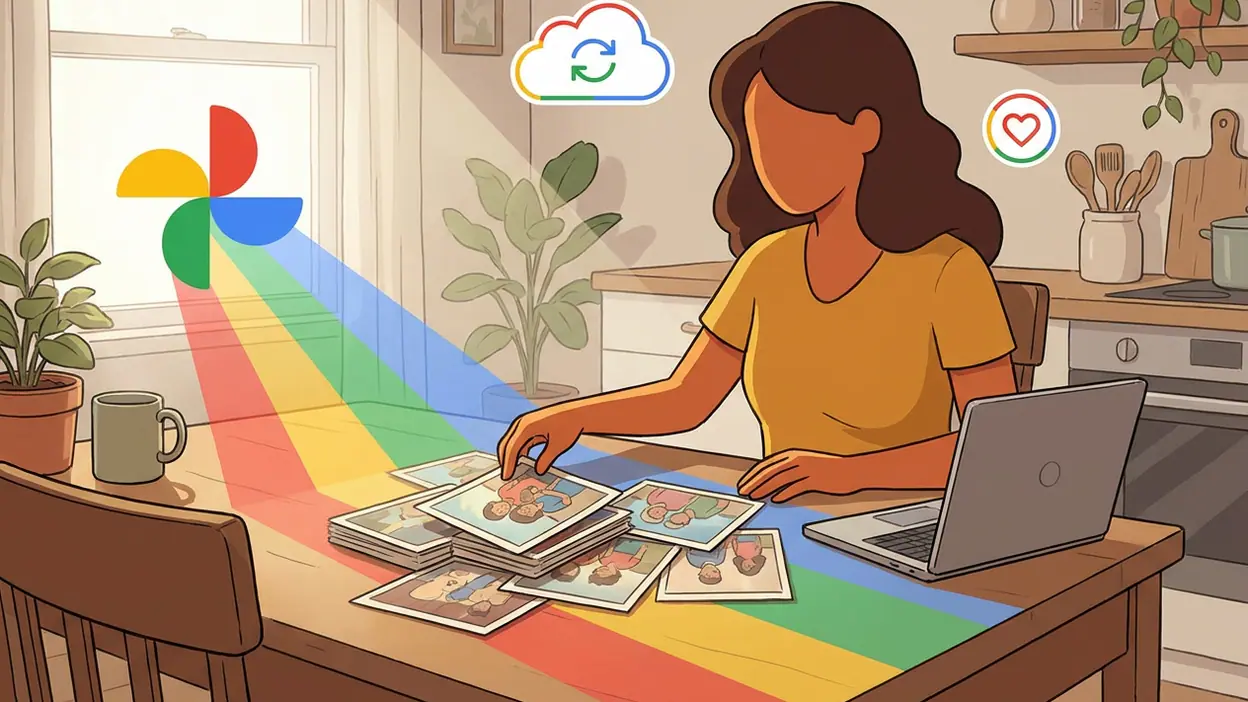
The timing matters. Mobile photography has become effortless, but managing its output has not. A family trip can generate hundreds of near-duplicates; a child’s first year can disappear into a long scroll; screenshots and receipts compete with portraits for attention. Google Photos has spent years building around this problem, and recent product changes have put search, editing, sharing, and generative assistance closer to the center of the experience. The result is a service that feels less like a storage shelf and more like a working index of personal life.
From camera roll to personal archive
There is a clear business story in that transition. Storage gives users a reason to keep an account, but retrieval gives them a reason to return. If a person can ask for a picture of a red bicycle, a beach sunset, or a particular pet and find it quickly, the app becomes part of the habit of remembering. That is a more durable kind of engagement than opening an editor once in a while to add a filter.
It is difficult to reduce the app’s growth to one feature or a single install surge. Google does not publish a neat, comparable monthly download figure for every region and platform, and download rankings fluctuate. The more concrete momentum is visible in the product’s expanding role: it is preinstalled or familiar to many Android users, increasingly used across platforms, and repeatedly brought back into view through new editing tools and memory features. Its reach gives each improvement a large audience to meet.


What has changed is not the basic promise of backup so much as the amount of work the app can do after a photo lands there. Search has moved beyond dates and albums toward descriptions of scenes and objects. Editing has gained tools that can alter the feel of a picture without requiring a separate desktop workflow. Memory presentations and automatic groupings try to make old images feel newly relevant. The direction is consistent: reduce the distance between having a photo and doing something meaningful with it.
That approach is visible in ordinary use. I can open a library and move from a recent image to an older occasion without remembering the exact month. The visual grid remains the dependable home base, while search provides a shortcut when scrolling stops being reasonable. Suggestions and groupings can surface pictures I had forgotten, sometimes with an accuracy that feels pleasantly uncanny. This is not glamorous software, but it solves a problem that gets more expensive every year a person keeps taking photos.
The editing layer adds a different kind of pull. Google Photos has steadily made common fixes accessible where the image already lives: adjusting light and color, removing distractions, reframing a shot, or using AI-assisted tools where available. For a quick rescue, that convenience matters more than a vast control panel. I would rather correct a dull vacation photo in the same place I found it than export it, open a specialist editor, and manage another copy.
Latest News



That is also where the app’s competitive position gets interesting. A basic Gallery app can be faster and simpler for browsing local files, especially for someone who wants no cloud layer or account-based organization. Picsart AI Photo Editor has a stronger creative identity, with effects and compositing aimed at making an image feel deliberately designed. Remini - AI Photo Enhancer is more focused on sharpening or restoring particular kinds of images, while InShot is built around video editing and social-ready output. Google Photos does not beat each rival at its own specialty. Its advantage is keeping the routine tasks together.
For users, that breadth creates a quiet form of stickiness. The app is where a backup may happen, where a shared album is checked, where a picture gets a quick correction, and where an old event is found again. A single task is easy to replace; a chain of small habits is harder to dislodge. This is especially true for households that share pictures across devices or relatives who are not interested in learning a complicated editing suite.
The strongest momentum is therefore around retrieval and continuity, not spectacular image generation. The app’s value rises as a library becomes older and more crowded. Search can turn years of accumulated photos into a usable archive, while sharing gives that archive a social life. Automatic memories also give the service a role in the emotional aftermath of photography: the camera captures the event, but the app decides which fragments return to attention.
There is a subtle risk in that role. A memory feature can be delightful when it resurfaces a small, happy detail, but it can also choose an awkward or painful moment without warning. Users need sensible controls over what appears, what gets hidden, and how people are grouped. Google has added ways to manage faces and memories, yet the app’s confidence in organizing personal history can sometimes feel more assertive than the user asked for.
Privacy and cloud dependence remain the less visible parts of the bargain. A large photo archive is intimate by definition, and convenience depends on trust in account security, backup settings, and the handling of personal data. Some tools vary by device, country, subscription, or account configuration, which can make the experience feel uneven. Anyone who assumes that every image is safely backed up should check the app’s status rather than treating the cloud icon as a promise.
There is also a practical tension between an all-purpose library and a focused tool. The main grid can feel busy as Google adds more ways to search, edit, share, and generate. A person who only wants to browse files may find the extra intelligence unnecessary; someone who wants professional control will still hit the limits of mobile editing. The app is strongest in the middle: quick decisions, family archives, everyday corrections, and the occasional surprising rediscovery.
Its real advantage is turning accumulated photos into something findable. That sounds modest beside the noise around AI image tools, but it addresses a problem that is widespread, recurring, and personal. Many users do not need another way to make a synthetic picture. They need to locate the real one from a crowded weekend, recover an old portrait, or share a clean set of images without spending half an hour sorting.
That is the broader mobile lesson. The next phase of photography apps may be won less by the most dramatic filter than by the best systems for managing what people already create. Cameras keep improving and storage keeps expanding, but attention remains limited. Apps that help people retrieve, edit, and share their own material can become more central as libraries swell, provided their automation remains understandable and their privacy promises remain credible.
Google Photos is not a flawless photo editor, nor is it the simplest gallery for every device. Its momentum comes from being useful at several points in the life of an image, from backup to rediscovery. I see a mature product finding fresh relevance by making personal archives easier to work with, rather than asking users to start over with a new creative habit. That is a less flashy growth story, but a more convincing one: the camera roll is becoming too large to manage by hand, and Google Photos is positioning itself as the place that can make it feel human again.