WeCraft Worlds
- 123.00
- 4.2
- Installs
- 10.00M
- Price
- Free

Screenshots

Analysis by Reviewed
Have you ever wanted to create your own world from scratch? Well, look no further because WeCraft Worlds is here to make your creative dreams come true! This app is like having a virtual sandbox where you can sculpt, build, and explore your own universe. Now, let's dive into what makes this app a must-have for all you budding creators out there.
The Building Blocks of Creativity
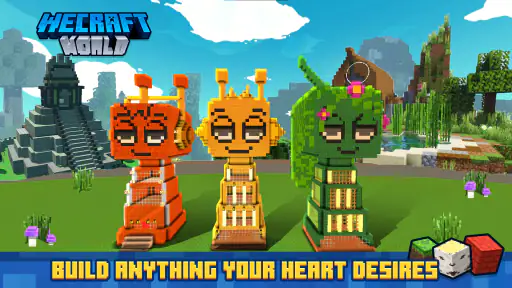
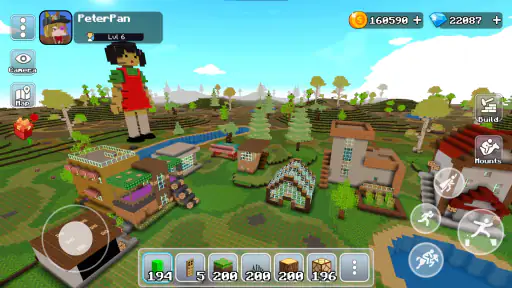
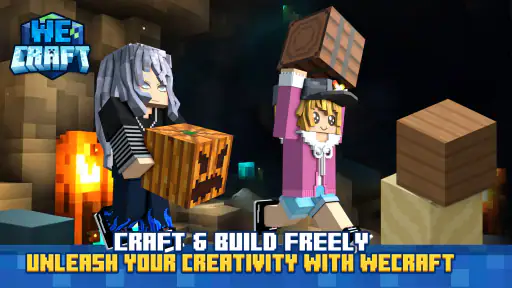
WeCraft Worlds offers a plethora of tools that let you design landscapes, construct buildings, and populate your world with unique characters. The app's interface is intuitive, making it easy for both beginners and seasoned builders to jump right in. I found myself spending hours just experimenting with different textures and structures. It's like having an endless supply of digital Lego bricks at your fingertips!
Endless Possibilities
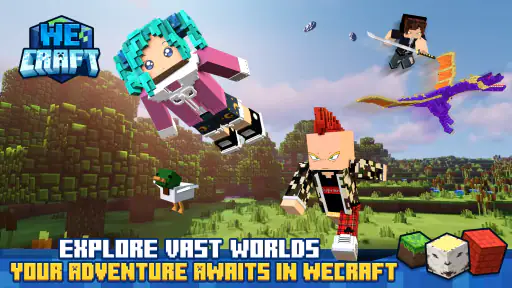
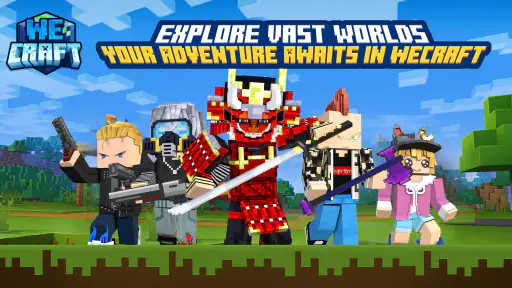
What’s really cool about this app is the sheer variety of options available. Whether you want to recreate a medieval castle, a futuristic city, or a serene countryside, the possibilities are endless. The app regularly updates with new content, ensuring that you never run out of things to build. I was particularly impressed with the level of detail you can achieve; it's as if every pixel is a potential masterpiece.
Interactive Features
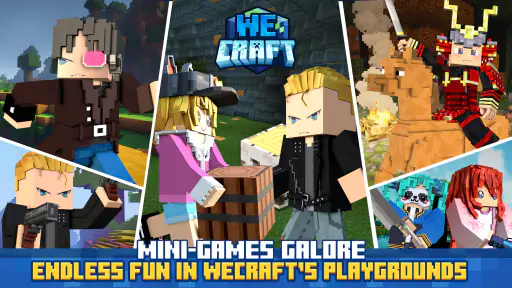
One of the standout features of WeCraft Worlds is its interactive elements. You can program your characters to perform tasks, interact with each other, or even engage in epic battles. This adds a layer of depth that keeps the gameplay fresh and exciting. I had a blast setting up little scenarios and watching them play out in real-time. It’s like being the director of your own animated film!
The social aspect of the app is also noteworthy. You can share your creations with friends, participate in community challenges, and even collaborate on projects. This sense of community makes the app not just a solitary experience but a shared adventure. I love seeing what other creators come up with and getting inspired by their ingenuity.
Final Thoughts
In conclusion, WeCraft Worlds is a fantastic app for anyone who loves to create and explore. Whether you're a seasoned builder or just starting out, there's something here for everyone. The app's blend of creativity, interactivity, and community makes it a standout choice in the world of mobile gaming. So, if you're ready to unleash your inner architect and craft your own universe, give WeCraft Worlds a try. Trust me; you won't be disappointed!
Pros
- Intuitive interface for easy navigation
- Robust community of active players
- Frequent updates enhance gameplay
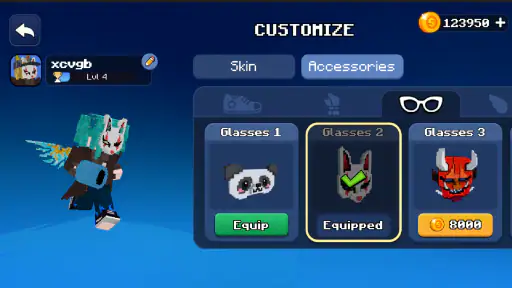
- Customizable avatars and settings
- Cross-platform compatibility
Cons
- Occasional in-app ad interruptions
- High battery consumption
- Requires stable internet connection
- Initial loading time is lengthy
- Limited offline features

- Category
- Simulation
- Version
- 1.2.17