 About Google Lens
Google Lens Turns Looking into Search
The modern phone camera has learned a new social role. It no longer just records what we see; increasingly, it is asked to explain it. A plant on a windowsill, a label in a shop, a paragraph in a book: each can become a question for Google Lens. That shift is the app’s real significance. It turns looking into a kind of search, and makes the physical world feel less like a place to navigate by memory than an interface waiting to be queried.
Using Lens is almost disarmingly ordinary. Open the camera tool, point it at something, and wait for the image to become information. I have used it to pull text from a printed page, identify an unfamiliar object, and make sense of packaging whose language I couldn’t read. The results are not always perfect, but the gesture is compelling: instead of describing a thing in words, show the phone the thing itself.
When the world becomes searchable
This is a distinctly current form of convenience. Search once meant translating curiosity into a phrase: type a product name, a question, or a few half-remembered details. Lens removes that first act of naming. It lets the image stand in for the query, which matters most when you do not know the vocabulary, spelling, or even category of what you are looking at.
That makes the app feel less like a separate destination than an extension of habits people already have. We photograph menus, receipts, signs, shelves, and pages without much thought. Lens suggests that a picture can do more than preserve a moment; it can also extract an answer. The camera roll and the search box begin to overlap, and the phone becomes a translator between seeing and knowing.


The change is subtle, but it alters expectations. A visitor faced with an unfamiliar sign may now reach for a camera before asking someone nearby. A shopper can inspect an object without knowing its name. A student can capture a passage and copy it rather than retype it. Each action saves time, but together they encourage a new reflex: if something is unclear, point a camera at it.
That reflex is not automatically a problem. It can make information more accessible, especially for people navigating another language or working with printed material. Lens can turn a page into editable text and a visual detail into a starting point for research. Its usefulness is strongest in these small moments, where the alternative is friction rather than a grand technological challenge.
There is also a social signal in the gesture. Holding a phone up to an object can look like a claim that the answer should be immediate. It is the same broad convenience culture that makes ordering dinner through foodpanda or arranging a ride through maxim feel routine: the phone absorbs a task that once required conversation, browsing, or patience. Lens applies that expectation to the things around us. Its promise is not simply “find this,” but “you should not have to wonder for long.”
Latest News



Yet Lens has a different texture from a delivery or taxi app. Those services organize a transaction with a clear endpoint: a meal arrives, a car does. Lens often starts a chain of interpretation. It may identify a product, surface related results, translate a passage, or offer a way to copy text, but the user still has to decide what the information means. That open-endedness makes the tool feel both more flexible and less predictable.
Its place in daily life comes from arriving at the exact point of hesitation. You are already standing in front of the thing. There is no need to remember its name, switch to a browser, and compose a search from scratch. Lens fits the pause between noticing and acting: the second spent over a plant you cannot identify, the moment before buying an unfamiliar item, the glance at a printed instruction that is hard to read.
That is why the app can feel sticky without demanding much attention. It does not need a streak, a feed, or a daily reminder. The world supplies its prompts. A user keeps the tool close because uncertainty keeps appearing in ordinary places, and the camera is already in hand. In that sense, Lens belongs to a quieter category of mobile habit: the utility you may forget about until the instant it becomes useful.
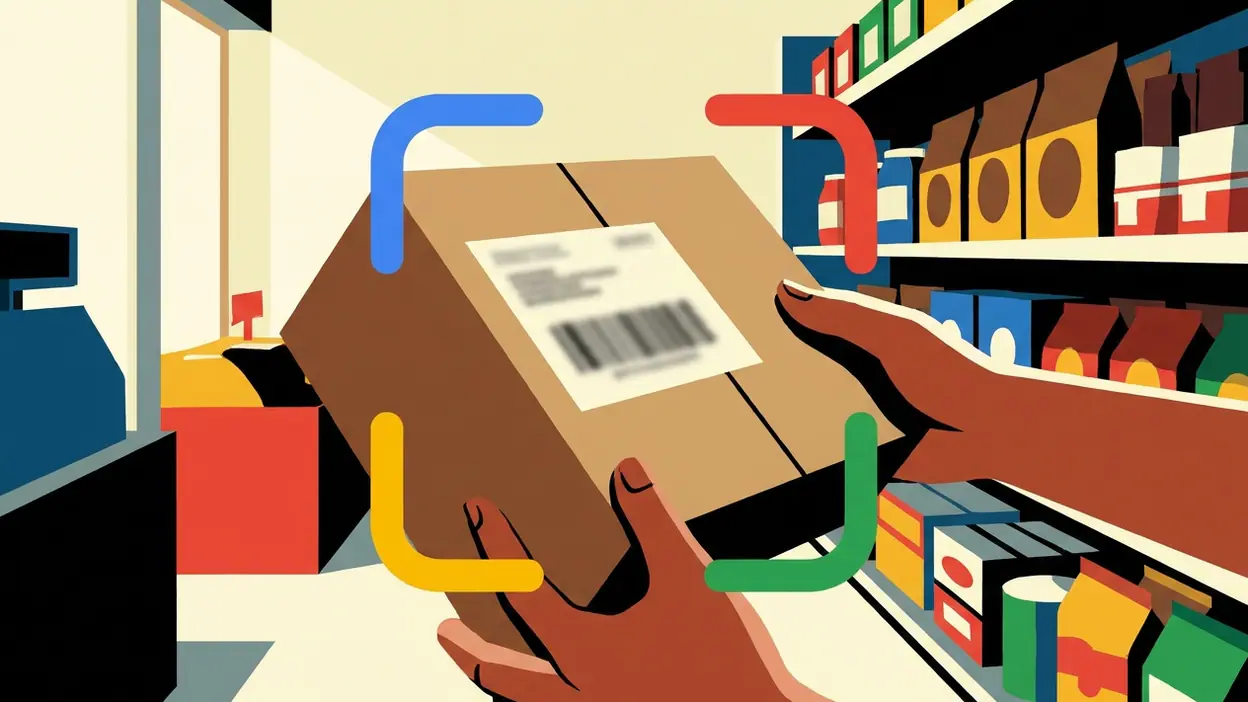
The design reflects this camera-first culture. The central act is visual and direct, with modes and results organized around what the lens is seeing rather than around a long search form. The app asks for a picture, then tries to make the next step legible. When it works well, the interface disappears into the task. You notice the label, frame it, and move on with an answer or a useful lead.
That speed can also conceal how much interpretation is happening. A camera image is not a neutral question. Cropping, lighting, angle, and background all influence what the system can recognize. A shelf full of similar packages may produce a different result from a clean, close-up shot. Text extraction can stumble over unusual type or poor print. Lens is most satisfying when its confidence is matched by a clear, verifiable result; when the scene is ambiguous, it can return something plausible without making the uncertainty feel obvious enough.
There is a deeper unease in the assumption that every object should be made legible through a service. Pointing a camera at a page or product can be practical, but it also turns the environment into raw material for analysis. The app’s convenience depends on image processing and connected information, and users may not always stop to consider what they are sharing or how a result was assembled. The friction removed from the search can make the act of asking feel almost invisible.
That invisibility is part of the appeal, and part of the cultural question. A person using Lens is not necessarily trying to outsource judgment. Often they simply want a word copied or a label understood. Still, a habit of consulting the camera can shift attention away from remembering, asking, or studying an object directly. The useful distinction is between letting the tool open a door and treating its first answer as the whole room.
Other apps have helped normalize the broader pattern: show the phone what you want, and let it turn that glimpse into a service. Shopping tools identify products; social platforms recognize faces and places; games such as Word Search Quest and UNO! make the phone a ready-made answer to an idle moment. Those examples do not do the same job as Lens, but they share a belief that the device should respond to immediate context, whether that context is a meal, a ride, a puzzle, or an object in front of you.
Lens pushes that belief beyond the screen. Its input is not a typed request or a tap on a catalogue, but the room, street, book, or shop itself. That makes it feel like a particularly pure expression of the phone as an all-purpose intermediary. The camera is no longer just an eye pointed outward; it is a question mark held up to the world.
Still, the best way to use it is with modest expectations. Lens can shorten the path to an answer, but it does not make every answer certain, and it cannot replace context. I trust it most as a first move: a way to get a translation started, capture text, or discover what a thing might be called. When the stakes rise, checking the result is part of the task, not a failure of the app.
The revealing habit is not that we search with a camera, but that we now expect the camera to understand. Lens earns its place by making that expectation useful in small, repeated ways, while exposing the trade: less time spent forming a question, more trust placed in a system interpreting the scene. It is a practical tool, but also a portrait of a culture that wants the world to answer back on demand. Keep it close for the moments when it helps you look more carefully; remember that seeing a result is not the same as knowing the truth.