FPse for Android devices
- 10.34K
- 4.4
- Installs
- 500.00K
- Price
- $2.99
Screenshots
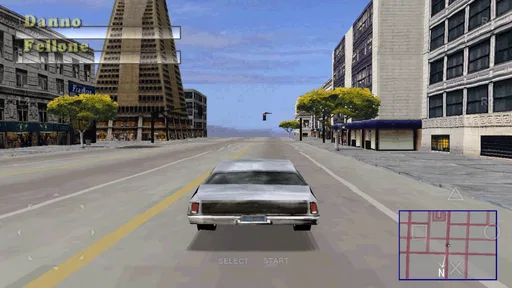
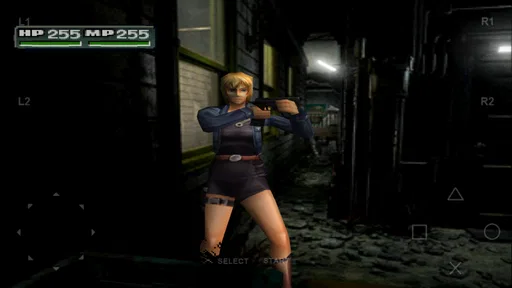
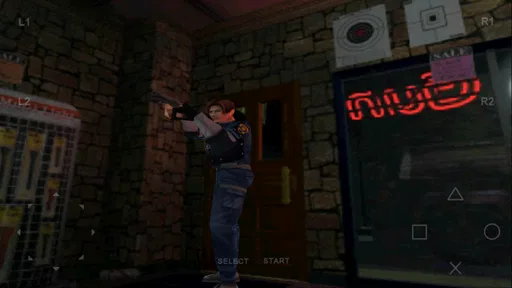
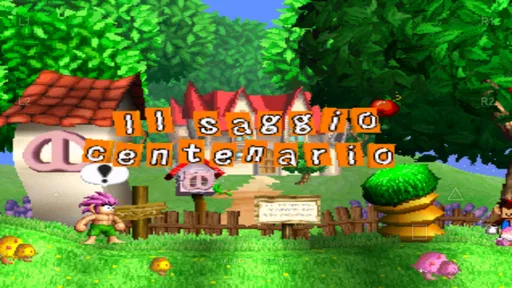
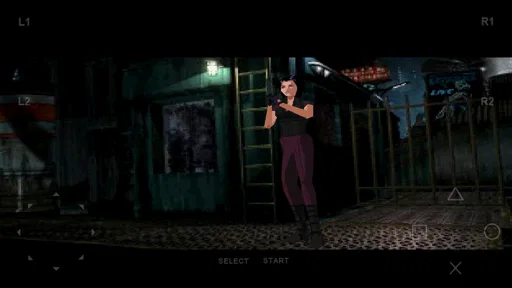
Analysis by Reviewed
I like the idea of carrying a PlayStation library on an Android device, but an emulator is only enjoyable when it feels dependable during play. FPse is a paid casual game from Schtruck & LDchen, and its central appeal is bringing original PlayStation titles to a phone or tablet. I’d think of it less as a game in its own right and more as a way to revisit games you already know, provided you are comfortable setting up an emulator and supplying your own game files.
Why smooth emulation matters
The important capability here is running PlayStation games smoothly on newer Android hardware. In practice, that can make a familiar game feel more at home on a modern screen, rather than like a clumsy relic squeezed onto a phone. FPse is currently at version 12.1, and its long-running presence is reflected in an average rating of 4.5 from around 65,000 ratings. Those figures suggest a substantial audience, though they don’t guarantee that every title or device will behave identically.
That distinction matters with emulators: the app is not a ready-made collection of games. You need game files that you are entitled to use, and you should expect to spend a little time getting your setup in order. If you want to tap one icon and immediately start a complete game, a conventional mobile game is a simpler choice. If you already have a PlayStation game you want to revisit, the extra setup may be worthwhile.
Getting a game running and making it comfortable
Once your files are ready, the basic workflow is to open the emulator, locate a game, and try it on your device. I’d begin with one title rather than importing an entire library at once. That makes it easier to check whether the game launches and whether its controls feel manageable before you spend time organizing more files.
Phone controls are a practical compromise, not a perfect substitute for a physical PlayStation controller. Touch buttons can cover part of the screen, and fast games may expose the limits of tapping glass. I’d try a slower, menu-driven game first to learn where the controls sit, then adjust the layout if the interface allows it. For longer sessions or action games, a compatible external controller is the more sensible route when available.
A useful everyday scenario is a short commute or a quiet break: keep one game ready, resume it when you have a few minutes, and use touch controls for uncomplicated sections. For a longer evening session, I’d choose a controller and a game that benefits from focused play. That simple split helps avoid judging the whole emulator by an uncomfortable first attempt at a demanding game on a small screen.
Where it fits among the alternatives
Compared with ordinary casual games, FPse asks more of you before the fun begins: you bring the games and handle the emulator setup. In return, it is aimed at a specific kind of nostalgia that a new mobile puzzle or arcade game cannot provide. Compared with other PlayStation emulators, the practical question is not just which one has the longest feature list; it is whether your chosen title runs well on your particular device and whether you find the controls and setup understandable.
More From Our News Desk

Weather by Xiaomi Review: Clear at a Glance, Less Clear Up Close

X Under Pressure: Can It Recover When Posting Goes Wrong?

Clash of Clans Is Won Between the Battles

Android Auto Makes the Case for Quieter Car Software

MobiOffice: Transforming Mobile Productivity with Seamless Integration

EA SPORTS FC™ Mobile Soccer: Redefining Mobile Sports Gaming
The best way to make that comparison is to test a game you know well. Familiarity helps you notice whether movement, sound, and timing feel right, instead of mistaking the game’s original quirks for emulator problems. I would also avoid changing several settings at once: make one adjustment, try the same section again, and keep the change only if it improves the experience. This small habit makes troubleshooting far less confusing.
Bringing the Classics to Your Pocket
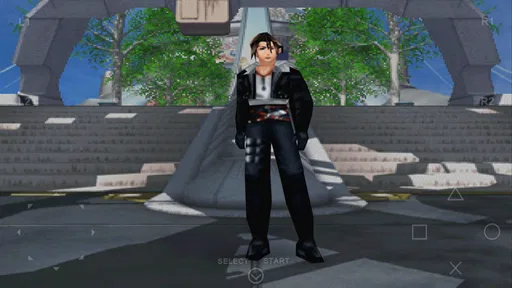
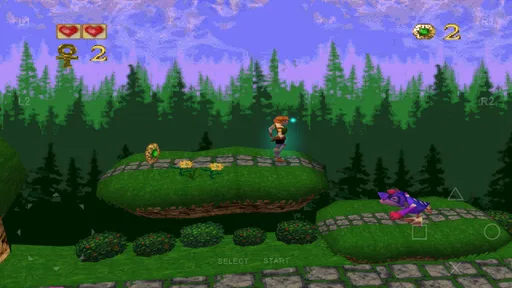
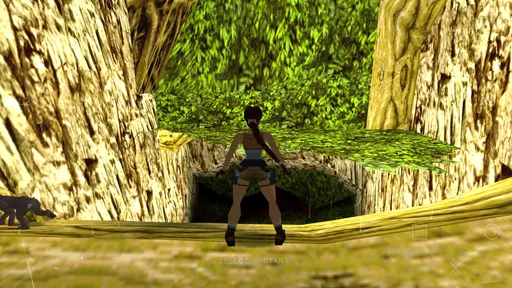
The first thing that strikes you about FPse is its ability to emulate the classic PlayStation games with impressive accuracy. From the moment I fired up the app, I was transported back to the 90s, navigating through the realms of Final Fantasy and racing through the tracks of Gran Turismo. The graphics rendering is crisp, and the gameplay is buttery smooth, which is crucial for any gaming experience.
Setup and Usability
Getting started with FPse was a breeze. The app walks you through the setup process, ensuring that even if you're not the most tech-savvy user, you won't be left scratching your head. Once you have your game ROMs ready, it’s just a matter of loading them up and diving into the fun. I must say, the interface is user-friendly, and the settings menu provides a plethora of options to customize your gaming experience, from audio tweaks to visual enhancements.
Performance and Features
One of the standout features of FPse is its performance optimization. The app supports OpenGL, which enhances the graphics rendering, making those old-school games look surprisingly good on modern screens. Additionally, the app supports multiplayer mode via Bluetooth and internet, so you can challenge your friends to a nostalgic showdown.
Another noteworthy feature is the customizable on-screen controls. As someone who prefers a tactile experience, I appreciate the option to connect external controllers, which FPse supports seamlessly. It makes the gaming experience feel authentic and enjoyable.
Audio and Visuals
Audio playback is another area where FPse shines. The soundtracks of classic games are recreated with impressive fidelity, allowing you to fully immerse yourself in the gaming world. The visuals, complemented by the high-resolution options, make the games feel fresh yet familiar. It’s a perfect blend of nostalgia and modern technology.
Who should choose it
FPse is most appealing if you already have particular PlayStation games in mind and enjoy tinkering enough to make an emulator part of your play routine. Its price is $2.99, and it has more than 500,000 installs, so it is an established paid option rather than a free collection of ready-to-play titles. The Everyone age rating describes the app’s rating, but the games you load can have their own content and age suitability.
I would skip it if you mainly want a polished, no-setup mobile experience, dislike touch controls, or expect every game to work identically across Android devices. Emulation is a different proposition from buying a current mobile game: performance and comfort depend on the combination of your device, game, and control method. If you want to play for more than a few minutes, check that your preferred controller works with your device before building a routine around it.
The game is listed as released on February 12, 2011, and its current version is 12.1. Its age and continued audience make it a recognizable choice for people interested in PlayStation emulation, but I’d still treat compatibility as something to check title by title. FPse is at its best when you approach it with a specific game, patience for initial setup, and realistic expectations about playing on a phone.
In conclusion, FPse is a fantastic choice for anyone looking to relive the glory days of PlayStation gaming. It’s easy to use, performs exceptionally well, and brings a host of features that enhance the overall experience. Whether you’re a die-hard fan of retro games or just someone looking to explore gaming history, FPse is your gateway to hours of entertainment. So grab your ROMs, fire up this emulator, and get ready for a journey back in time. You won’t regret it!
FPse for Android devices Frequently Asked Questions
Do I need to provide game files to play with FPse?
FPse is a PlayStation emulator, so you use it to play game files rather than receiving a collection of games with the app. You will need to supply the files for games you are entitled to use, and the setup may also involve BIOS files. Plan to have those materials ready before downloading, and make sure you understand how to locate and load files on your Android device.
Is FPse suitable for playing on a phone, or is a tablet a better choice?
FPse is made for Android devices, including phones and tablets, so you can choose the screen size that suits the way you like to play. A phone is convenient for gaming on the go, while a tablet provides a larger display. Your experience can also depend on the device and the game, so consider your preferred controls and screen before choosing where to install it.
What should I know about FPse before downloading it?
FPse is a paid Android game in the casual category, developed by Schtruck & LDchen. It is presented as a PlayStation emulator, with the store summary describing it as “The best and smoothest PSone Emulator available now!!” The app has a 4.5 average from around 65,000 ratings, and has been installed over 500,000 times. Its content rating is Everyone.
Does FPse support Bluetooth controllers, or will I need to use touch controls?
FPse is intended to bring PlayStation games to Android devices, and you can choose the control approach that feels most comfortable for your setup. Before downloading, consider whether you prefer playing on the touchscreen or with a controller. Controller compatibility and setup can depend on your device and the controller, so check the available settings after installation and test your preferred controls with a game you own.
Can I save my progress and continue a game later in FPse?
FPse is designed for playing PlayStation games on Android, so saving progress is an important part of using it for longer sessions. The precise options available can vary with the game and the way you configure the emulator. Once you have loaded a legally obtained game, explore its in-game save features and FPse’s settings so you know how to preserve your progress before relying on it for a lengthy playthrough.
Pros
- High compatibility with PS1 games.
- Customizable controls.
- Smooth graphics rendering.
- Supports various file formats.
- Regular updates and support.
Cons
- Complex setup process.
- Limited free features.
- Occasional crashes.
- Requires BIOS file to run games.
- No cloud save feature.











