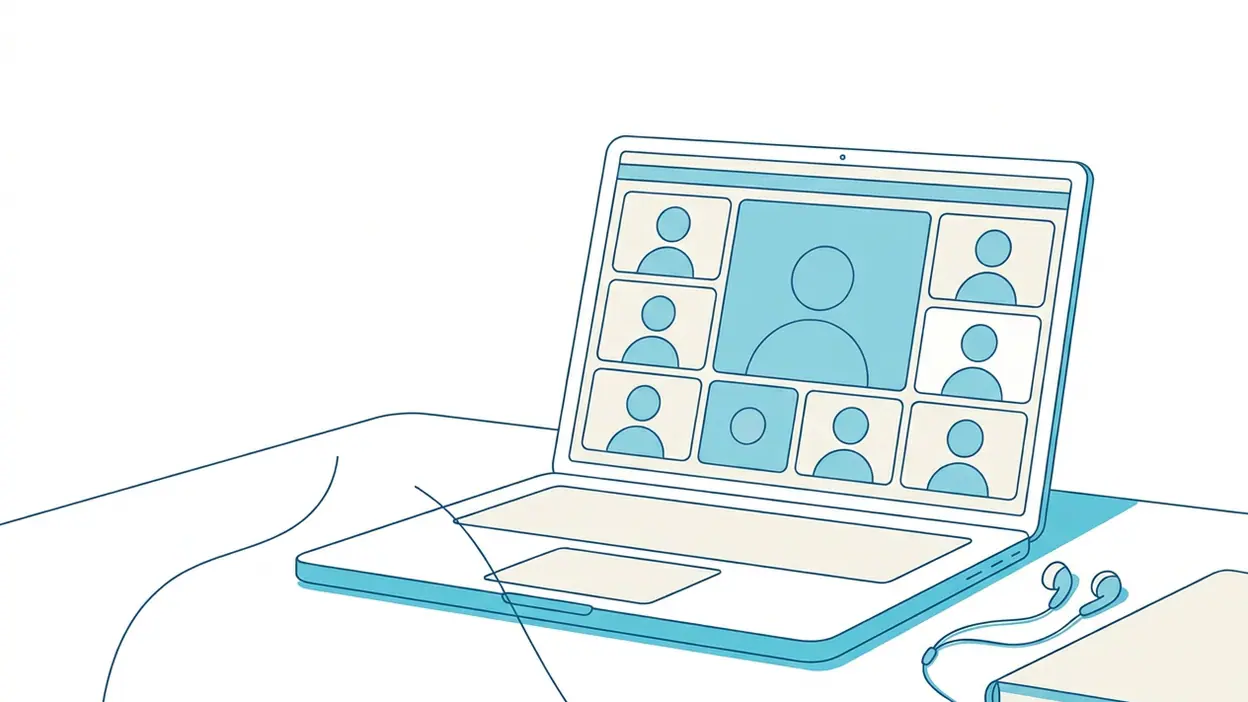
 About Google Meet
Google Meet Review: Quick Links, Reliable Calls, and Few Extra Steps
The most useful video-call app is rarely the one with the longest feature list. It is the one that gets a late-running colleague, a family member on the bus, and a client at a desk into the same conversation without turning the invitation into a side project. Google Meet does that job with little ceremony. Its best feature is not a clever effect or a packed settings menu; it is how quickly a call can move from an idea to a working link.
That makes Meet a practical recommendation rather than an automatic choice for every conversation. It is especially good when people already use Google accounts, Calendar, or Gmail, and when a call needs to work across phones, tablets, and computers. The app keeps the basics close at hand, while a few limitations around account expectations, interface changes, and network quality are worth knowing before you make it your default.
A call should take less effort than arranging one
Video calls often fail at the administrative stage. Someone needs to choose an app, find the right contact, create a room, send an invitation, and explain what to tap. If the other person has a different device or has not used the service recently, every extra step becomes another chance for the conversation to stall.
Meet trims that sequence. You can start a call, share an invitation link, or set up a meeting through Google Calendar. Recipients can join from a link, and the service works across common mobile and desktop platforms. For a quick catch-up, the link is the important bit: it can travel through a text, email, or group chat without forcing the organizer to coordinate everyone's preferred calling app first.


This is where Meet feels well judged. It does not make casual calls depend on learning a new social network or rebuilding a contact list. The invitation is portable, the purpose is obvious, and the call itself remains the center of the experience. WhatsApp Messenger and Messenger can be more immediate when a conversation already lives inside their social circles, but Meet is a better fit when the participants are colleagues, relatives, customers, or anyone who should not have to join the same messaging ecosystem.
Why the simple route works
The app gives you a recognizable path from opening screen to conversation: choose or create a meeting, invite people, then manage the call. Once connected, the controls for muting, switching cameras, and leaving are easy to find. That matters more than it sounds. In a real meeting, people are often juggling a notebook, a child, a coffee, or a presentation. They should not need to hunt through nested menus just to silence a microphone.
Meet also avoids making its visual extras the point. Background effects and other call conveniences can help in a shared room or a messy home office, but they remain secondary to audio, video, and participant controls. The app is at its strongest when it feels like a dependable utility rather than a place to spend time between calls.
Latest News



What makes it stick
The lasting value is the way Meet connects to routines people already have. A scheduled appointment can sit in Google Calendar, and joining from that event takes less effort than finding an old message with a room link. Gmail and Calendar also make it straightforward to bring a call into work that is already organized around Google services. You do not have to remember a separate meeting address or keep a dedicated contact directory up to date just to get started.
That integration is useful without being compulsory. A link can still be shared outside Google's apps, which makes Meet flexible for mixed groups. Google Chrome is relevant here as a convenient desktop route, but the mobile app is the sensible choice when joining from a phone or starting a call away from a desk. Google Messages can carry an invitation, while Contacts can help you reach people; neither has to become the place where the meeting itself happens.
There is a quiet kind of stickiness in that arrangement. People return because the next call is already attached to a calendar event, a familiar link, or a routine—not because the app is trying to pull them into an endless feed. For a communication tool, that is a healthy design choice.
Everyday moments where it earns its keep
Meet is easy to justify for a remote check-in that does not deserve a long email chain, a family call with relatives who use different devices, or a consultation where showing a face is more reassuring than exchanging messages. It also works well for small planning sessions: share the invitation, agree on a time, and get people talking without first asking everyone to install the same messaging app or exchange phone numbers.
On the move, it can be useful for joining a planned call from a quiet place rather than trying to type a detailed update on a small screen. At home, it is an uncomplicated option for a one-off conversation with someone who may not want to create an account on a specialist service. For recurring work, Calendar scheduling gives the meeting a proper home and reduces the odds that the link gets lost.
These are not dramatic transformations. They are ordinary bits of coordination made less annoying. Meet's value appears in the small gap between “Can we talk?” and “I'm here.”
Time saved, friction removed
Meet saves time most clearly when a call is already part of a calendar. The link is attached to the event, participants can join from the reminder or invitation, and the organizer does not need to send the same details in a separate thread. For an unplanned conversation, creating and sharing a link is usually faster than working out which app every participant has installed and which account they use there.
It also removes friction from device changes. A person can join from a phone while away from a computer, then switch to a larger screen when needed, subject to the options available on their device and account. That is practical for a call that begins during a commute and continues at a desk. The app's value is not that every transition is invisible; it is that the meeting can remain accessible without starting over with a different service.
Good call hygiene helps preserve that convenience. A headset improves clarity in noisy rooms, and checking the microphone before an important meeting is still sensible. Meet cannot fix a weak connection or a phone with a blocked camera, but clear controls make it easier to identify whether the problem is your device or the call itself.
Set it up for the calls you actually make
First, sign in with the Google account you use for the relevant calendar and invitations. If work and personal meetings live in separate accounts, check which one is active before creating a meeting; an invitation tied to the wrong account can cause avoidable confusion. Keep the app updated, allow camera and microphone access when prompted, and review notification settings so meeting reminders arrive without turning every alert into noise.
For scheduled calls, create the event in Calendar and add the participants there. For a quick conversation, create a meeting link and share it through the channel the other person already checks. Before a call where background noise matters, choose a quiet spot and test your audio. If you plan to use visual effects, try them before the meeting rather than spending the first minute adjusting your appearance while everyone waits.
One useful habit is to keep the invitation in the original calendar event or message thread instead of copying it into several places. That gives participants one dependable source of truth if the time changes. It is a small organizational choice, but it prevents the familiar scramble of asking which link is current.
Who should install it first
Meet is an easy first install for people who regularly accept Google Calendar invitations, work with distributed teams, or need a straightforward video option for contacts beyond their usual messaging circle. It is also a strong choice for families whose members use a mix of Android, iPhone, and computers, particularly when nobody wants to negotiate a shared chat platform before making a call.
If nearly every conversation happens in WhatsApp Messenger or Messenger, installing another calling app may add little. Those services are handy when the group chat is already the natural meeting place. Meet becomes more compelling when the call is scheduled, professional, cross-platform, or needs to be shared with someone who is not part of that chat. Its utility is contextual, not universal.
What could be better
Meet's reliance on Google services can be a convenience and a source of friction. People without a Google account, or those trying to keep work and personal accounts separate, may have questions about how they should join or which account to use. The link-based approach helps, but it does not make account and permission details disappear in every situation. Organizers should send clear instructions when inviting less experienced participants.
The experience also depends heavily on connection quality and device conditions. Video can become choppy on a weak network, and a phone's small screen is not ideal for a meeting with many faces or shared material. Background tools and settings can vary by device, account, or meeting, so it is better not to assume every participant sees identical controls. Finally, the interface can feel more like a work utility than a warm, informal calling space. That is a reasonable trade-off, but it is a trade-off.
None of these issues overturns the recommendation. They simply define the job Meet does best: getting people into a structured or semi-structured conversation with minimal setup, rather than replacing every messaging or social app on their phones.
A dependable default, with a clear purpose
For anyone who loses time coordinating links, switching between services, or explaining how to join a call, Google Meet is worth installing. It is not exciting in the usual app-review sense, and it does not need to be. Its strongest qualities are practical: calendar integration, shareable invitations, familiar call controls, and enough cross-device flexibility to make a conversation possible before the logistics take over.
Install it first if your work or family already runs through Google tools, or if you need a reliable calling option for people outside your usual chat groups. Keep another service for conversations that naturally belong in a social thread. Used that way, Meet earns its space by removing a few small barriers every week—and that is a more convincing reason to keep an app than a pile of features most people rarely touch.